Operation
Steering
200 / 564
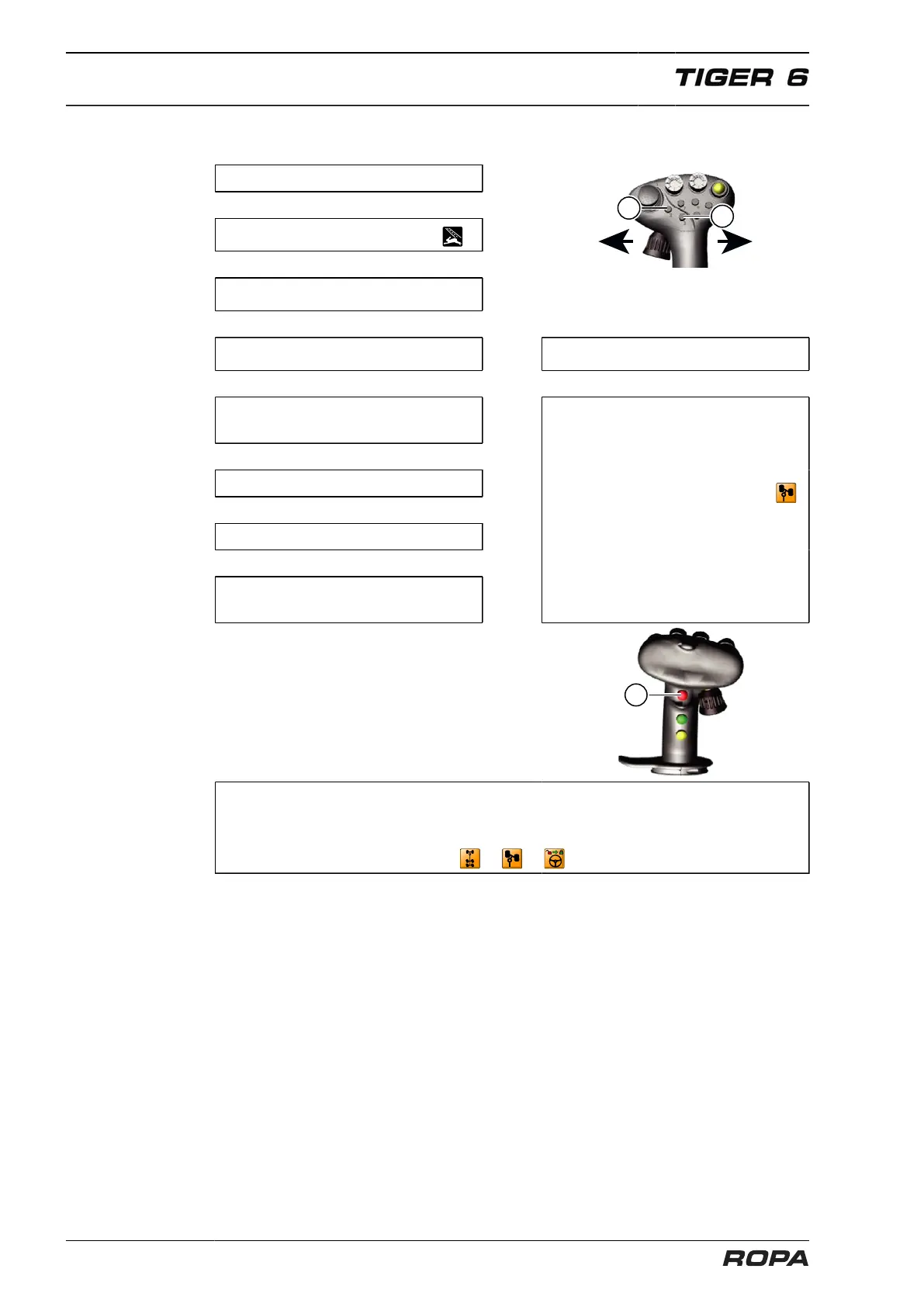
6.10.1.5 Quick description: steering in operating mode "Road"
Start engine.
↓
Select operating mode "Road" .
↓
Drive slowly (below 8 km/h).
↓
Unlock the main steering switch. Drive between 1 and 10 km/h.
↓ ↓
Rear wheels may be steered to the
left (L) or right (R) using the joystick.
↓
Drive at least 0.5 km/h.
↓
Press key (3) once.
↓
The rear wheels are set straight
and remain in this position.
Activate synchronized steering. For
this purpose press simultaneously
the multi-key (11) and the key (2)
while driving, steer the front axle in
the displayed direction, the icon
disappears. Refer to the section syn-
chronize articulation (See Page 197).
↓
↓
Important: lock main steering switch. If the rear wheels are not in 0° posi-
tion, or the articulation is not synchronized or the main steering switch is not
locked, then corresponding warning messages are displayed on the R-Touch:
or or



 To Next Page