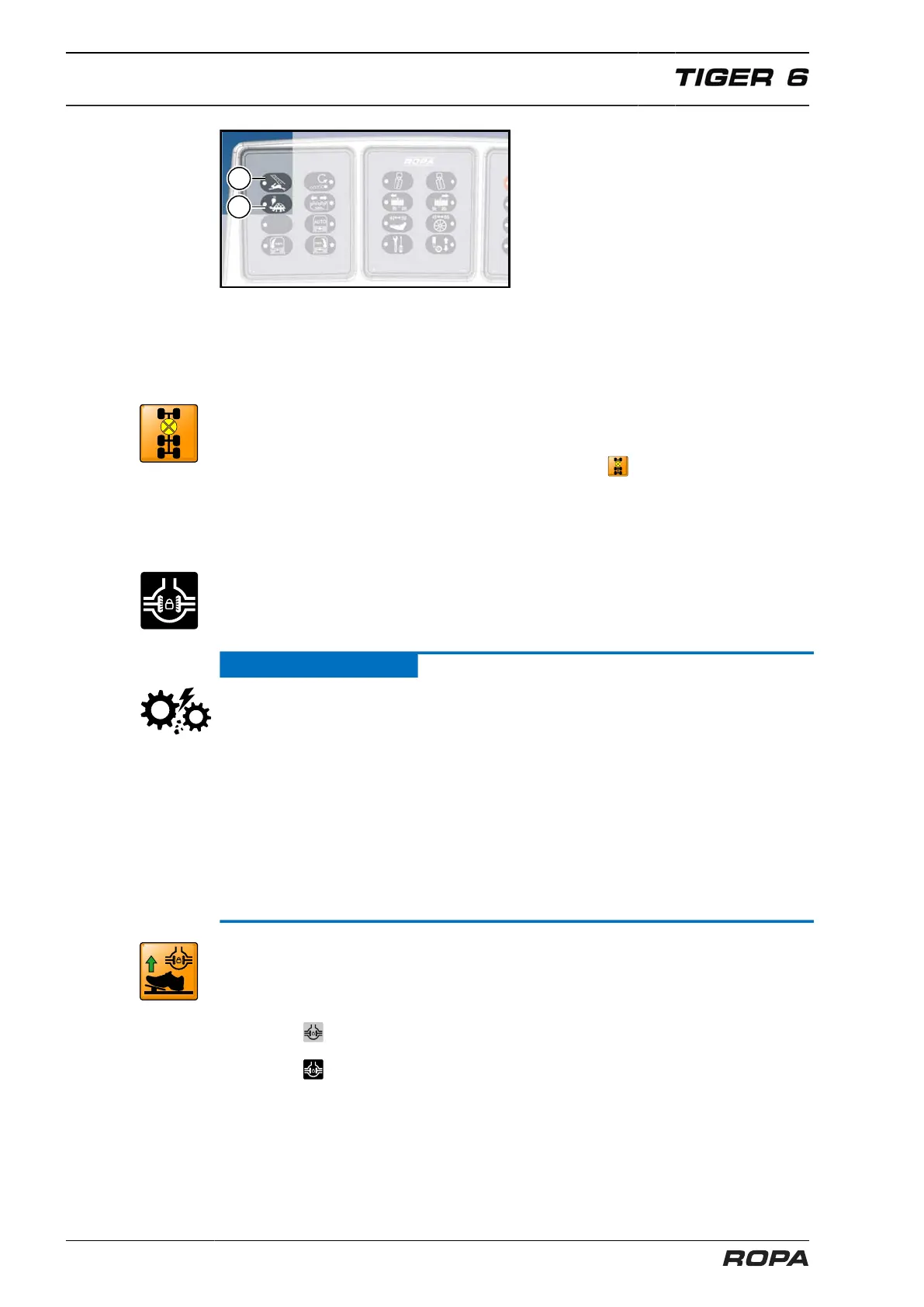
Operation
Operating mode "Field" and "Road"
166 / 564
(10) Operating mode "Road"
(11) Operating mode "Field":
6.6.2 All-wheel switching
After switching to the operating mode "Road", all-wheel drive is automatically switched
off.
Should not the clutch release itself due to locking up between the front and rear axles,
then the following warning icon appears on the R-Touch: .
If the driver shortly presses the foot brake while driving, then these lockups are
released.
6.6.3 Differential lock
Switching the differential lock on respectively off always has a simultaneous effect on
all axles. The differential lock may not be switched separately for an individual axle.
ATTENTION
Hazard of severe damage to the axles.
If you do not observe this note, then the claw clutches of the differential locks may be
destroyed.
– The differential lock may ONLY be switched when the machine is at a complete
standstill (0.0 km/h).
– The differential lock may only be switched on in exceptional cases and only for a
short time.
– Never turn greatly the wheels with differential lock switched on! Always set the
wheels before switching on into running straight ahead position! The power trans-
mitting components (differential drive, cardan shaft, planetary drive, etc.) are highly
stressed.
Switch on differential lock:
– To switch on the differential lock completely release the drive pedal and stop the
vehicle.
– Press the key (33) on the keypad III. The LED is lit.
– The icon appears on the R-Touch if the engagement position is not achieved in
one of the axles.
– The icon appears on the R-Touch if the differential lock is engaged in all axles.



 To Next Page