Operation
Steering
208 / 564
Once the rear wheels are steered by the joystick, both the manual potentiometer as
well as the automatic tracking of the rear wheels are switched off.
6.10.2.9 Manual control
We refer to manual steering of the articulation joint using the joystick as manual
control. This function is meant exclusively for maintenance and repair work on the
machine.
Preconditions:
Select operating mode "Field".
Main steering switch unlocked.
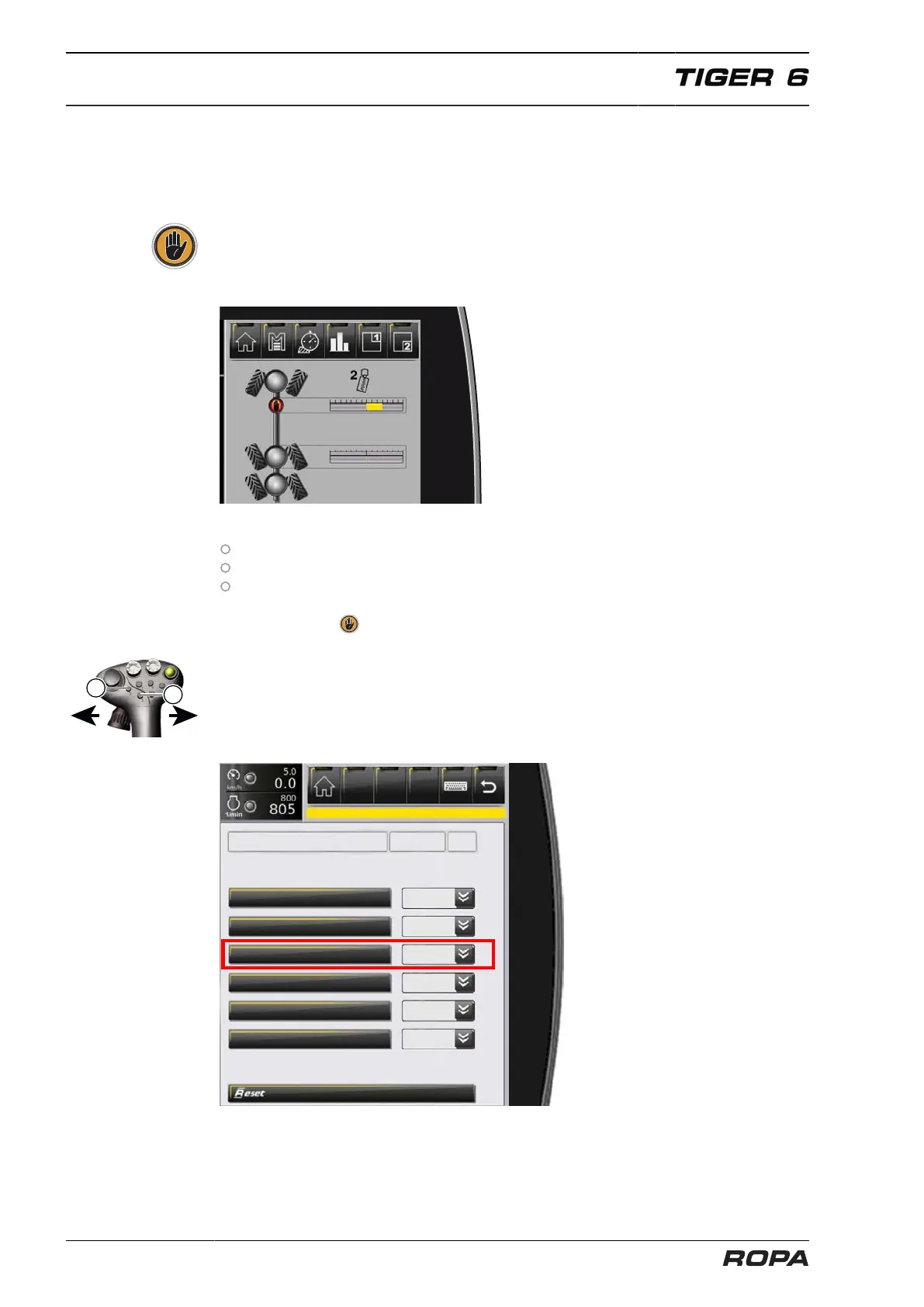
In menu "Special functions", the sub-item "Manual control articulation steering" is
set to "active". For as long as manual control is "active", the R-Touch displays the
following icon .
When manual control is active, the articulation may be moved using the joystick, if the
key (2) or (3) is pressed on the joystick and held in this position. When you release the
key (2) or (3) on the joystick, the rear axles are once again steered by the joystick.
To switch off manual control, briefly lock the main steering switch.
Hand steering articulation
Reverse ventilator drives
Programmable keys activation
B638 fuel pressure fine filter



 To Next Page