Operation
Lifter
274 / 564
6.14.12 Setting the lifting rollers rotational speed
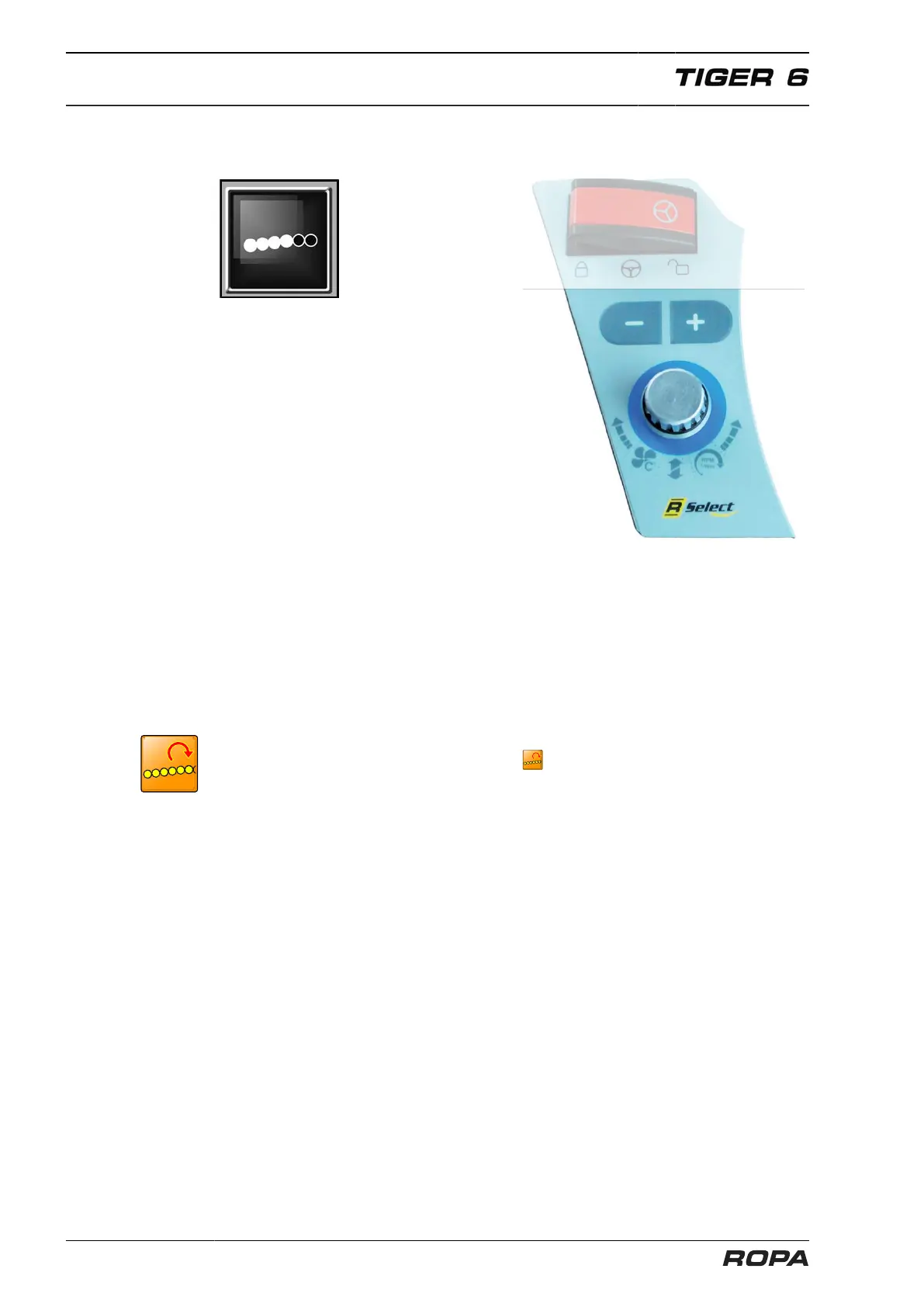
Lifting rollers rpm
The rotational speed of lifting rollers one
to six can be adjusted in ten stages.
Choose this function with R-Select.
+ Key = lifting rollers rpm higher
- Key = lifting rollers rpm lower
If the key + is released after the stage 10 is reached and then pressed for at least
three seconds, the "Max" stage is reached. The highest hydraulic drive speed is
achieved in the "Max" stage.
To completely stop the lifting shafts, first reduce the speed to stage 1. If, when reach-
ing this stage, the key - is released and then pressed for several seconds, then the lift-
ing rollers stop. The "STOP" stage is then displayed on the R-Touch. The speed of the
7th lifting roller cannot be adjusted by the driver. It depends solely on the speed of the
defoliator shaft.
The pressure in the hydraulic drive of the lifting rollers is continuously monitored. If a
pressure limit is exceeded, the warning icon flashes. A warning tone sounds at the
same time.
The drive of lifting rollers 1-6 is fitted with a variable-displacement hydraulic motor.
If the drive slows because the lifting roller speed is set too high, the hydraulic motor
automatically adjusts the speed to the maximum available drive power.



 To Next Page