Operation
R-Concept
135 / 564
6.3.2.3.5 data export
Distance
Time
Consumption
consumption/time
consumption/ha
consumption/km
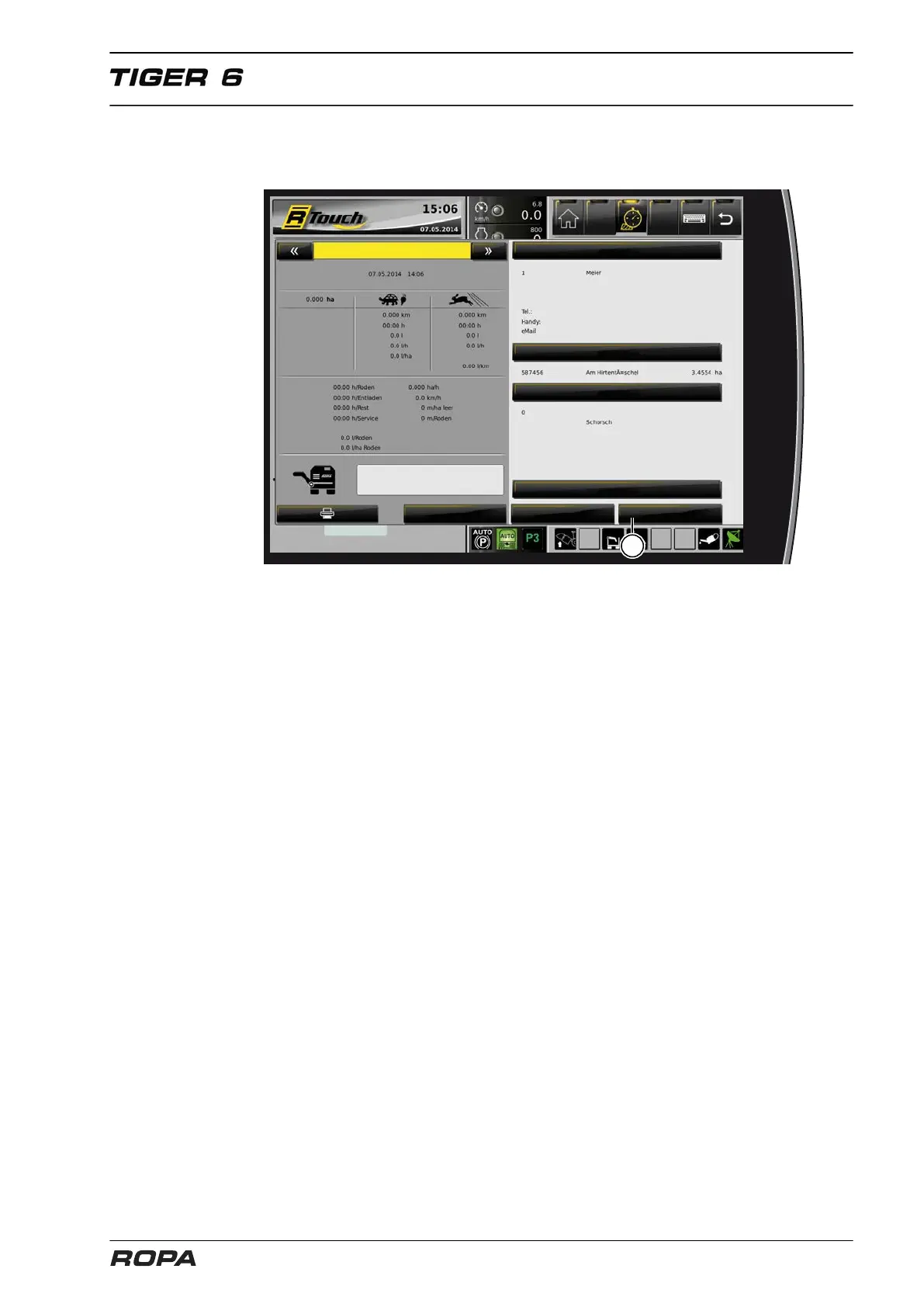
With the "R-Transfer Basic" and "R-Transfer Professional" systems the order data-
base can be exported on a USB stick or a smartphone with ROPA app. Insert a USB
stick into the USB port, confirm the message "The USB stick is ready". Then click
on the field "Data export" (27), by successful export you will see the message "Data
exported successfully!". The evaluation of the exported file is possible with the ROPA
app or order evaluation file. The actual evaluation file and the ROPA App are available
in the Media Centre at our home page: www.ropa-maschinenbau.de.



 To Next Page