Operation
Steering
211 / 564
Alternately to the foot switch "Autopilot", the autopilot may be activated as follows:
Briefly press the "Offset-steer" key (3).
ADVICE
If offset steer has already been preselected when pressing the footswitch "Autopi-
lot" (2), then offset steer is activated automatically with the front axle autopilot.
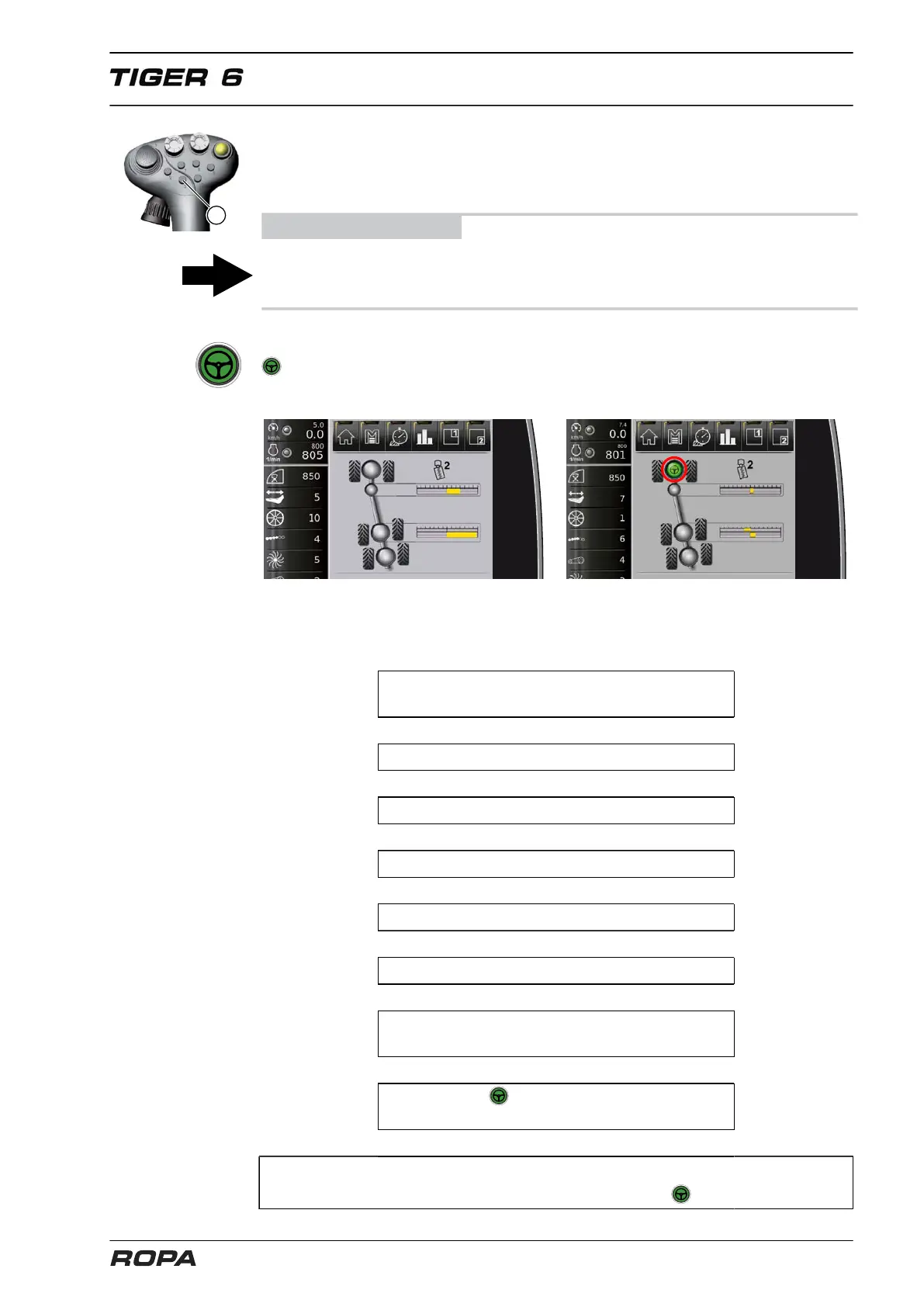
When the front axle autopilot is switched on, the R-Touch displays the following icon
in the steering indicator. When you override the autopilot "Front axle steering" by
manual activity on the steering wheel, automatic front axle steering is switched off.
Autopilot off Autopilot of only front axle active
6.10.3.2 Quick description: activating only front axle autopilot
On the R-Touch, in the menu "Autopi-
lot", set "Activation rear axles" to 'manual'.
↓
Select operating mode "Field".
↓
Unlock the main steering switch.
↓
Switch on machine.
↓
Lower three-point suspension.
↓
Drive at least 1 km/h.
↓
Press the foot switch for autopilot
once or the key (3) on the joystick.
↓
The icon appears now only at front
axle. Only front axle autopilot is active.
↓
Automated steering is switched off when the steering wheel is moved
or the three-point suspension is lifted (green icon disappears).



 To Next Page