Maintenance and Service
Printer (option)
471 / 564
7.18 Printer (option)
After greater printing jobs, depending on the paper quality and unfavourable environ-
mental effects, it may be necessary to clean the print head, sensor and the drive shaft,
especially when some parts are no longer properly printed.
– Open paper stock lid and remove the paper roll.
– Using a small brush, remove soiling from paper, sensor as well as the tearing edge.
– Strongly blow into the paper stock recess to remove coarse dust.
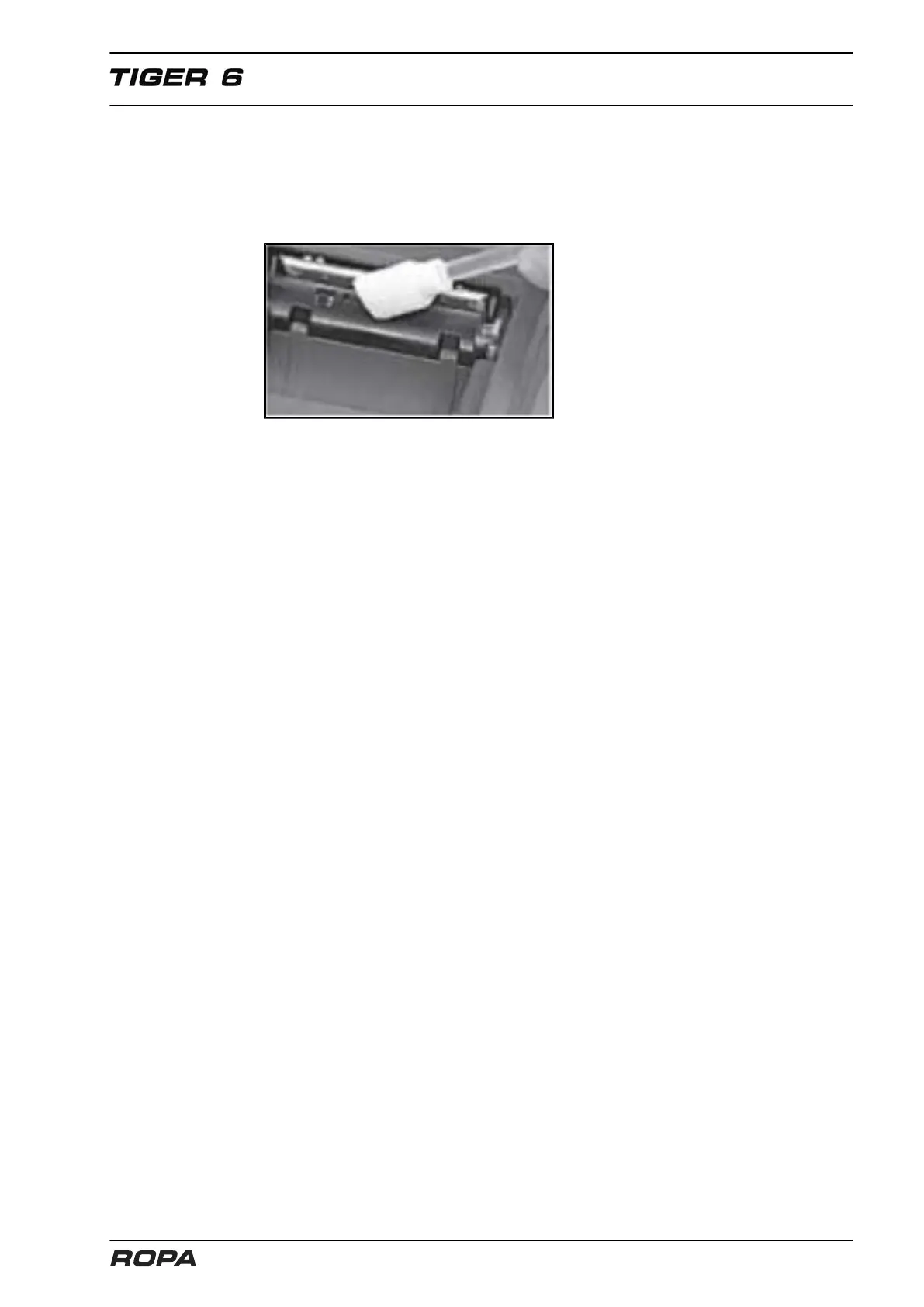
– Soak a cotton bud with pure isopropanol alcohol (IPA) and clean the printing line or
use a print head cleaning rod/cleaning card.
– Also remove further strong soiling using a cotton bud (IPA).
Never use sharp objects for cleaning. This could damage the print head.



 To Next Page