Operation
R-Concept
116 / 564
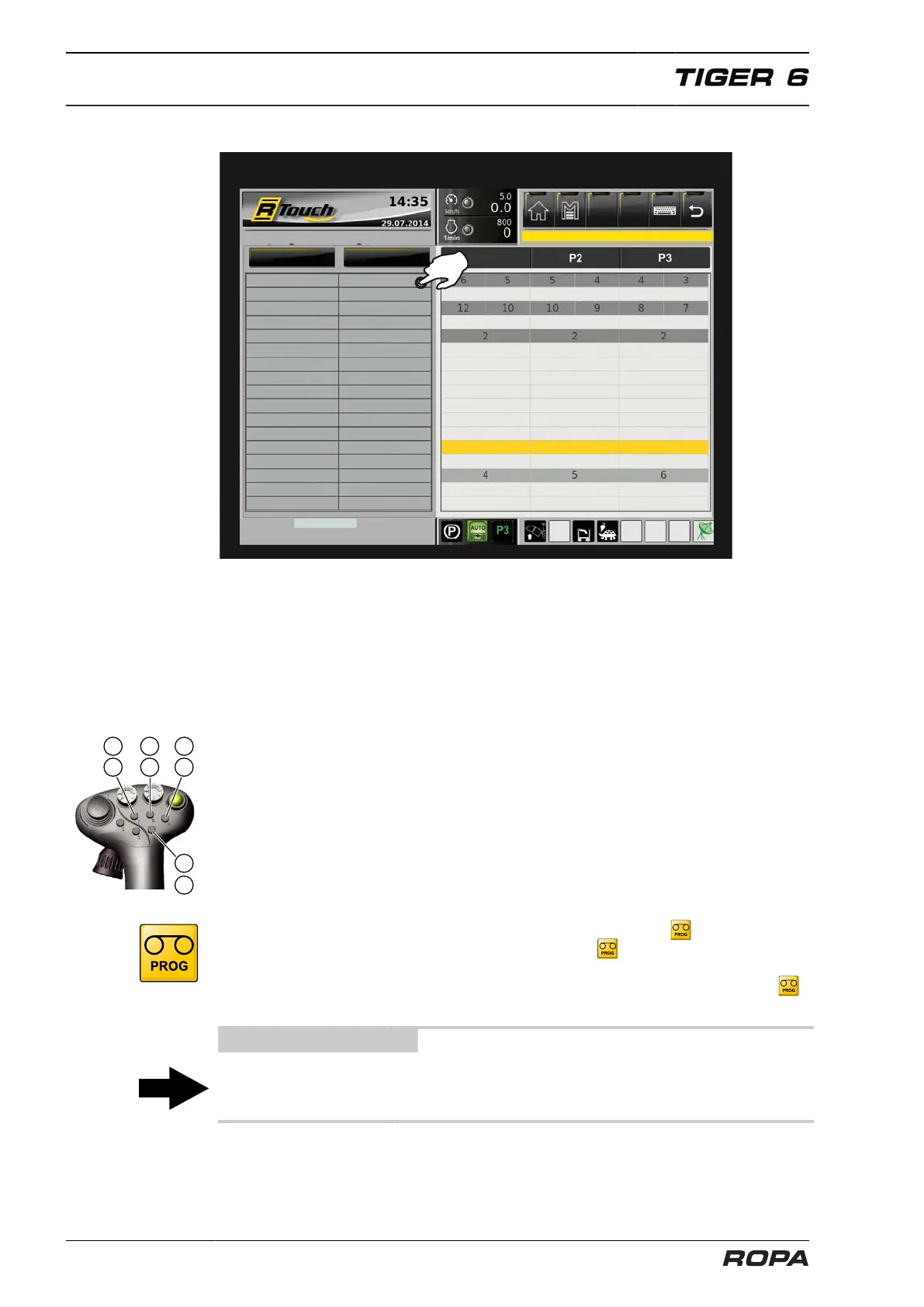
After confirmation of the selection, the following menu is displayed:
Programmable keys (P1/P2/P3)
Defoliator depth
Spreader speed
Infeed conveyor stage
Lifting rollers stage
depth wheels stage
Pinch roller on/off
Share depth
Scalper
Depth-contr. wh. height
Defoliator relief
No memory
Emergency operation
No memory
No memory
Memory (teach)
No memory
Memory (teach)
No memory
Move the highlighted selection field with the R-Direct rotary wheel up and down and
confirm the selection by pressing the middle of the rotary wheel (enter function).
Now you can change the setting rotating or pressing the rotary wheel.
Mode 1: without memory
The setting is not changed in this mode by pressing the programmable keys P1/P2/
P3.
Mode 2: memory (teach)
In this mode machine settings may be allocated to the programmable keys P1/P2/P3
via "teaching". The current setting for all functions in the mode "Memory (teach)" is
allocated to a programmable key.
To do it press the key (10) on the joystick for so long until the icon appears on the
R-Touch. Then release the key (10), and while the icon is visible on the terminal,
press the programmable key, for which the current machine settings are to be saved.
The relevant programmable key is only as long available for saving, until this icon
indicates it.
ADVICE
Only a brief press of the key (10) switches the cruise control ON or OFF.



 To Next Page