Operation
R-Concept
124 / 564
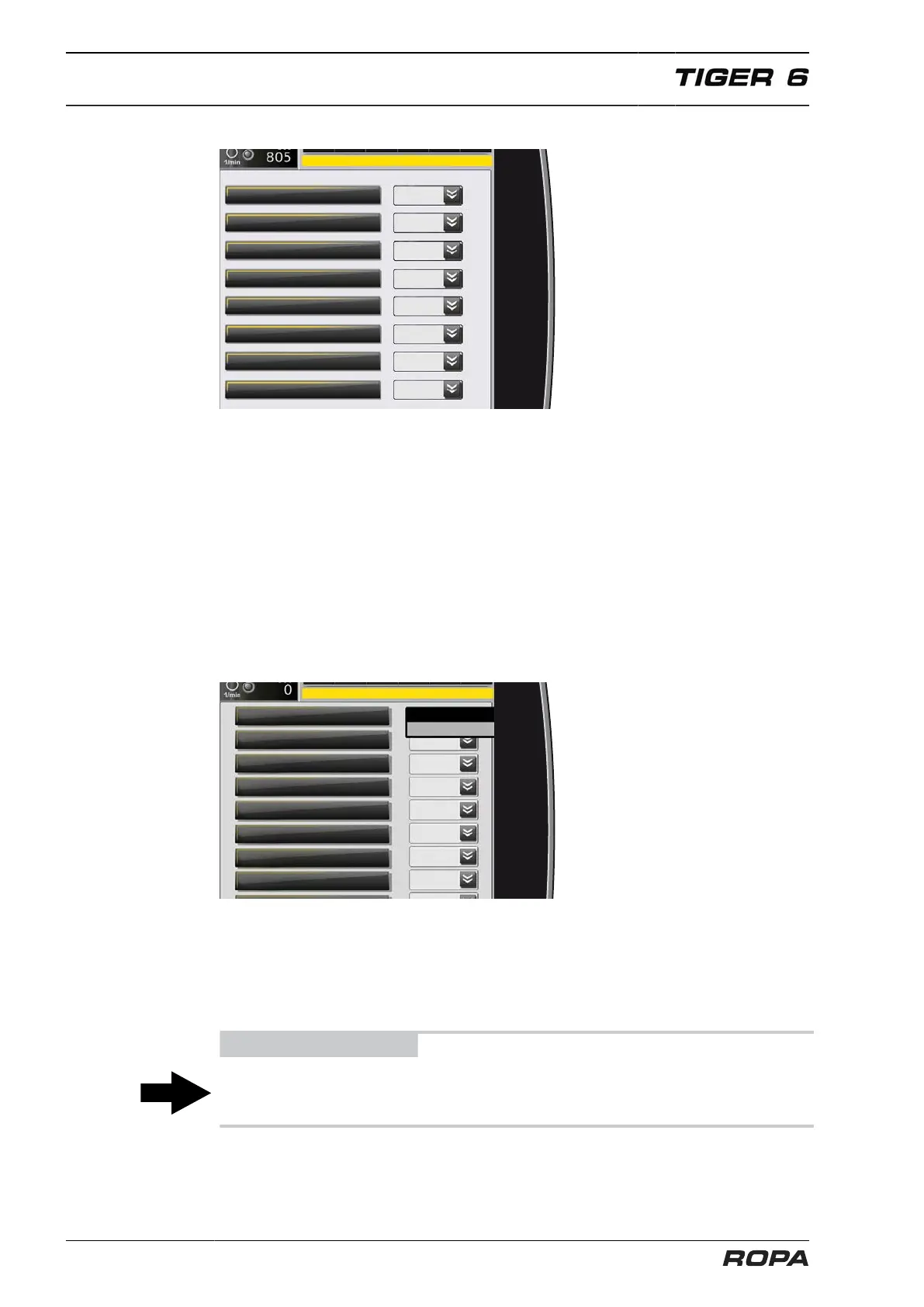
Submenu Terminal settings
In the line "Language" you can set the language of the R-Touch.
In the line "Display setting" there is a possibility of switching between standard display
and expert mode. We generally recommend standard display, because this is much
clearer. The expert mode does not offer any additional functions or advantages for
everyday work, but is mainly meant for service personnel or malfunctions diagnostics,
to display specific operating status in greater detail.
In the line "Volume level" you can set the volume level of the warning and advisory
tones. In the line "Day/night" the switching between day and night-time display is pos-
sible. This changeover only becomes effective when you leave the menu using the
Return key. In the lines "Brightness day" and "Brightness night" you can set the bright-
ness of the screen for day and night-time display separately.
Submenu Units
In the “Units” menu you can select various bases of calculation for the physical
parameters speed, distance, volume and pressure. Please be careful; if you set,
for example, the driving speed at mph instead of km/h, the values on the driving speed
display will be completely incomprehensible. Please do not adjust the values any more
after having set them once before start of the season. The default values correspond
to the European standard.
ADVICE
This menu is locked in order to prevent from accidental units adjustment. Modifications
in the menu "Units" are only possible after entering a code.



 To Next Page