Operation
Printer
359 / 564
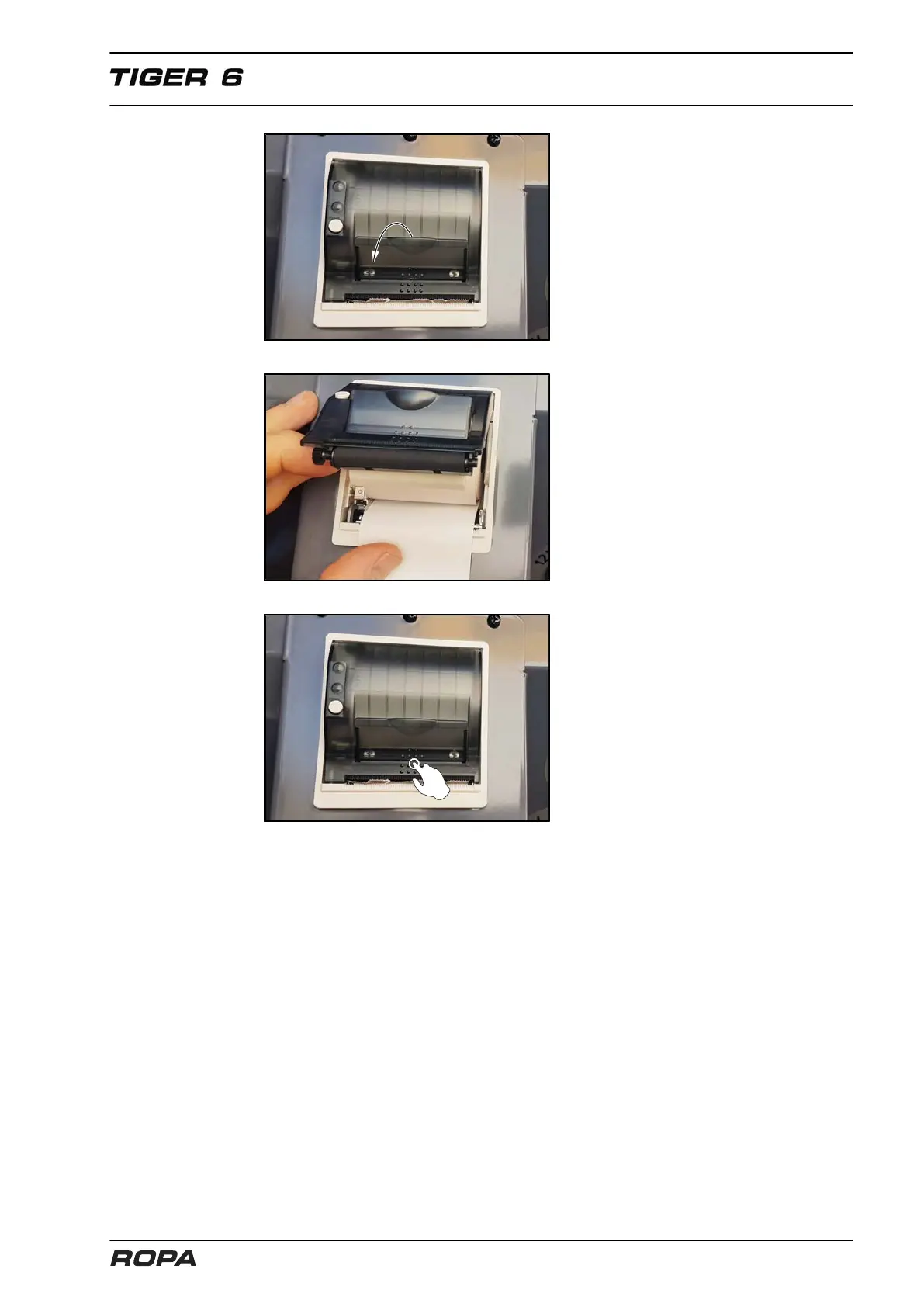
– Pull about 10 cm of paper from the
roll. Keep the paper tight.
– Open the cover of the printer by
lightly pressing the LEVER in the
cover down. The platen is levered out
of the printing mechanism together
with the cover. The lid may now be
easily opened.
– Insert the paper roll into the paper
bowl in such a manner, that the out-
side shows in direction of the printing
mechanism. Only this outer side may
be printed by the printer.
– Close the lid strongly pressing on it.
It audibly snaps, so that you can now
tear off paper on the cutting edge,
without opening the lid again and
without paper slipping through the
print head.



 To Next Page