Maintenance and Service
Unload elevator
463 / 564
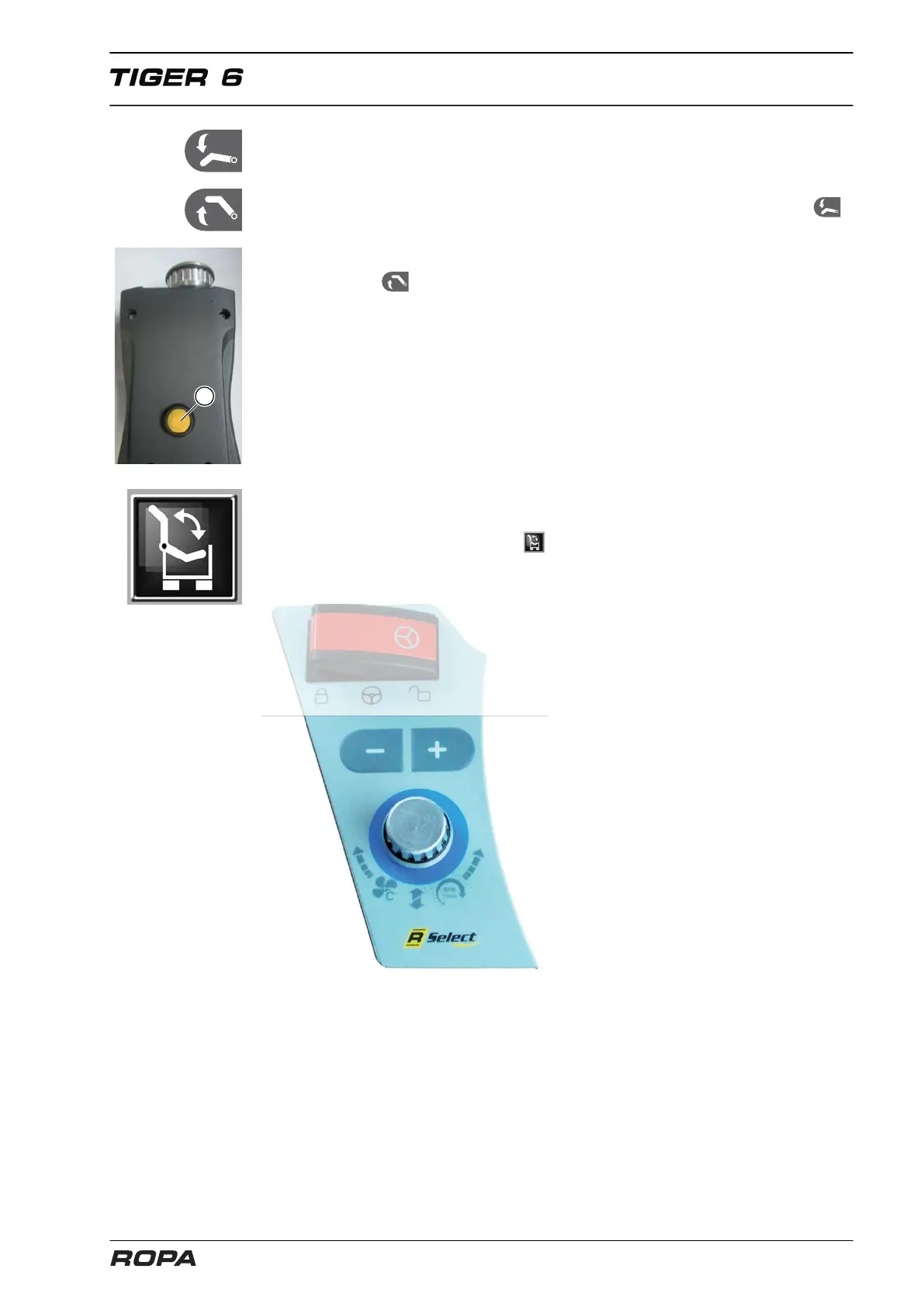
Folding unload conveyor in cleaning position
Model 1:
– Lower the unload conveyor by more than 90%
– Lower completely the unload conveyor articulation part 2 by pressing the key
and the multi-key (56) simultaneously at the unload conveyor operational section,
press and hold the keys for another 5 seconds, then the unload conveyor folds into
the cleaning position.
– Press the key and the multi-key (56) simultaneously at the unload conveyor
operational section to fold the unload conveyor from the cleaning position.
Model 2:
– Lower the unload conveyor by more than 90%
– Choose this function with R-Select .
– Press and hold the + key until the unload conveyor is in cleaning position.
– Press the - key to fold the unload elevator out of cleaning position.



 To Next Page