Note: SecureSync starts numbering I/O ports with 0 (only 1PPS and 10MHz out-
puts start at1, because of the built-in outputs).
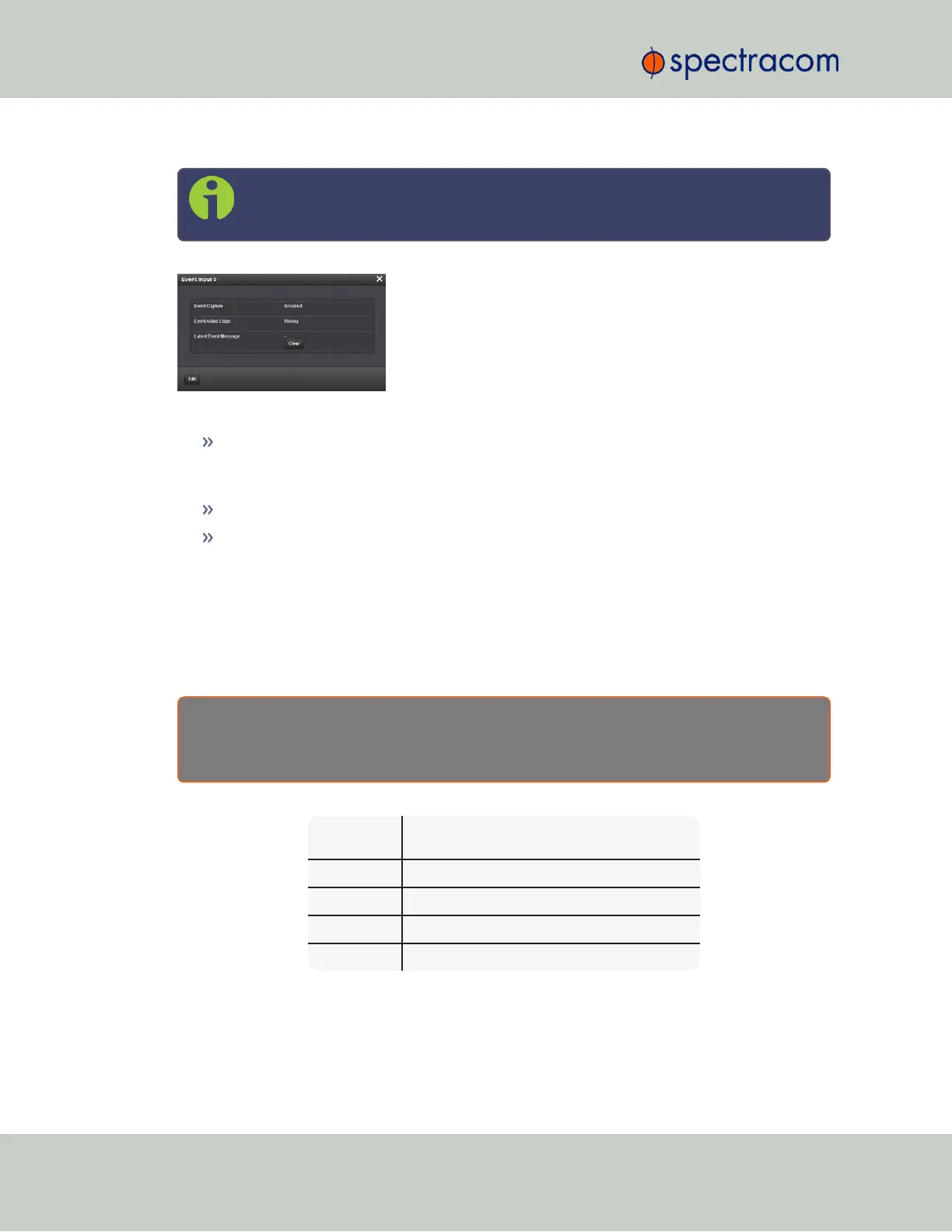
The Status window displays the following settings:
Event Capture: The processing of events on the Event Input port J2. When set to “Dis-
abled”, no event messages will be queued. When set to “Enabled”, event messages will
be triggered (if a valid Format is selected).
Event Active Edge: The signal edge used for triggering events on Event Input port J2.
Latest Event Message: The last message sent. This can be cleared with the Clear button.
Event Broadcast Time Code Formats
The following ASCII-based time code formats are available with the Event Broadcast option
card (see "Event Broadcast [1204-23]" on page501):
Event Broadcast Format 0
E x a m p l e m e s s a g e :
SSSSSSSSSS.XXXXXXXXX<CR><LF>
Where:
SSSSSSSSSS 10-digit Seconds Time (references from January
1
st
, 1970)
. Decimal Point Separator
XXXXXXXXX 9-digit Sub-Seconds Time (5 ns resolution)
CR Carriage Return
LF Line Feed
Event Broadcast Format 1
508 SecureSync User Reference Guide
APPENDIX



 To Next Page