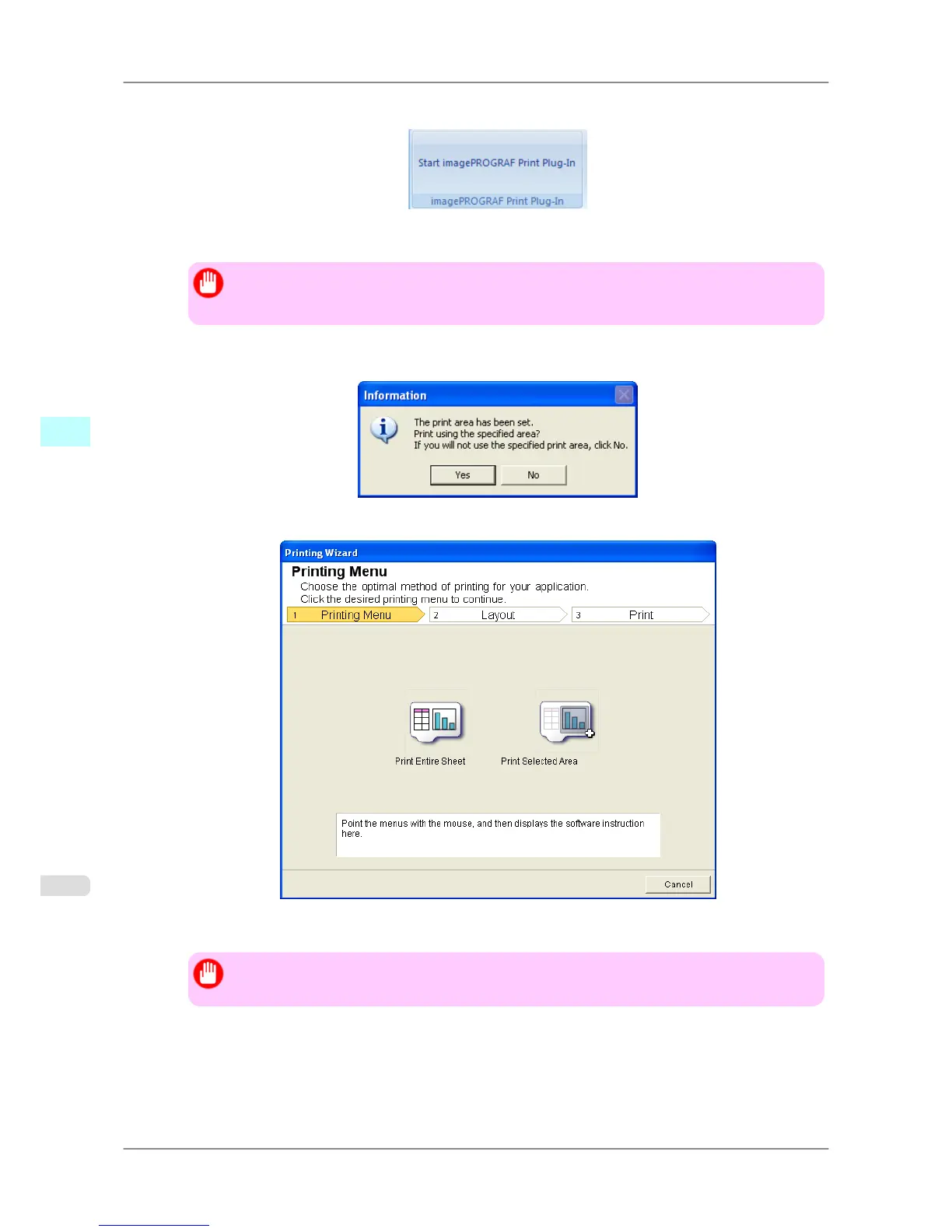
2. If Start imagePROGRAF Print Plug-In is displayed, click it.
3. Click Print from the imagePROGRAF Print Plug-In toolbar/ribbon.
Important
• When
more than one worksheet is selected, the Printing Wizard cannot be run. Select only one
worksheet and click Print again.
If a print area is set, a confirmation message dialog box will appear.
To print the selected area, cancel the setting of the print area.
The Printing Wizard dialog box is displayed.
4. Click Print Selected Area.
Important
• If only one cell is selected, Print Selected Area cannot be selected.
Windows Software
>
Print Plug-In for Office
>
Print Selected Area (Excel) iPF825
4
328














 To Next Page