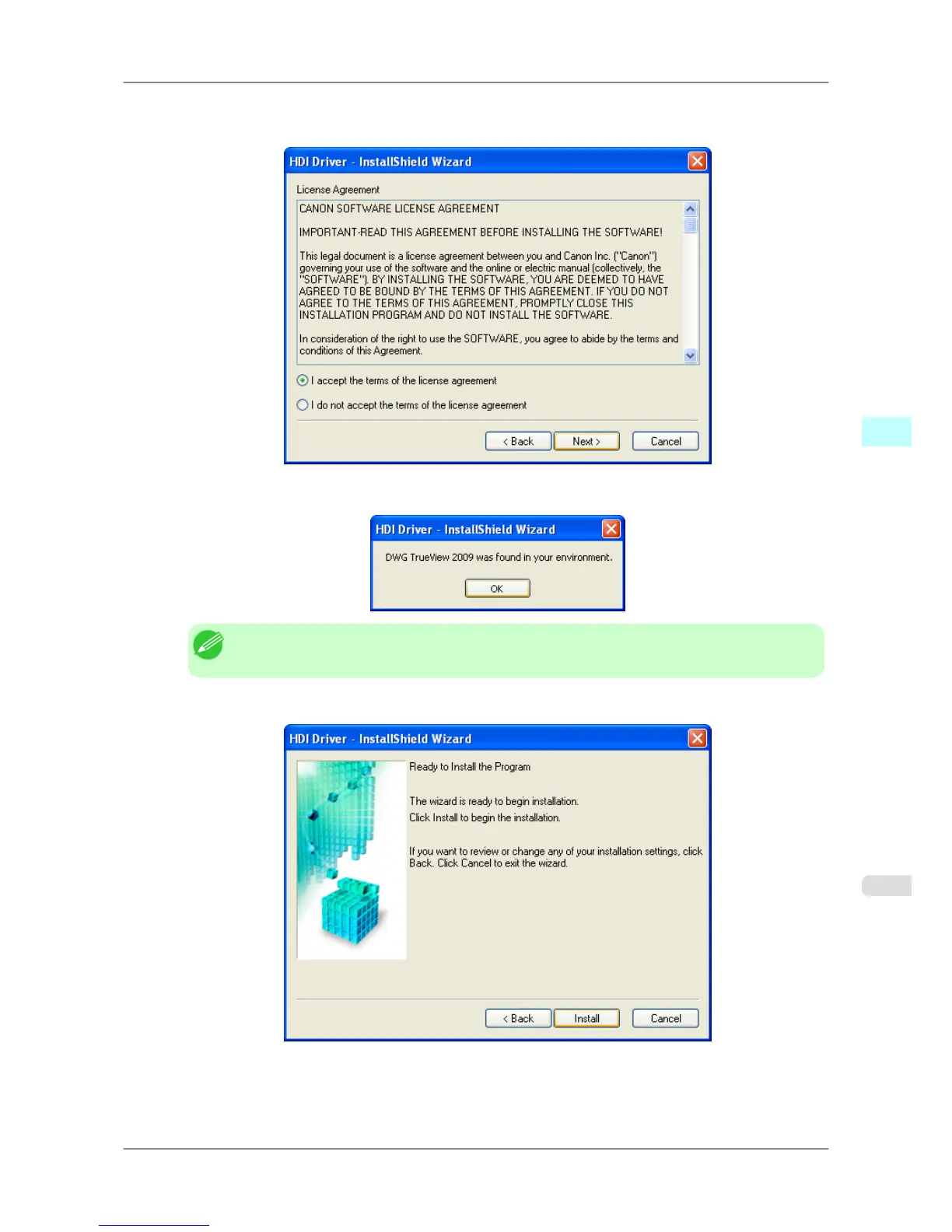
3. After
you have read the Licensing Agreement, select I accept the terms of the license agreement and click the
Next button.
4. Confirm that the installed AutoCAD is compatible with your computer environment. Click the OK button.
Note
• Confirm that the installed AutoCAD is compatible with your computer environment.
5. The Ready to Install the Program screen opens. Click the Install button.
Windows Software
>
HDI Driver
>
iPF825 Installing with the Canon Installer
4
337














 To Next Page