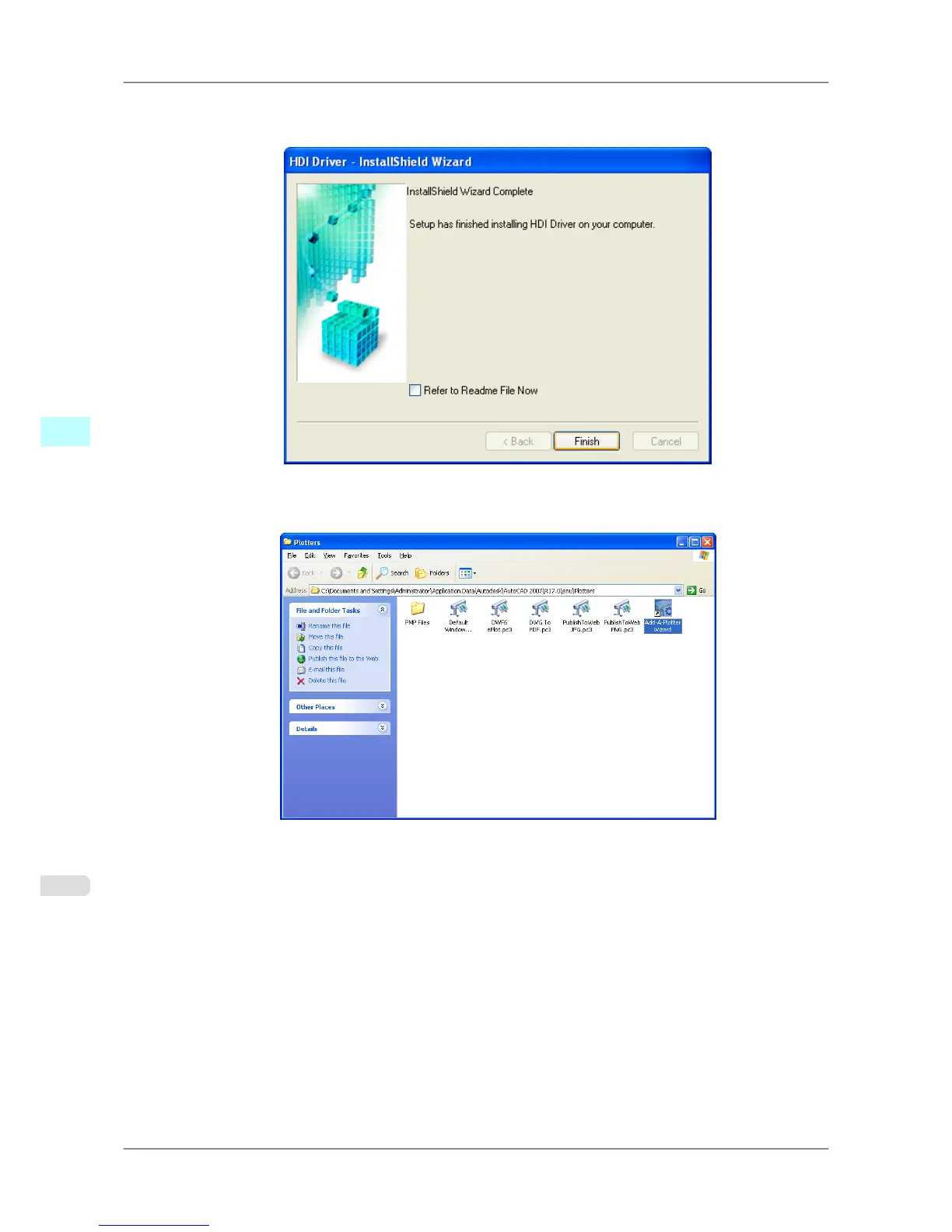
6. The
HDI driver files are copied to the Drv folder where the AutoCAD program files are stored.
Click the Finish button. This completes the setup of the HDI driver.
7. After AutoCAD starts, select Plotter Manager from the File menu.
The Plotters window opens. Click the Add-A-Plotter Wizard icon.
Windows Software
>
HDI Driver
>
Installing with the Canon Installer iPF825
4
338














 To Next Page