5. Press ▲ or ▼ to select Eject, and then press the OK button.
6. Start printing.
Roll paper is fed to the specified cut position and then automatically stopped.
7. As
you support the printed document to prevent it from dropping, hold down the Stop button for at least a sec-
ond to cut the roll.
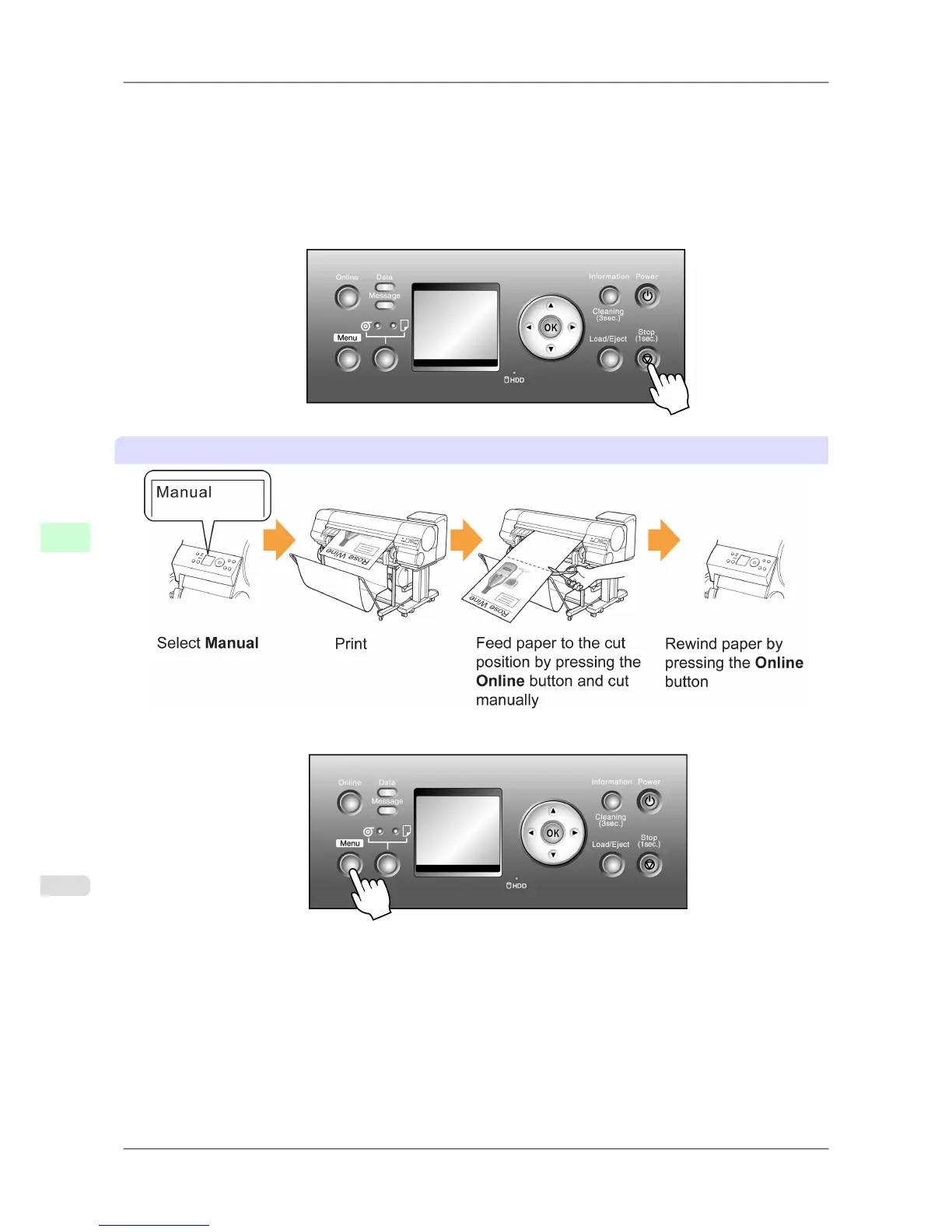
Manual (when using media that cannot be cut using the Cutter Unit )
1. Press the Menu button to display MAIN MENU.
2. Press ▲ or ▼ to select Paper Details, and then press the ▶ button.
3. Press ▲ or ▼ to select the type of paper, and then press the ▶ button.
4. Press ▲ or ▼ to select Cutting Mode, and then press the ▶ button.
5. Press ▲ or ▼ to select Manual, and then press the OK button.
Handling Paper
>
Handling rolls
>
Specifying the Cutting Method for Rolls iPF825
7
608














 To Next Page