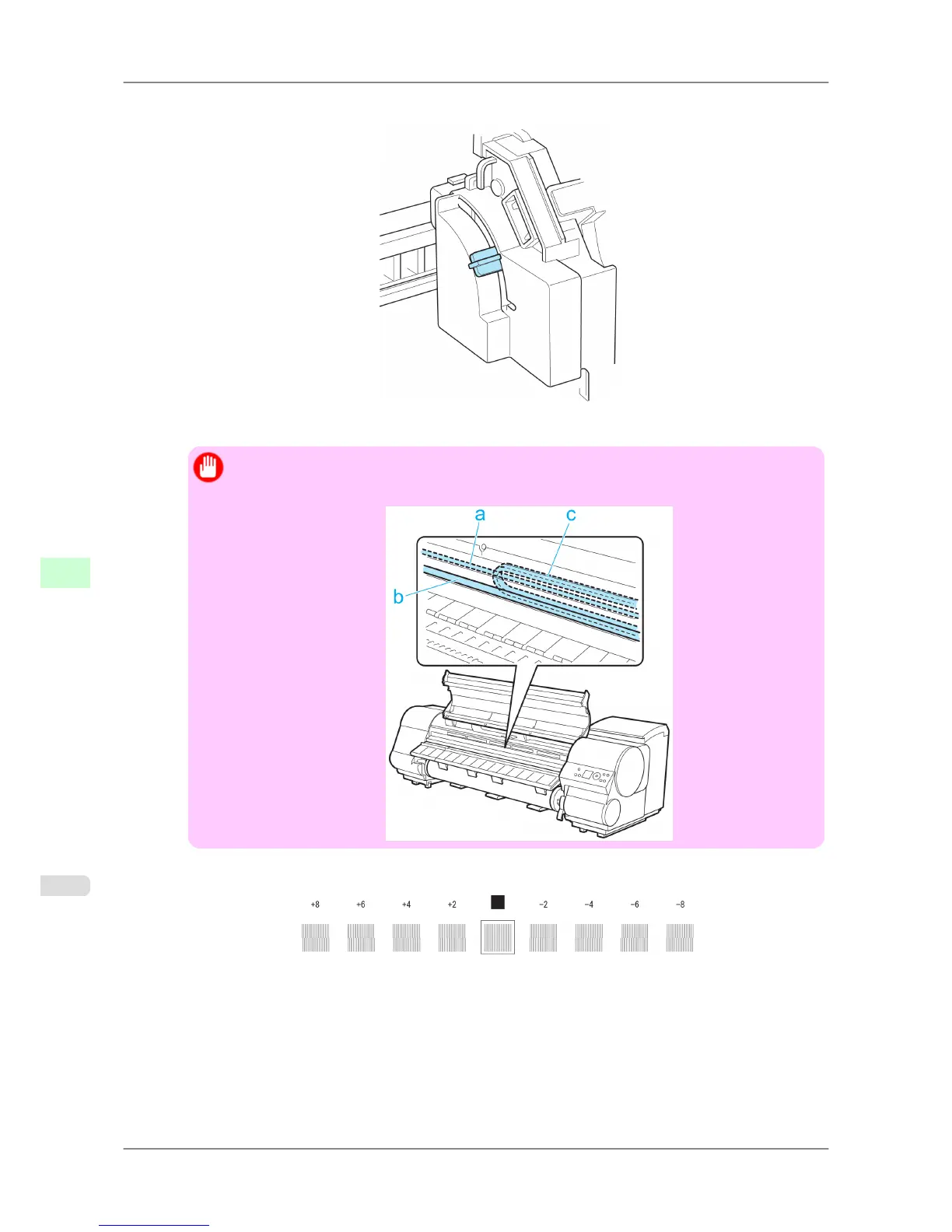
7. Align the Angle Adjustment Lever with the red square and close the Top Cover.
A test pattern is printed for adjustment.
Important
• Do
not touch the Linear Scale (a), Carriage Shaft (b), or Ink Tube Stabilizer (c). Touching these
parts may damage them.
8. Examine the test pattern for adjustment. Determine the straightest set of lines.
Adjustments for Better Print Quality
>
Adjusting the Printhead
>
Adjusting Line Misalignment (Head Inc. Adj.) iPF825
8
632














 To Next Page