Load the ink tank (700 ml)
1. Before
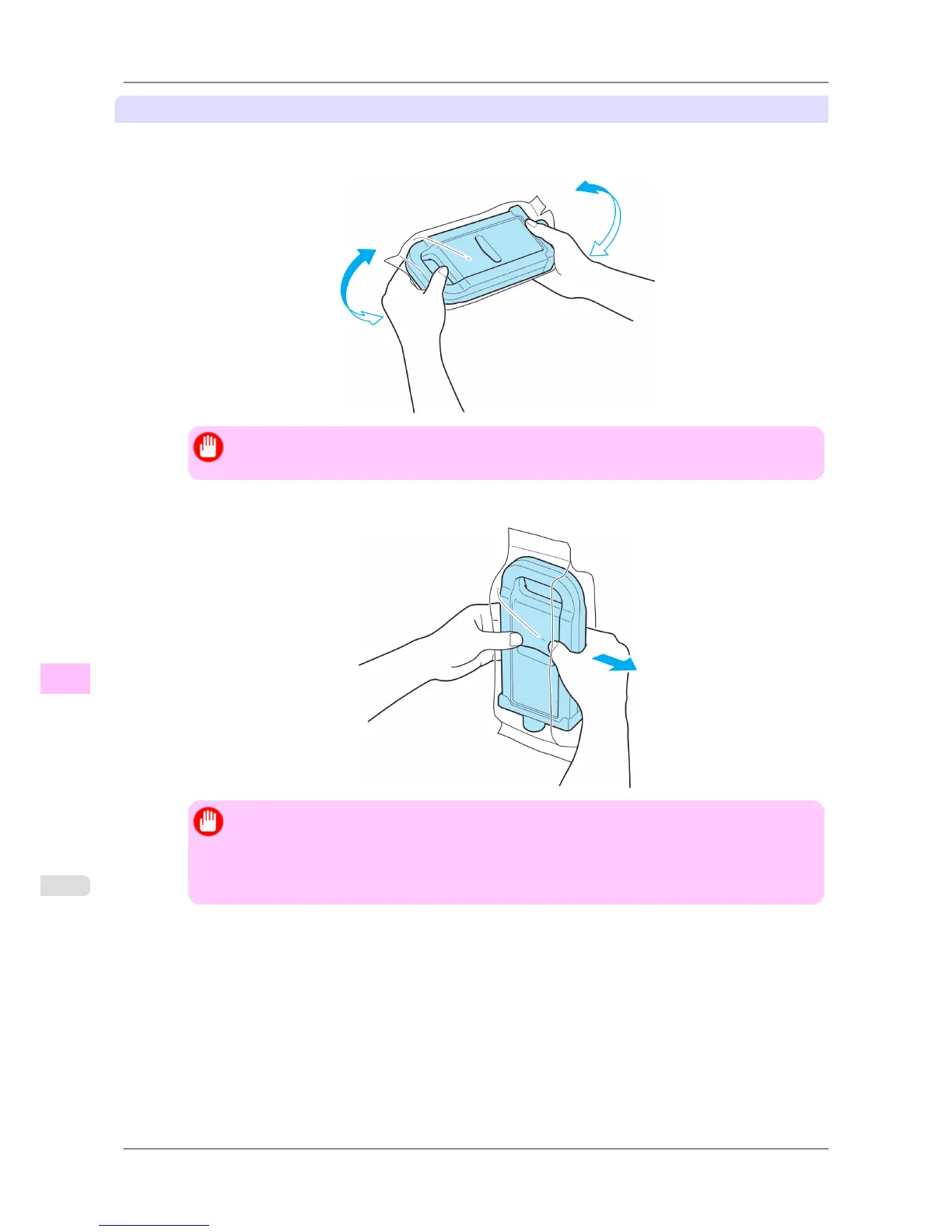
opening the pouch, hold the new Ink Tank with both hands and tilt it to the left and right as shown, shak-
ing gently it seven or eight times.
Important
• If you do not agitate the Ink Tank, the ink may sediment, which may affect printing quality.
2. Open the pouch and remove the Ink Tank.
Important
• Never
touch the ink holes or electrical contacts. This may cause stains, damage the Ink Tank, and
affect printing quality.
• Do not remove and agitate ink tanks that have already been installed in the printer. Ink may leak
out.
Maintenance
>
Ink Tanks
>
Replacing Ink Tanks iPF825
11
750














 To Next Page