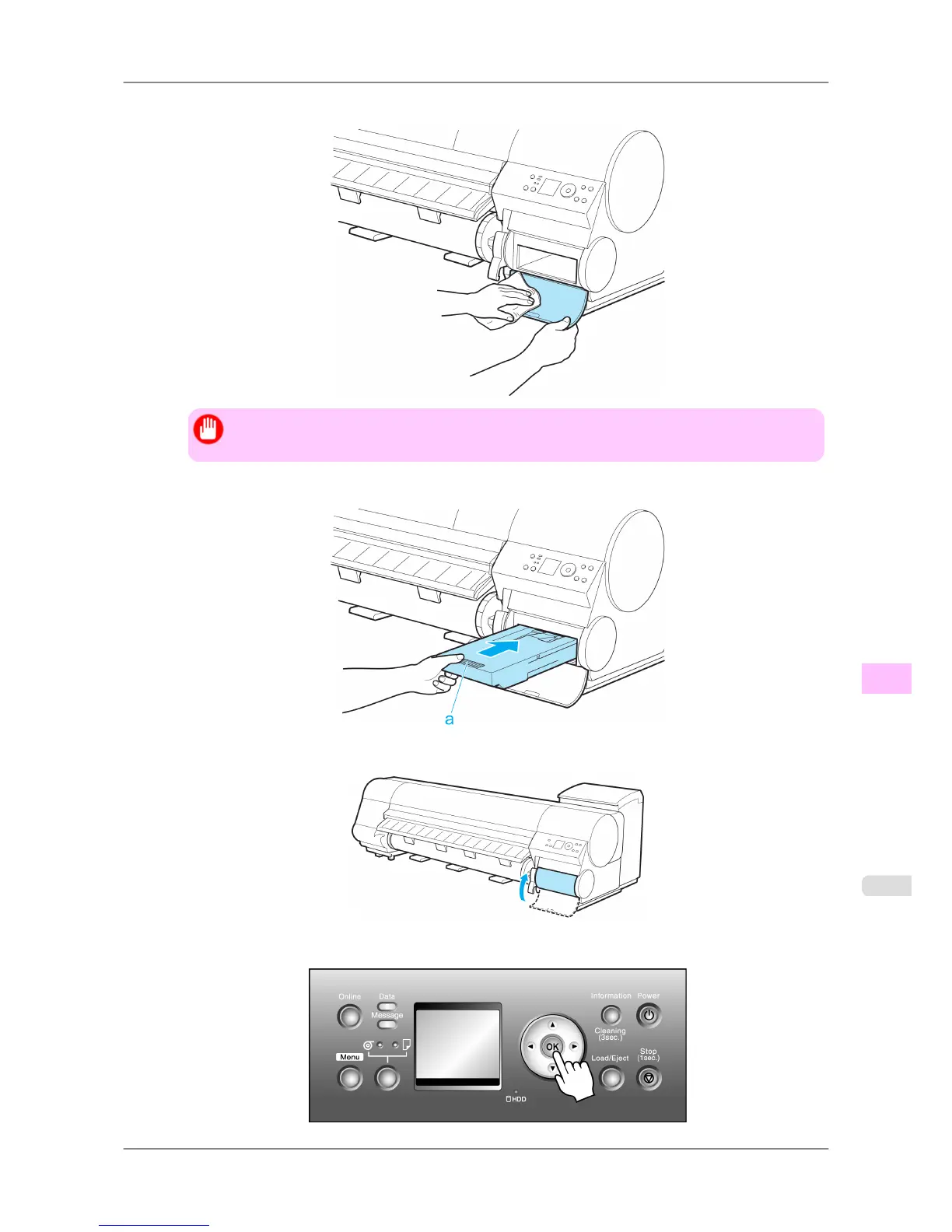
11. Wipe away any soiling on the Maintenance Cartridge Cover.
Important
• Support the Maintenance Cartridge Cover from underneath as you wipe it.
12. Keeping the new Maintenance Cartridge level, insert it all the way in.
13. Close the Maintenance Cartridge Cover.
14. Press the OK button.
Maintenance
>
Maintenance Cartridge
>
iPF825 Replacing the Maintenance Cartridge
11
767














 To Next Page