The printer now initializes the Maintenance Cartridge.
Next, replace the Shaft Cleaner.
Replacing the Shaft Cleaner
Replace the Shaft Cleaner when you replace the Maintenance Cartridge. New Shaft Cleaner is included with replace-
ment Maintenance Cartridge.
After you execute Repl. maint cart and replace the Maintenance Cartridge, a message will appear on the Display
Screen requesting you to replace the Shaft Cleaner. Select Yes and press the OK button. Next, go to step 4.
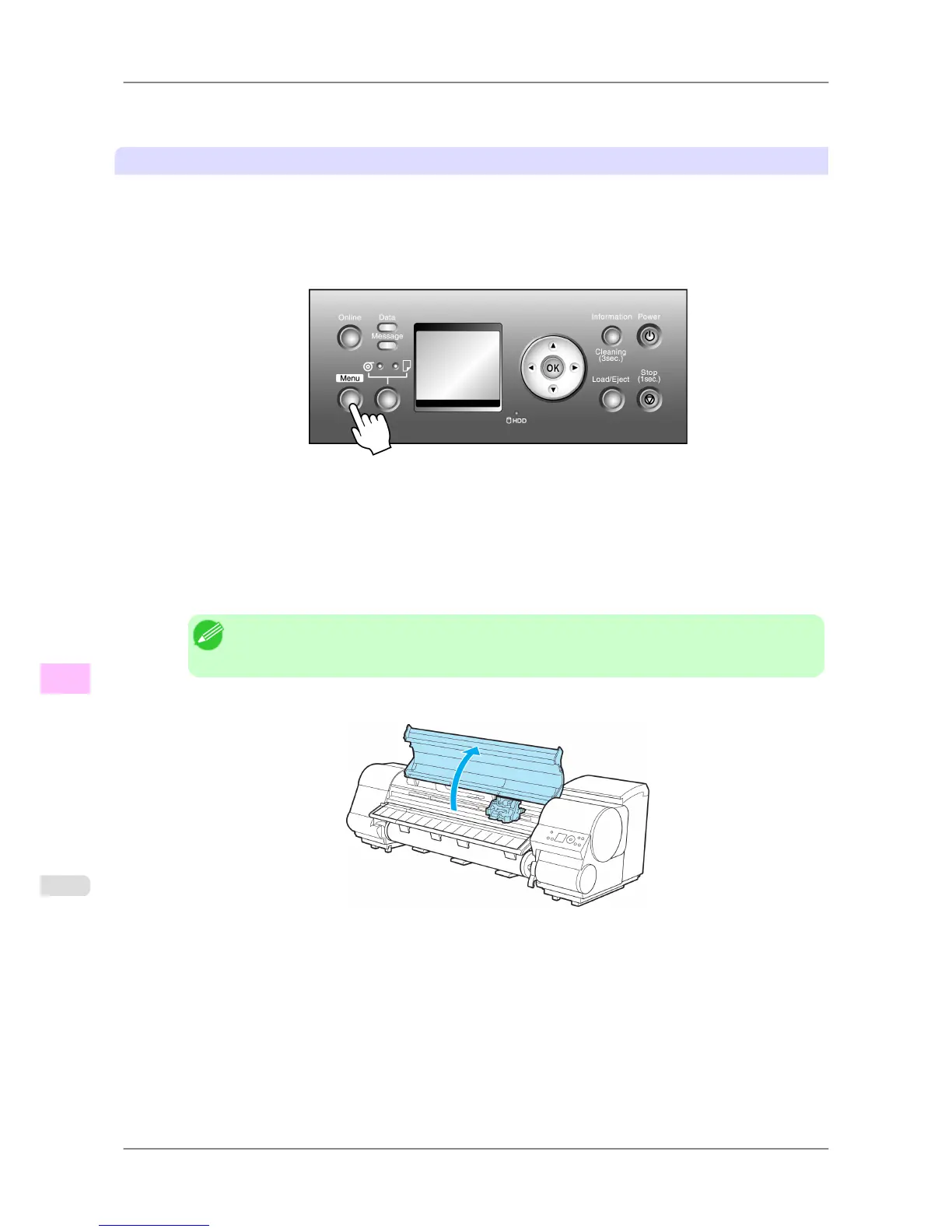
1. Press the Menu button to display MAIN MENU.
2. Press ▲ or ▼ to select Maintenance, and then press the ▶ button.
3. Press ▲ or ▼ to select Repl. S. Cleaner, and then press the ▶ button.
4. Press ▲ or ▼ to select Yes, and then press the OK button.
After the Carriage is moved, the Display Screen indicates "Open Upper Cover".
Note
• If
you do not respond within two minutes, shaft cleaner replacement is canceled and the printer
goes online automatically. In this case, repeat the procedure.
5. Open the Top Cover.
Maintenance
>
Maintenance Cartridge
>
Replacing the Maintenance Cartridge iPF825
11
768














 To Next Page