Operation
R-Concept
110 / 564
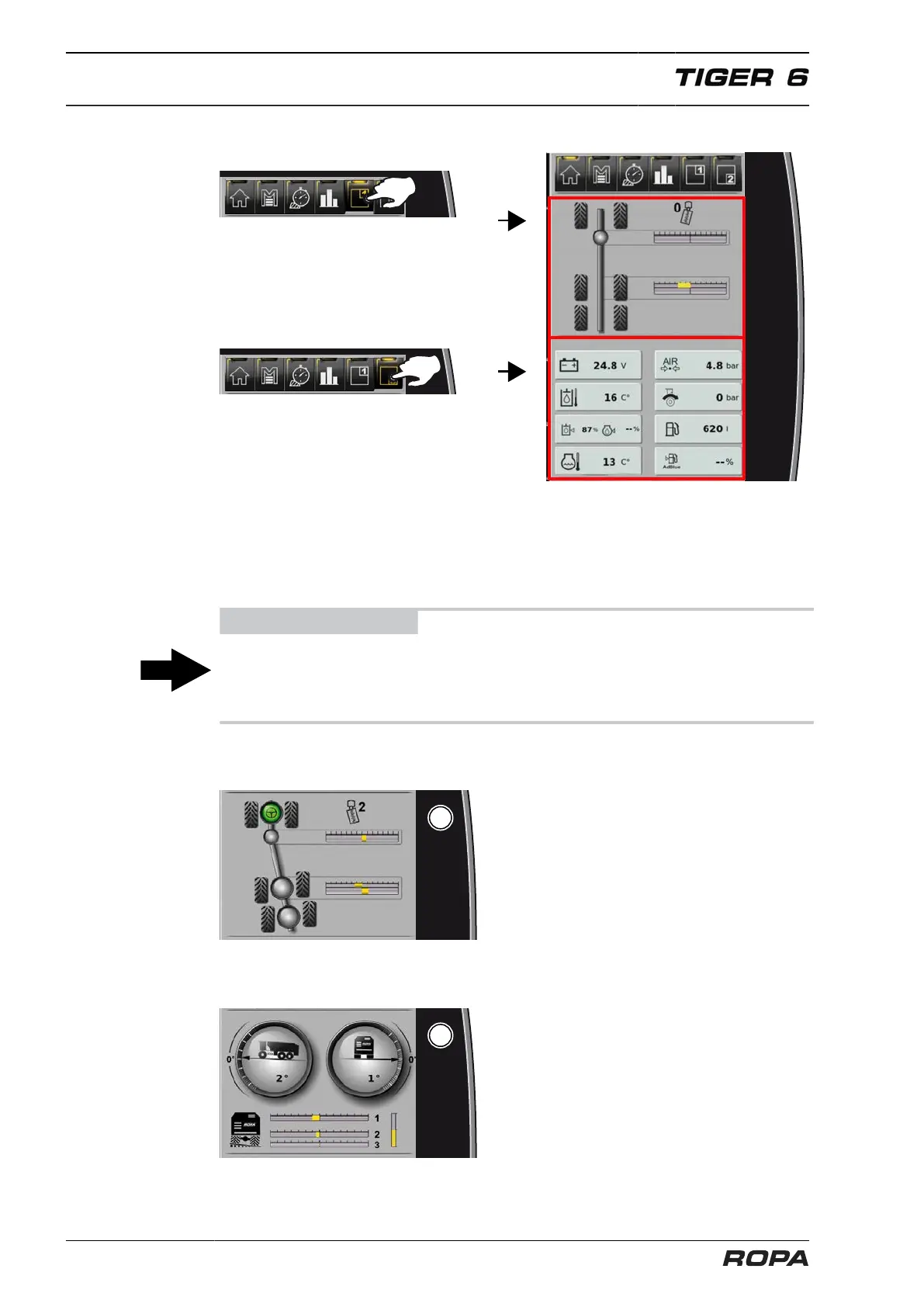
[M] Individual display areas
Adjust display areas in the top and bottom
Select display area in the top or bottom using the R-Direct and switch by pressing
on the middle of the wheel. Each press on the R-Direct switches between the possi-
ble display areas. Already selected in the other display area field is not available for
switching.
ADVICE
You can also switch with a sideways swipe on the display field.
Swipe from top to bottom along the centre line to reverse the position of the top and
bottom display fields.
(1) Display field: Steering
See Page 193
(2) Display field: Chassis
See Page 218



 To Next Page