Operation
Lifter
264 / 564
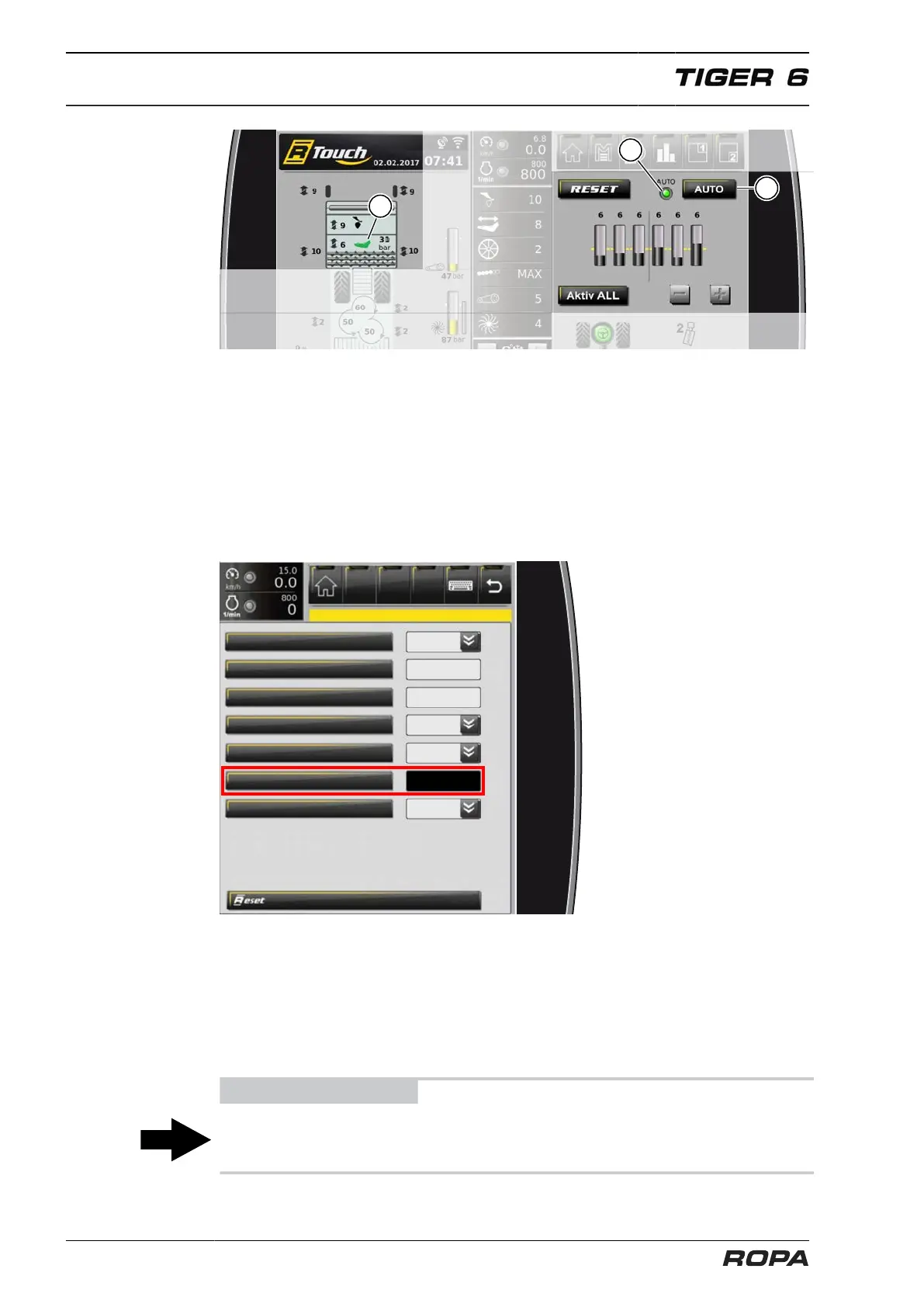
To switch on the automatic share depth adjustment, press the "AUTO" switch panel
(5). The LED (4) on the R-Touch shows green. The automatic share depth adjustment
is enabled but not yet activated.
As soon as the automatic share depth adjustment is enabled, the three-point suspen-
sion is lowered and the depth guide is active, the evaluation of the scalpers is started.
After a short time the lifting share (11) in the lifter/defoliator display field has a green
background, the automatic share depth adjustment is active, the share depth is auto-
matically adjusted.
Setting the sensitivity of the automatic share depth adjustment
additional topper lifting
lifter up + multifunction
single-row automatic stage
attachment (lifter/defoliator)
The sensitivity of the adjustment can be set in 10 stages in the menu "Main settings",
submenu "Attachment", line "Single-row automatic stage".
1 = Scalper large height difference to adjust the share depth by 1 step
5 = Scalper medium height difference to adjust share depth by 1 step (default
value)
10 = Scalper small height difference to adjust the share depth by 1 step
ADVICE
The adjustment of the scalper bracing tube does not influence the automatic share
depth adjustment; the height differences among the scalpers are the deciding factor.



 To Next Page