Operation
Video system
351 / 564
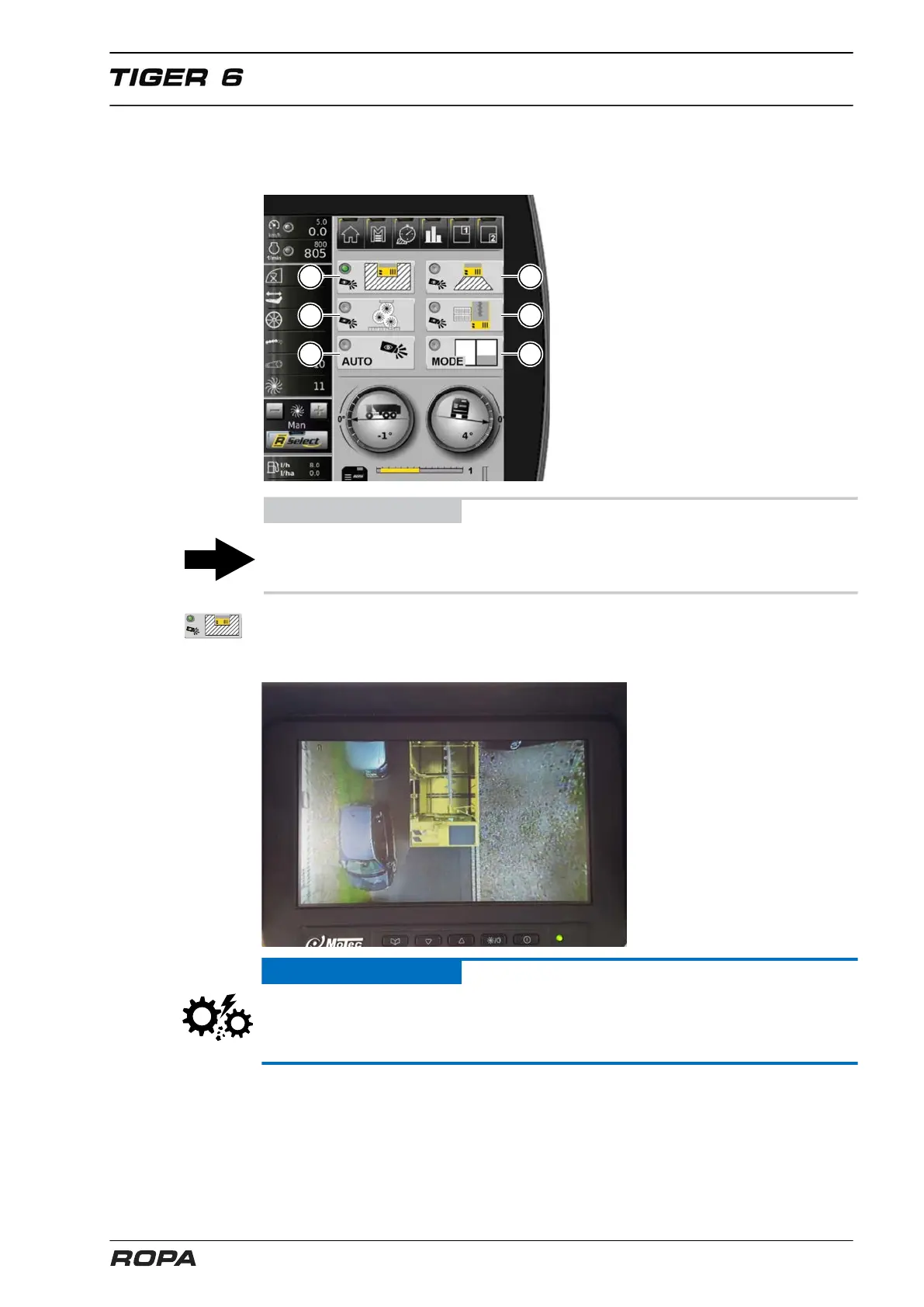
The view at the video monitor can be selected in the display field R-View on the R-
Touch. The green LED helps to recognize which camera and in what mode is active
now.
ADVICE
Switching in R-View can be performed exclusively on R-Touch, and not on the video
display.
You can activate the bird's-eye view function with the key (5). The video display shows
the environment around the rear part of the machine (approx. 5 m from each side,
approx. 3 m in backward direction).
ATTENTION
The R-View cameras might not display some obstacles, e.g. branches of trees, on the
top rear corners of the machine. Up to a height of about 2 metres above the ground
obstacles on the display can be seen also in the area of corner pillars.



 To Next Page