Operation
Video system
352 / 564
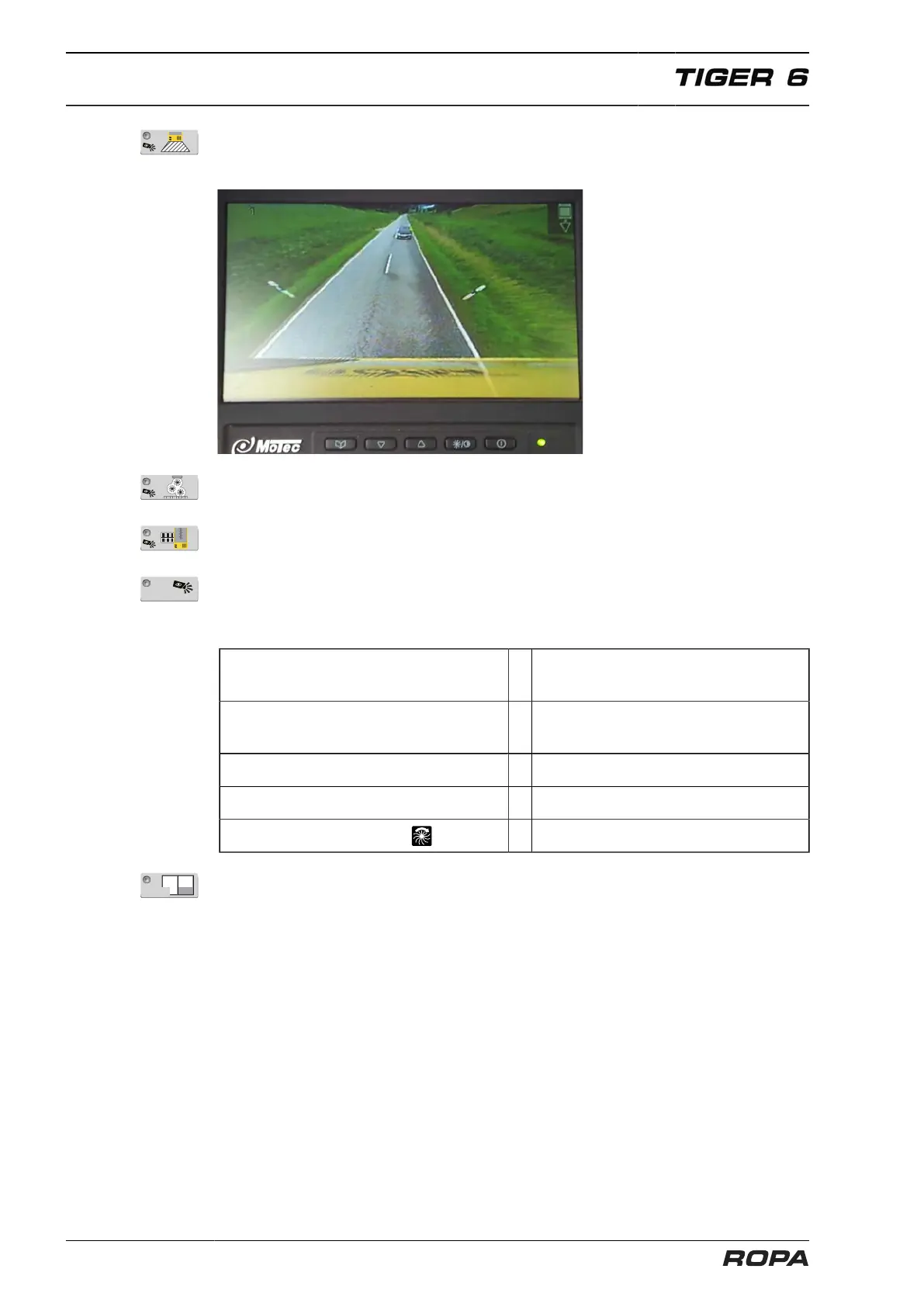
You can activate the rear view camera with the key (6). Now, the video display shows
only the image of rear view camera with the sight range up to far behind the rear part
of the machine.
You can activate the strainer wheels camera to monitor the beet flow with the key (7).
Key (8) not active
You can switch the video system to automatic mode with the AUTO key (9). Now it
switches between the different cameras as required.
It means:
Driving forward, articulation/rear axle
straight
= Rear view camera
Driving forward, articulation/rear axle not
straight
= Bird's-eye view
Slow back run = Bird's-eye view
Quick back run = Rear view camera
Machine drive switched on = Strainer wheel camera
You can switch on the split screen mode on the video display with the key Mode (10).
The left display's half always shows the bird's-eye view. The strainer wheel camera is
displayed on the right half of the monitor.



 To Next Page