6 Field-IQ crop input control setup Field-IQ setup for implements
Note – The options that you can select depend on the operation you selected.
Implement Operation Layout Options
Spreading
ll Pull-type spreader
l Spreader truck
Spraying
ll Front sprayer
l Rear sprayer
l Pull-type sprayer
Planting Standard planting
Tillage Tilling
4.
After you select both the Implement Operation and the Implement Layout, tap .
Implement measurements
1. At the Implement Measurements screen, tap each option in sequence to complete the
measurements for your implement.
2.
After you enter the required measurements in a settings screen, tap to return to the
Implement Measurement screen and select the next option.
Note – For the best performance, physically measure your implement and enter accurate
values for each setting.
After you enter all the required measurements, tap .
Setting Explanation
Number of Rows Number of rows covered by the implement.
Row Spacing Spacing between the rows.
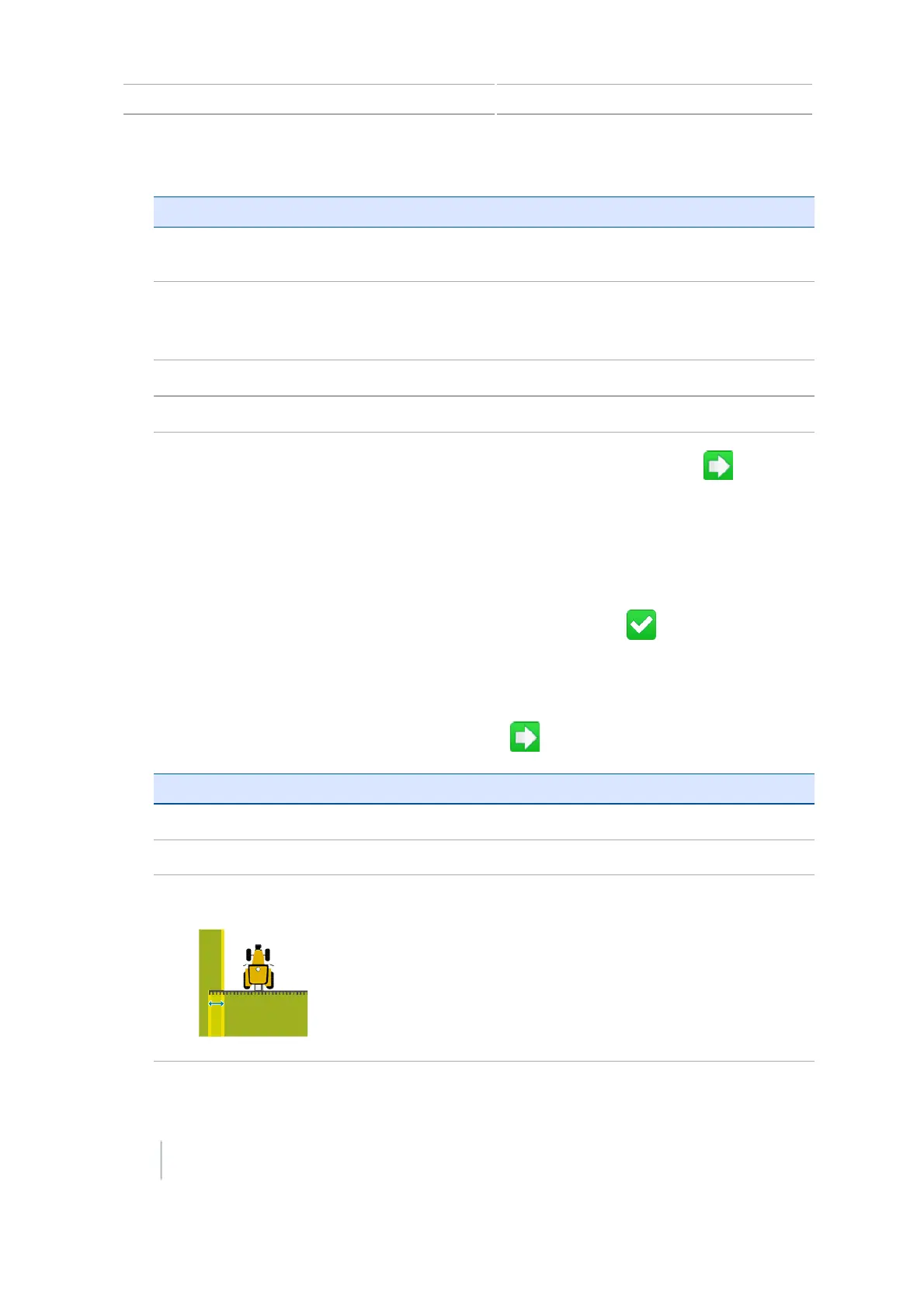
Overlap / Skip The amount of overlap or skip between swaths.
Overlap is a intentional overlap between swaths to avoid any
skips.
Skip is a intentional skip between swaths.
This setting is used with the Implement Width to set the spacing
of the swaths in the field.
120 CFX-750 Display User Guide Version 7.0, Revision A



 To Next Page