Map guidance and features 13 Operations
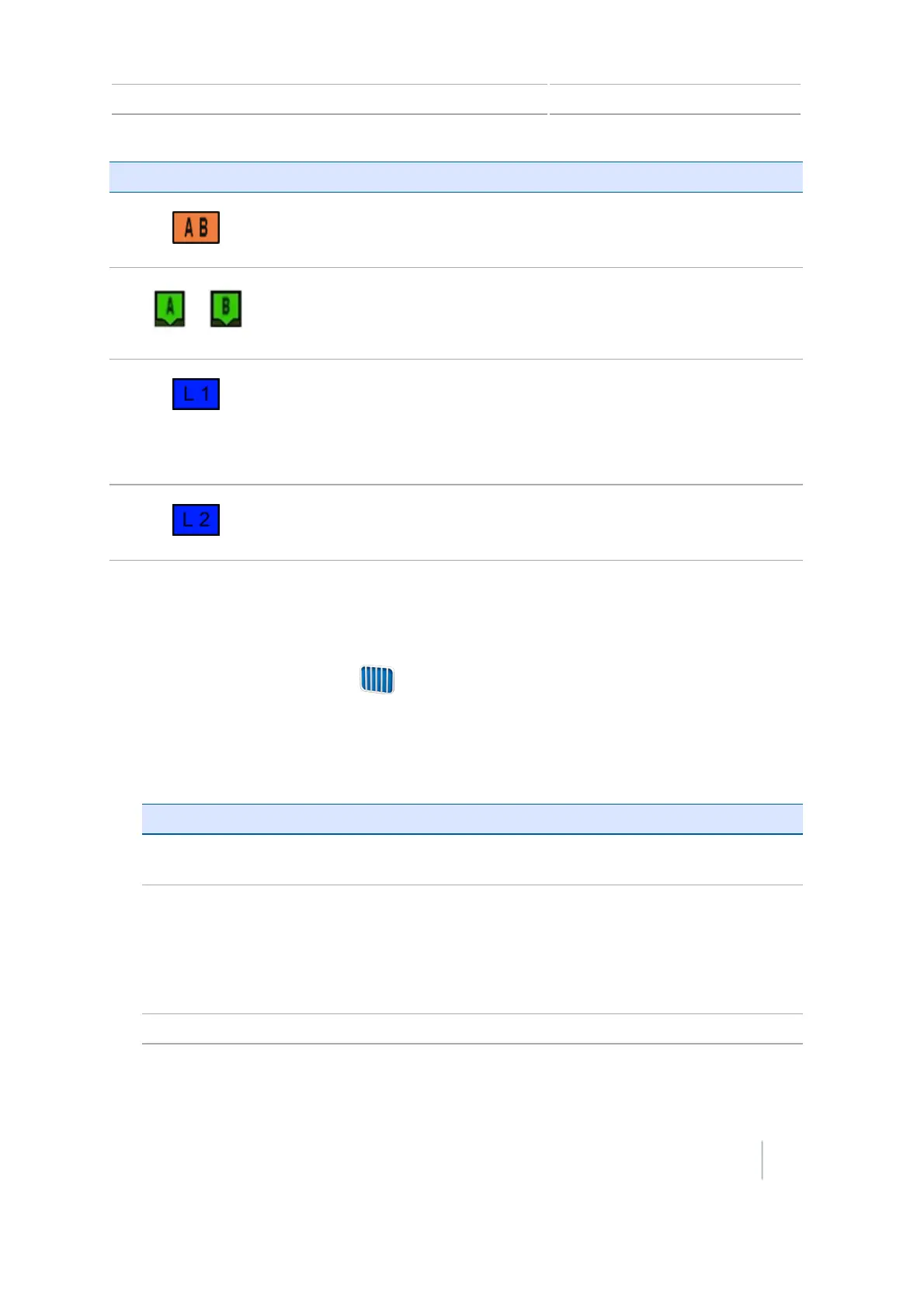
Icon(s) Are tagged to...
The master line that you created. The swaths are based on this line.
The A (start) and B (end) point on the master line.
The first swath to the left of the master line. 'Left’ is relative to the
direction the master line was drawn, not the vehicle's current position.
l The current swath and tag are orange.
l On a Pivot pattern, the swaths are numbered out from the center,
not from the initial swath.
The second line to the left of the master line.
Guidance line / pattern mapping
1. Select a guidance pattern that enables you to create a guidance line to suit your field.
2.
From the Guidance screen, tap .
3. Tap Create New Field.
4. At the Create New Field screen, tap Pattern Type.
5.
Tap the pattern to use.
If you... Pattern to Use
Do not need to define headlands and you want to drive the field
in parallel straight lines.
Straight AB
Need guidance exactly parallel to the last AB line. For example,
when:
ll Driving adjacent fields
l Mapping the AB line on a road down the side of the field
l Skipping an access road in a field
A+line
Want to work a field with gentle curves.
Identical curve
Version 7.0, Revision A CFX-750 Display User Guide 203



 To Next Page