Auto steering system operation 13 Operations
g
Customized Can be customized to control a function. See
EZ-Remote
Joystick custom settings, 86
.
h
Left Nudge the guidance line to the left at the
Guidance
screen.
i
Right Nudge the guidance line to the right at the
Guidance
screen.
j
Up and down
Not supported.
k
Trigger On the back.
Not supported.
Lightbar patterns
Use the integrated lightbar to obtain accurate guidance when:
l You have set an implement offset or implement draft
l Fine-tuning guidance on straight swaths
When lighted, the LEDs show the position of your vehicle as it relates to your intended guidance
line. As your vehicle position changes in relation to the guidance line, the LEDs are lighted to the left
or right.
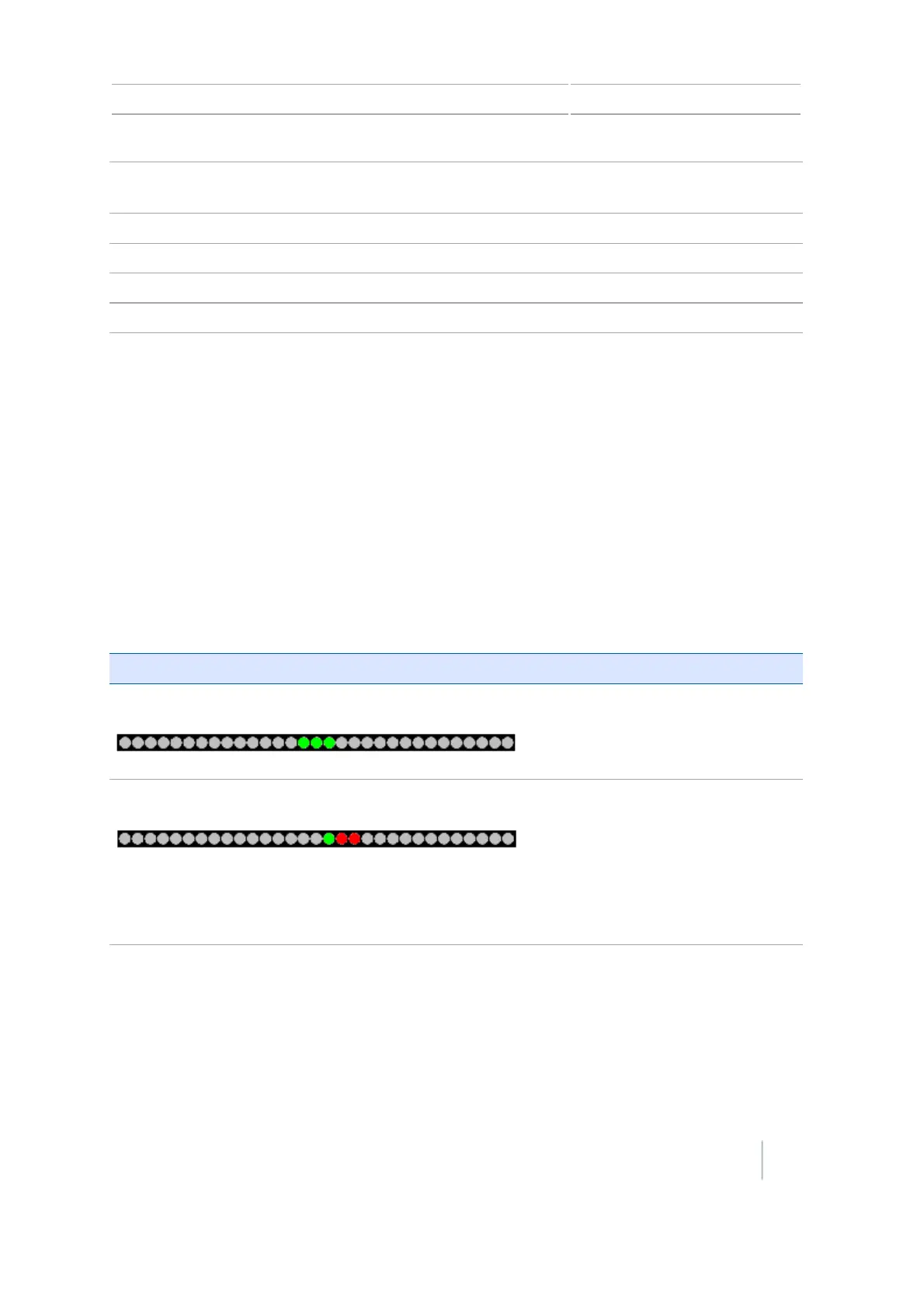
When your vehicle is on the guidance line, the three central green LEDs are lighted.
As your vehicle moves off the guidance line, the lighted LEDs change to the left or right, and change
to red.
LED position and color The vehicle is...
LEDs are green and in center. Directly on the guidance line.
One green LED in center and two red LEDs to the right Off the guidance line. For this
pattern, if the Main Lightbar LED
Mode is set to:
l Chase: Vehicle is to the left of the
guidance line
l Pull: Vehicle is to the right of the
guidance line
Version 7.0, Revision A CFX-750 Display User Guide 227



 To Next Page