2 Installation Install external foot/rocker switch
Install external foot/rocker switch
To install an optional foot or rocker switch:
1. Locate the foot or momentary rocker switch and the remote engage adapter cable (P/N88506 -
included with the foot switch kit, P/N 78150-00, or purchased separately).
2.
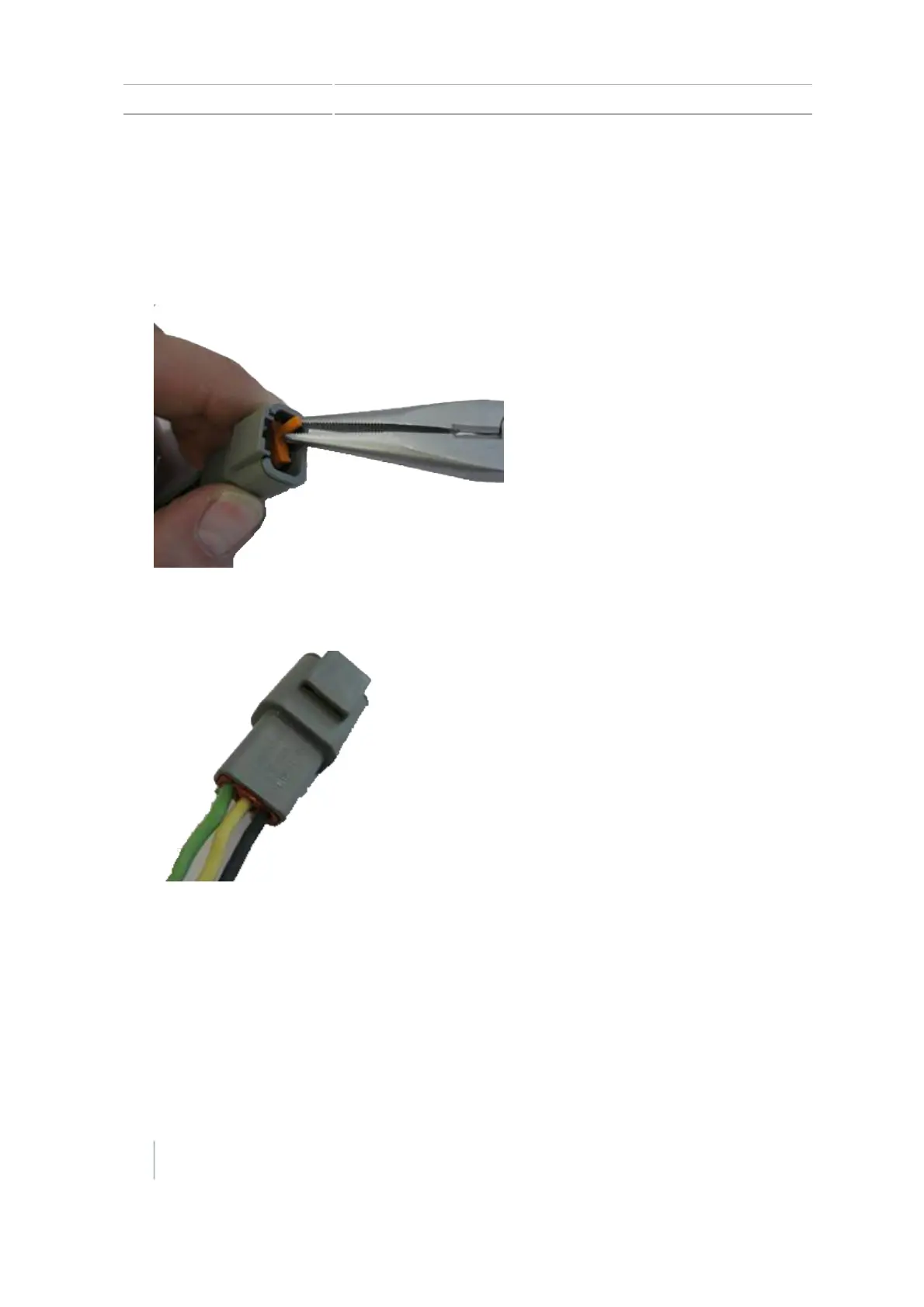
Remove the wedge from a receptacle 3-pin Deutsch DTM.
3.
For a foot switch, hold the receptacle with the lock facing upward with the black wire on the
right-hand side, the white wire in the middle, and the green wire on the left-hand side.
Note – If you purchased P/N 78150-00, the correct connector is already attached.
4.
For a rocker switch, insert the wires into the right and middle socket (the orientation does not
matter).
32 CFX-750 Display User Guide Version 7.0, Revision A



 To Next Page