2 Installation Install the CFX-750 display
Attach the display to the mount
1.
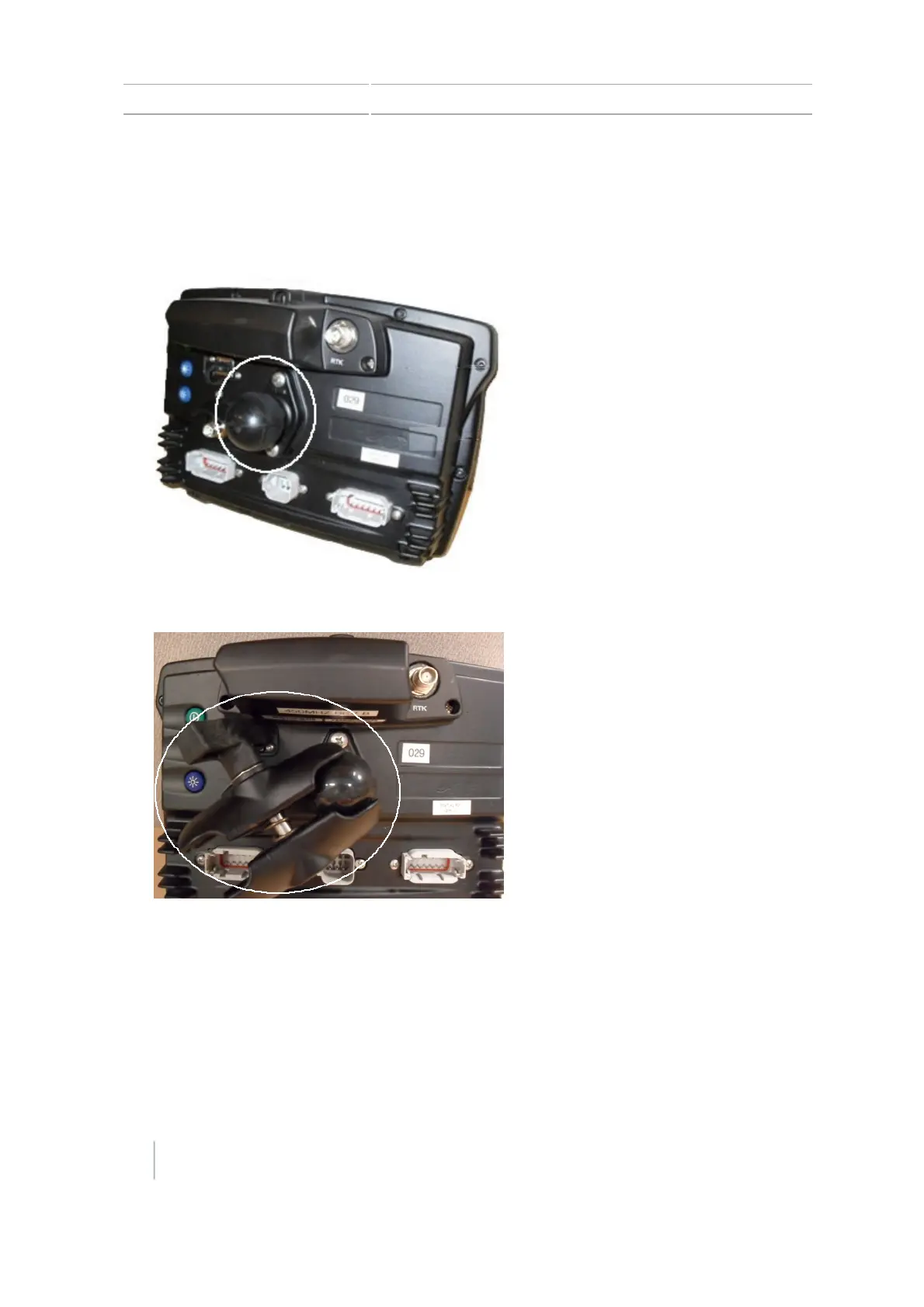
Use the supplied screws to firmly attach the diamond-shaped mounting plate to the back of the
display.
2.
Attach the RAM mount to the ball on the diamond-shaped mounting plate.
3. Select a position in the cab for the display. Hold the display in the selected location and check
that it is easily accessible from the driver’s seat.
4. Use the provided bolts to attach the bar mount to the cab.
5. Attach the other end of the RAM mount to the ball on the bar mount and then tighten the
screw to hold the display in place.
28 CFX-750 Display User Guide Version 7.0, Revision A



 To Next Page