Guidance screen buttons
Button Function Tap to.../Indicates...
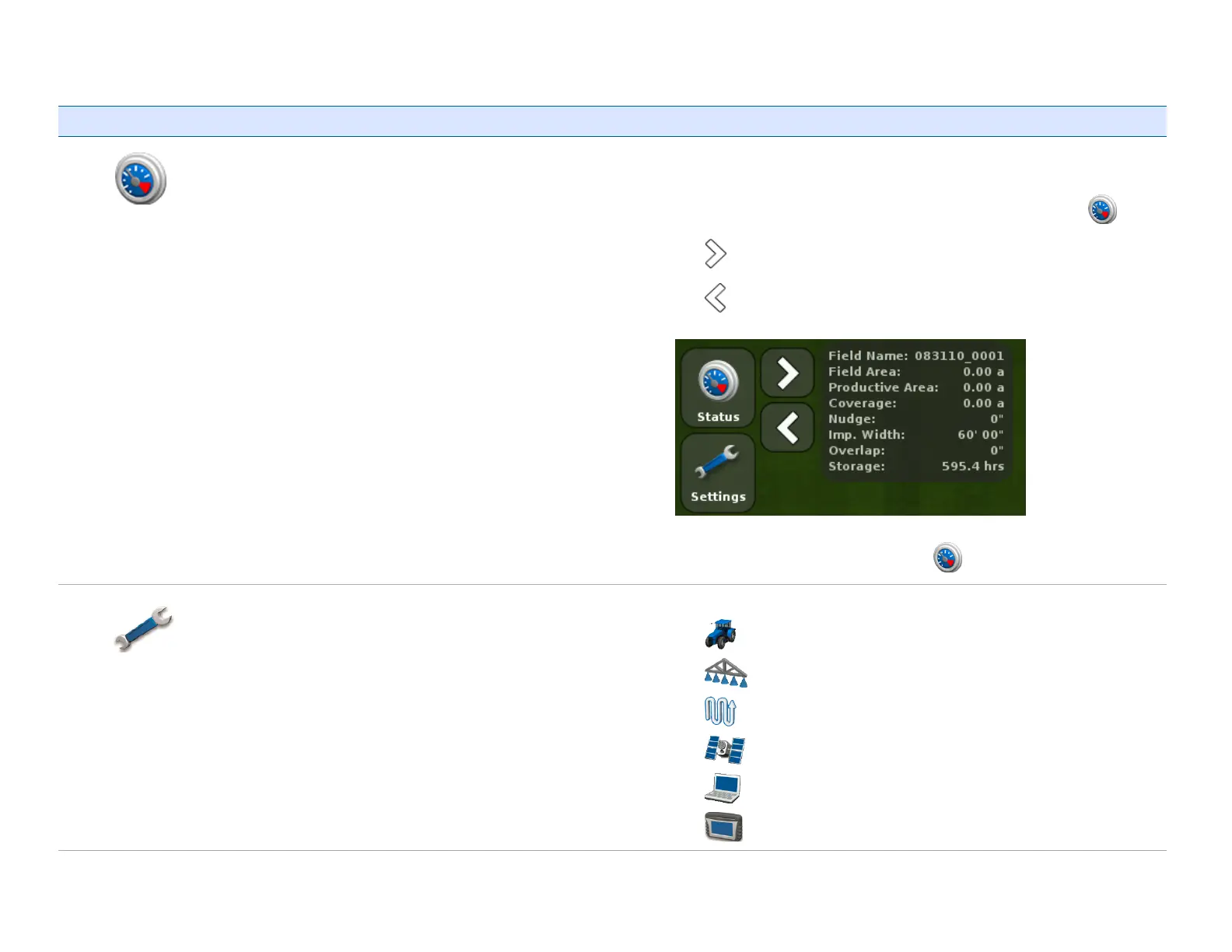
Status
See the status of field information and move the status information
left or right to expose the Camera features (Camera A and Camera B).
To rotate through the status information you keep tapping .
Tap to see the next view.
Tap to see the previous view.
To collapse the view, continue to tap .
Settings Go to the Settings screen to navigate to setup screens:
l
Vehicle
l
Implement
l
Guidance
l
GNSS
l
Data
l
System



 To Next Page