Auto steering system operation 13 Operations
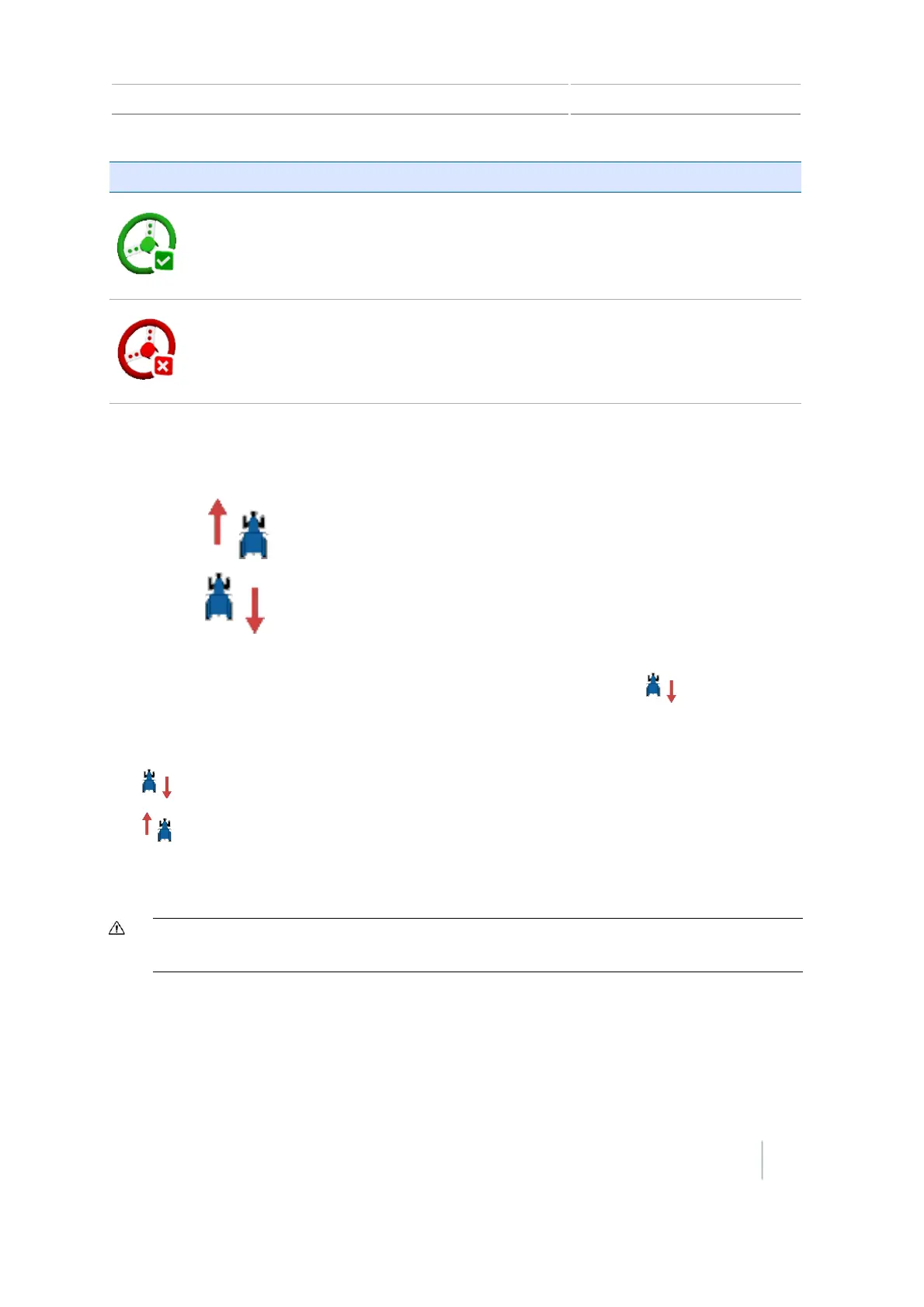
Button/Indicator Tap to... Indicates...
(Green)
Disengage the auto steering
system
System is engaged
(Red)
Indicator only System cannot engage
Changing from forward to reverse
The CFX-750 display displays a button indicating the direction you are traveling:
l
Forward:
l
Reverse:
As you are applying material in the field when using EZ-Pilot, you may want to manually move the
tractor in reverse. When the tractor moves in reverse, the button switches to .
If the display does not reflect that you are moving in the reverse or forward direction, to indicate to
the display the correct direction, tap:
l
if you are moving forward
l
if you are moving in reverse
After using the EZ-Pilot system
CAUTION – Before you leave the vehicle, turn off the power to the display which will turn off the EZ-Pilot system
power.
Autopilot system operation
You must calibrate and set up the Autopilot automated steering system before operation.
Version 7.0, Revision A CFX-750 Display User Guide 223



 To Next Page