Yield Monitoring operation 13 Operations
Yield Monitoring operation
When you are running Yield Monitoring, displays on the Guidance screen. Tap to
display details about each load.
Name Explanation
Load Details Choose the load you want to view details on.
Scale Ticket Weight Weight registered on scale
Test Weight
Current crop test weight
Moisture
Yield moisture sensor calibration.
Also see Yield flow and moisture sensor calibration, 160.
Header Height
The height percentage at which logging turns on and off.
Also see Header Height Calibration, 158.
Map Legend Setup Enables you to determine the scale on the Yield and Moisture layers
that are displayed on the display.
Coverage Theme
The theme you want to use:Yield, Moisture or Overlap.
To change coverage logging settings, see Coverage Logging.
Also see Yield Monitoring calibration, 158.
View map legend
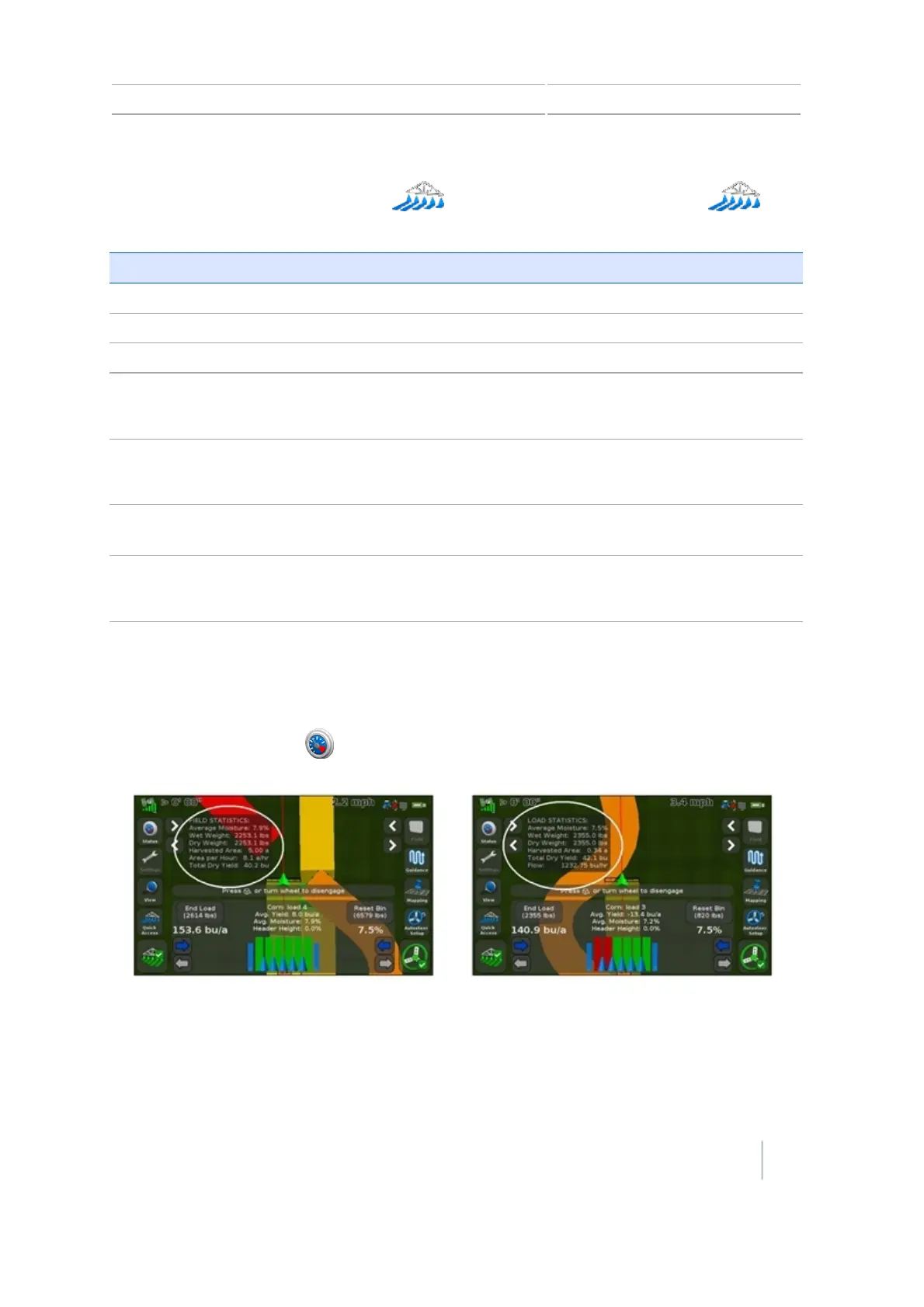
At the Guidance screen, tap to view field or load statistics or the map legend.
Increase or decrease swath header swath width
Tap the arrow buttons to increase or decrease header swath width.
Version 7.0, Revision A CFX-750 Display User Guide 249



 To Next Page