Correction services setup 10 GNSS setup
GNSSposition information is compromised. Options for position quality are:
ll Favor Accuracy: Provides the highest level of accuracy. This is the recommended setting.
l Balanced Quality: Trades potential accuracy for a slight increase in production time.
l Favor Availability: Extends production time further, with more potential for reduced
accuracy
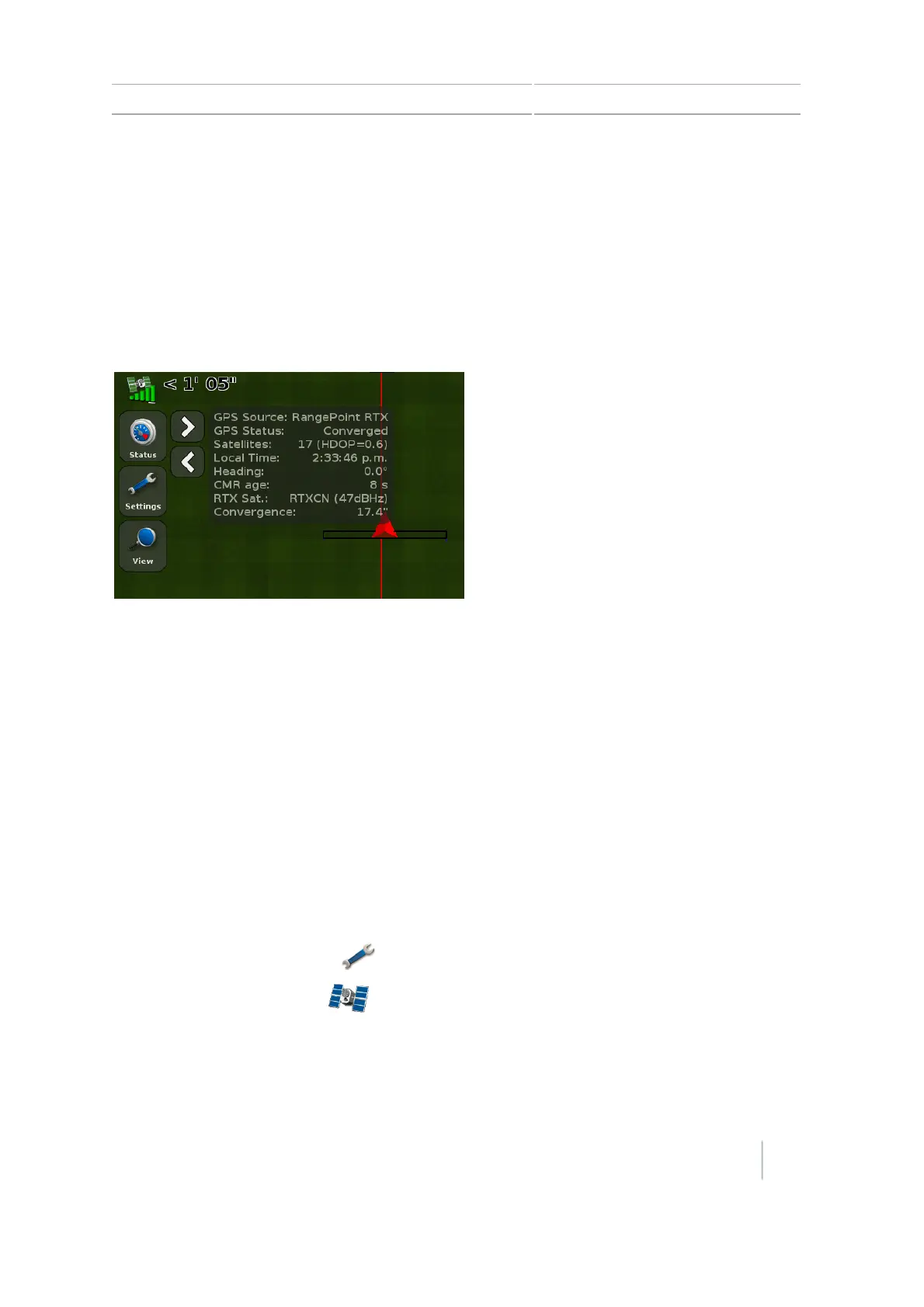
Example
At first:
l Convergence is a high value.
l The satellite icon is yellow, indicating the
system is not ready to operate.
When the receiver converges to its final
accuracy, the status values will change:
l Convergence takes place in less than 5
minutes.
l The satellite icon is now green, indicating
that the system is now ready to operate.
Renew RangePoint RTX subscription
To renew your RangePoint RTXsubscription:
1. Ensure your Frequency and Baud Rate is already set up. (See Frequency and Baud rate in GNSS
setup, 166.)
2. Call Trimble Positioning Services.
3. Request a renewal of your subscription.
VRS
Note – To set up VRS, the display must be unlocked for RTK to use the Trimble VRS correction type.
To use VRS, you must have a DCM-300 modem connected. See DCM-300 modem setup, 179.
1.
At the Guidance screen, tap .
2.
At the Settings screen, tap .
3. At the GNSS screen, tap GNSSSetup.
4. At the GNSSSetup screen, tap GNSSCorrection Source.
Version 7.0, Revision A CFX-750 Display User Guide 171



 To Next Page