Map guidance and features 13 Operations
3.
Tap and then drive around the field. Keep the vehicle in the rut. The display will generate
guidance swaths.
4. Turn left or right for the next swath. As you move toward the next swath, it displays on the
screen and turns orange to show that it is selected.
5. Steer the vehicle so that the lighted LEDs are centered on the lightbar as you drive forward
along the swath.
Headland
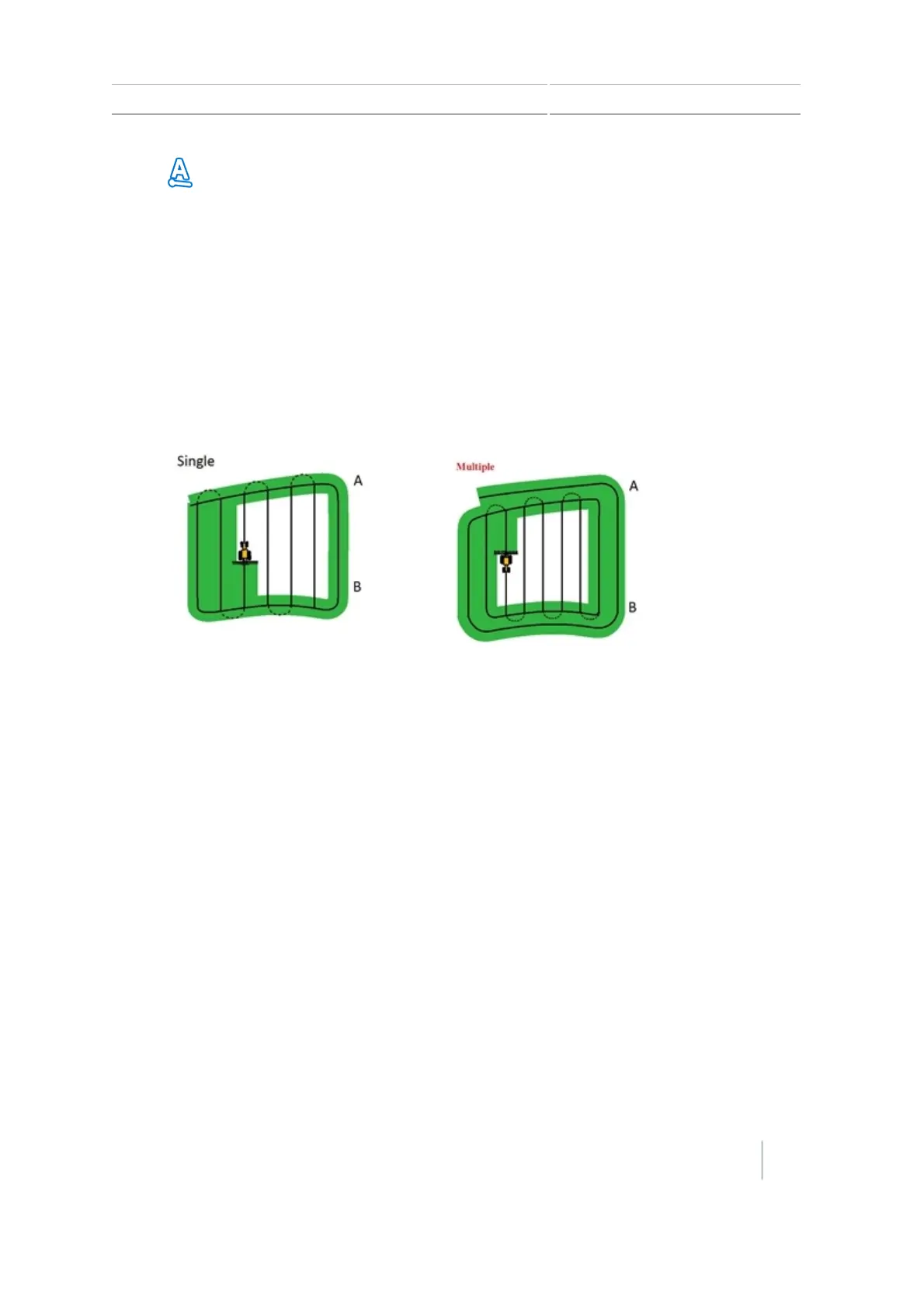
Two types of headland patterns enable you to define the boundary (headland) of the area, as well as
the guidance lines contained within it. Use the headland pattern to allow room to turn.
When you start to define the headland, you define the internal guidance line as you drive around
the headland and then you complete the headland.
You can change two settings for the headland pattern:
l The number of circuits
l The internal pattern
Number of circuits
When you create a headland, you must specify the total number of circuits (including the master
headland). This defines how wide the headland is.
No matter how many circuits you create, define only the outside headland. The inner headlands are
copied from that original circuit.
Version 7.0, Revision A CFX-750 Display User Guide 207



 To Next Page