Boom Height Control operation 13 Operations
Engage enabled zones
1.
To engage all enabled zones, tap Engage (yellow) .
The first time you engage Boom Height Control after the display is turned on, a safety message
displays:
2. At the safety message:
ll
Tap to engage the enabled zones.
l
Tap if you do not want to engage the enabled zones.
Note – If all zones are enabled but not engaged for 30 seconds, Boom Height Control
disables the zones as a safety measure. You must re-enable zones again before engaging
the system.
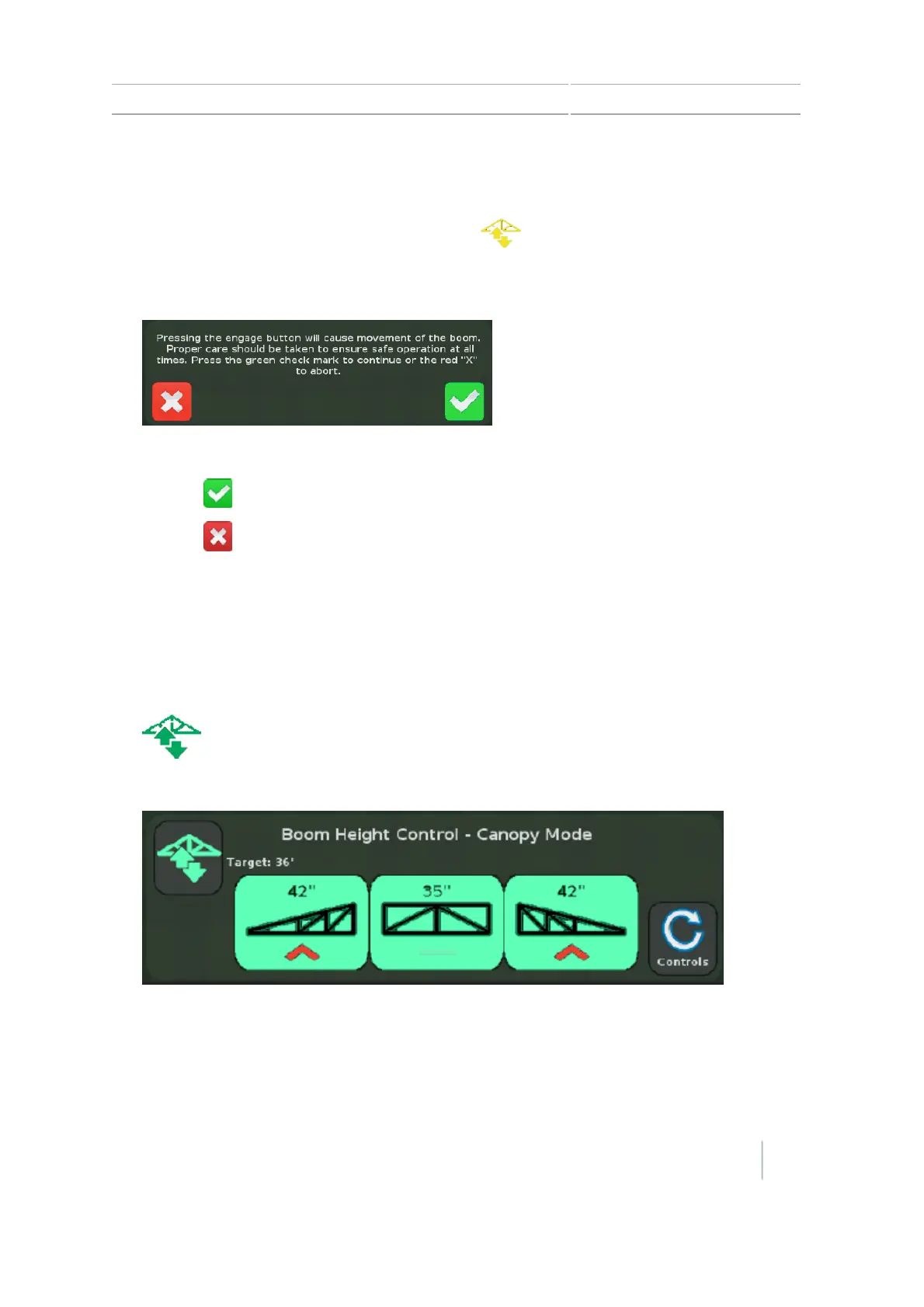
While Boom Height Control is engaged (operational):
l
The Engage button is green.
l
The button for each engaged section is green.
The number at the top of each button indicates:
Version 7.0, Revision A CFX-750 Display User Guide 245



 To Next Page