Field-IQ operation 13 Operations
Item Name Explanation
g
Master switch
l A: Jump start (top position)
The sections and rate are ready to be commanded by the
CFX-750 display, and the system is overridden to use a
preset control speed (the speed is set in the Setup screen,
Override tab). Use the jump start function if you lose a
GNSS signal or you want to start applying before your
implement is up to speed.
l B: On (middle position)
The sections and rate are ready to be commanded by the
CFX-750 display.
l C: Off (lower position)
Sections are closed and rate is set to zero.
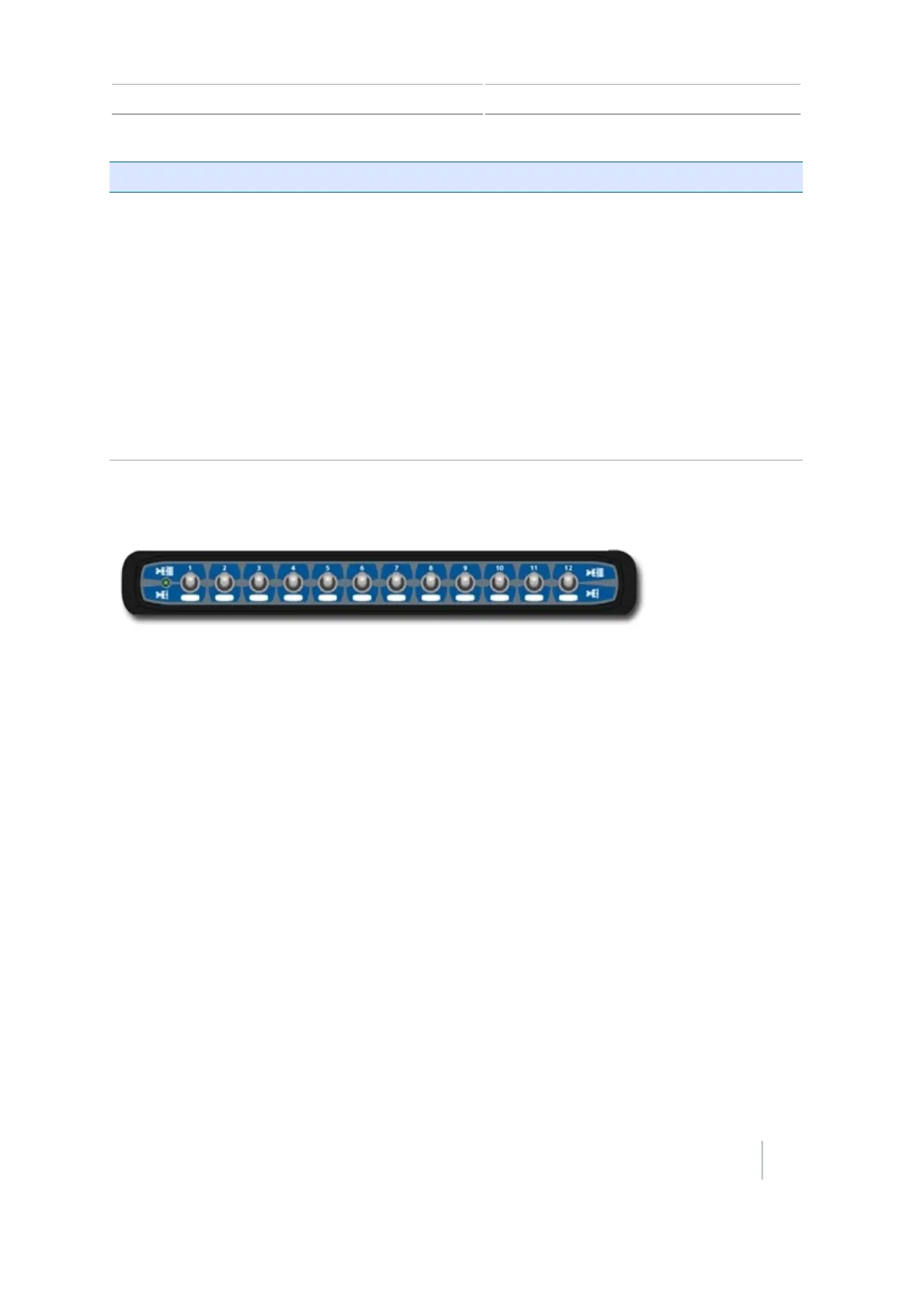
Field-IQ 12-section switch box
The 12 section switch box is:
l Required for section control
l Optional for rate control only
Only one section switch box can be used on each system. Each section switch is automatically
assigned to the corresponding module. The modules are read from left to right. For example, switch
1 assigns to the module furthest on the left when standing behind the implement.
The section switches have different functions, depending upon the status of the master
Automatic/Manual section switch on the master switch box.
Automatic/Manual section switch
When the Automatic/Manual section switch is in the Automatic position:
l In the on/up position: The section(s) assigned to it are commanded automatically by the CFX-
750 display.
l In the off/down position: The section(s) assigned to it are commanded to be off.
When the Automatic/Manual section switch is in the Manual position:
Version 7.0, Revision A CFX-750 Display User Guide 235



 To Next Page