Field-IQ operation 13 Operations
Field-IQ operation
After you have enabled, configured and calibrated your Field-IQ crop input control system,
information and buttons will display on the Guidance screen depending on your operation.
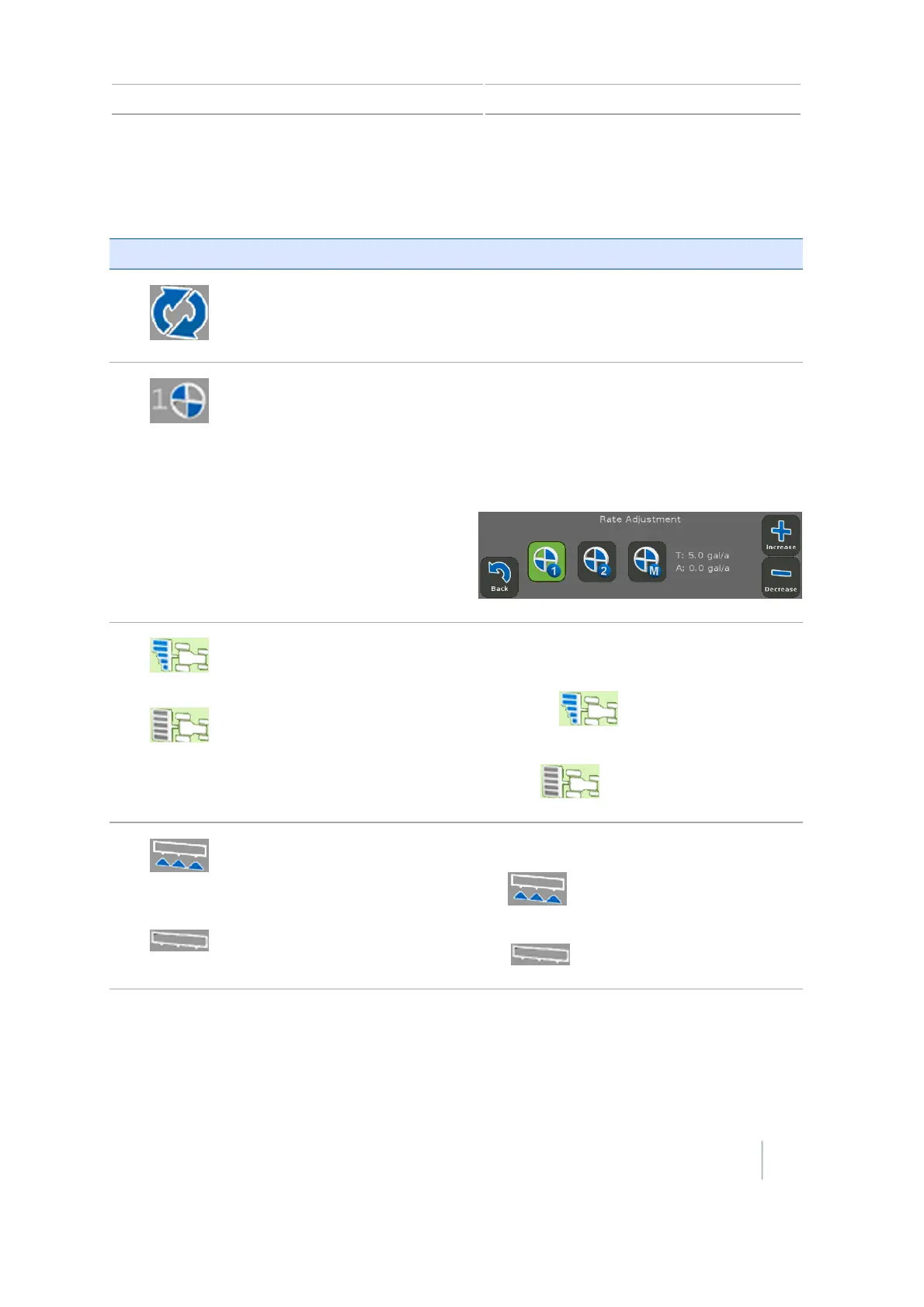
Button/Information Name Explanation
Material Use this button to switch between materials
Virtual Rate button showing
current target rate
Shows the current target rate.
Opens the Rate Adjustment panel with rate
switch position buttons.
Tap one of the rate switch buttons to change
the rate.
Virtual Section Switch Shows the current section mode for the
controller.
Automatic:
Manual:
Virtual Master Switch Shows the Master Switch status.
On:
Off :
Version 7.0, Revision A CFX-750 Display User Guide 229



 To Next Page