Yield Monitoring calibration 9 Yield Monitoring setup
2.
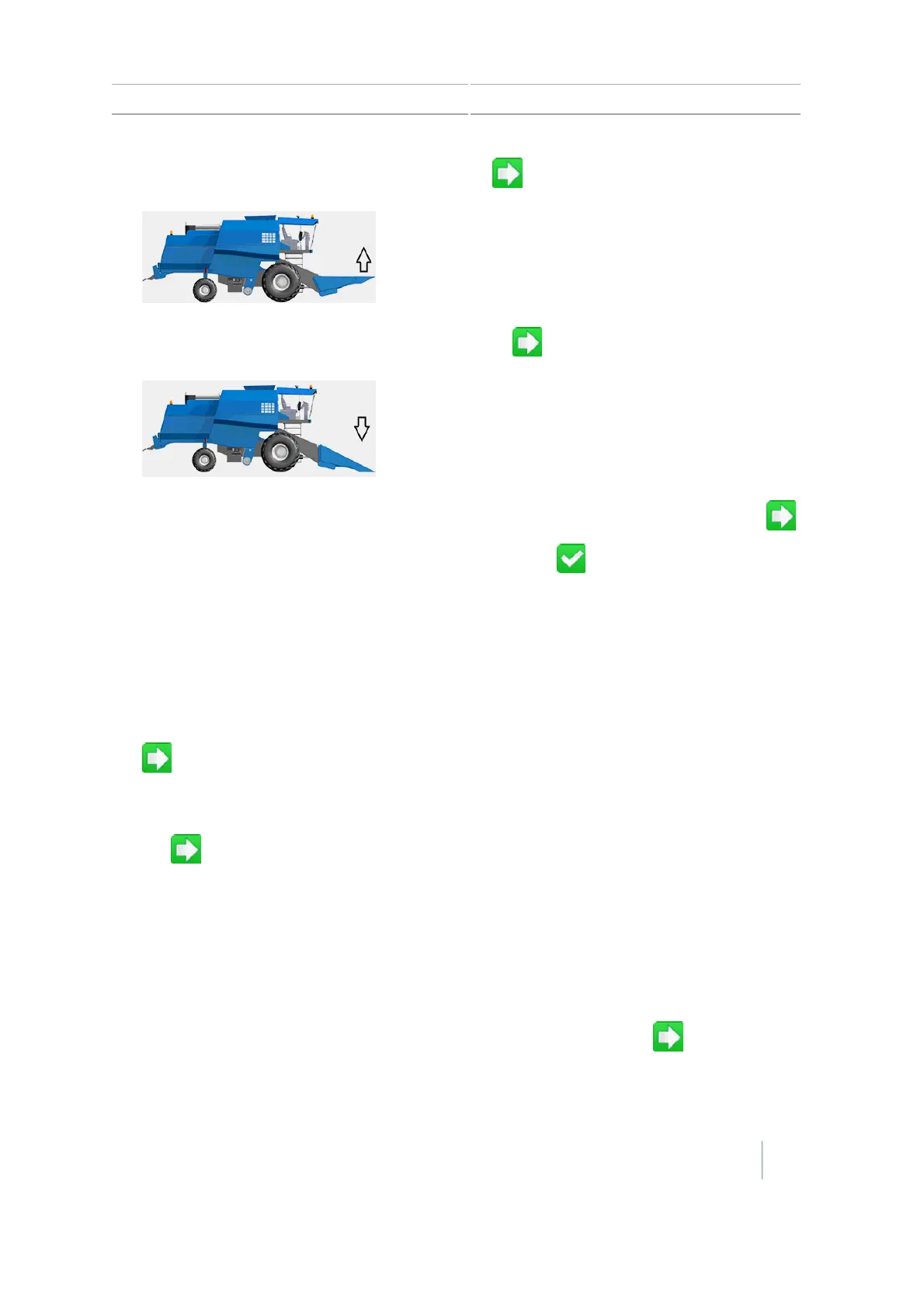
Raise the header to its highest point, and then tap .
3.
Lower the header to its lowest position, and then tap .
4.
Set the Header Height percentage at which logging should toggle on and off, and then tap .
5.
After you have completed calibration for header height, tap .
Tare Calibration
Tare is the average thickness of the paddle.
Note – Tare calibration is important to the performance of the system. Ensure that the clean grain
elevator is at proper tension with all paddles present and of uniform size.
1. To tare the yield sensor, engage the separator, run the combine at full throttle, and then tap
.
2.
Look at the tare result. The results should be close to paddle thickness but may be off a little
bit. More important is a small deviation of Tare. This value should be less than 25% of the tare.
Tap .
Temperature Calibration
Note – Failure to complete this calibration can degrade moisture sensor performance.
1. Park the combine so that the Yield Monitoring module and moisture sensor are in the shade.
2. Place a thermometer next to the Yield Monitoring module and moisture sensor for a while.
3.
Read the thermometer and then enter the correct temperature. Then tap .
Version 7.0, Revision A CFX-750 Display User Guide 159



 To Next Page