Auto steering system operation 13 Operations
Engage on-screen control
Button/Indicator Tap to... Indicates...
(Yellow)
Engage the auto steering system System is ready to engage
(Green)
Disengage the auto steering
system
System is engaged
(Red)
Indicator only System cannot engage
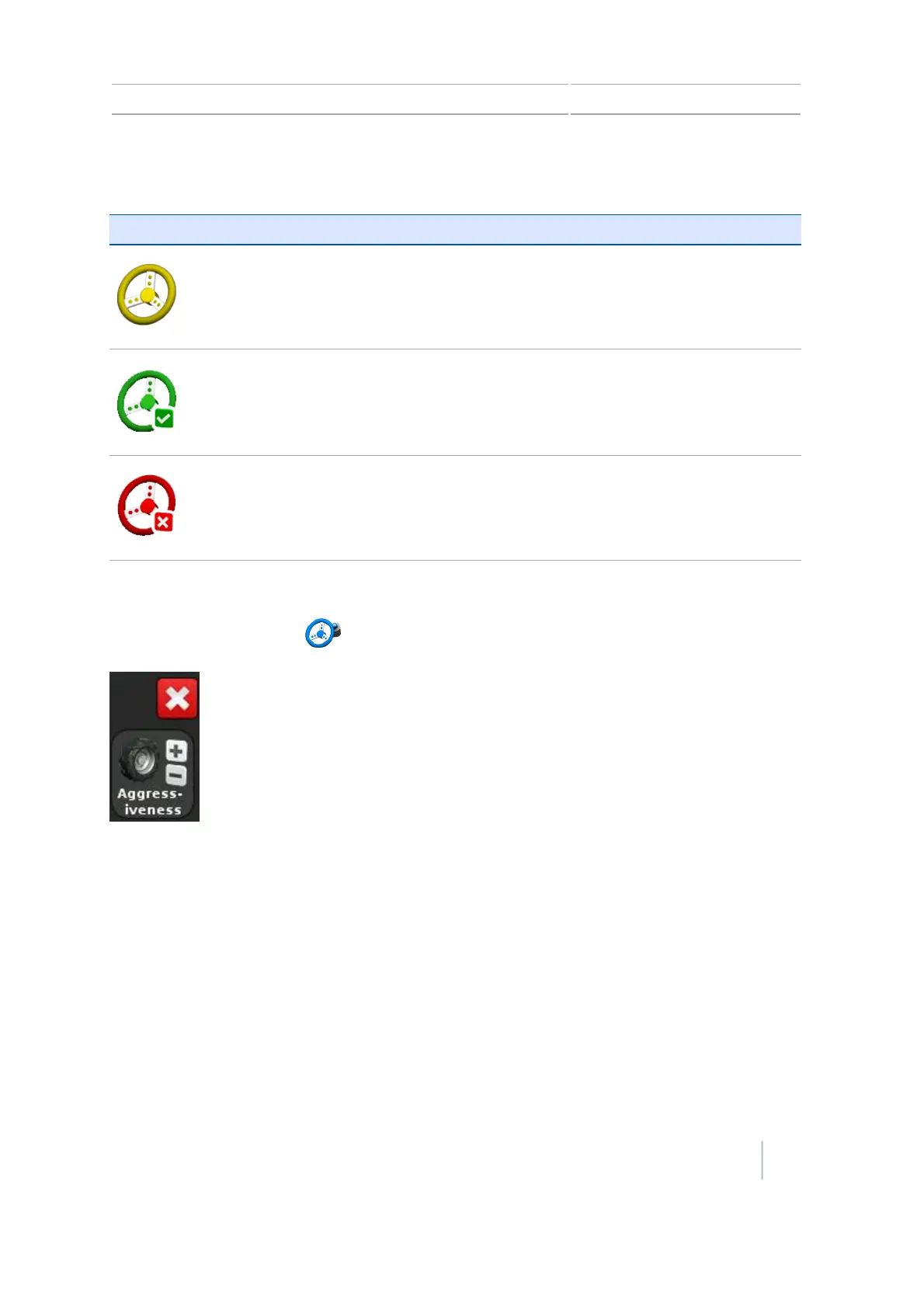
Adjust aggressiveness
At the Guidance screen, tap to open the control for adjusting aggressiveness.
After using the Autopilot steering system
Before you leave the vehicle turn off the system power switch or remove the power plug.
Version 7.0, Revision A CFX-750 Display User Guide 225



 To Next Page