Auto steering system operation 13 Operations
Engage on-screen control
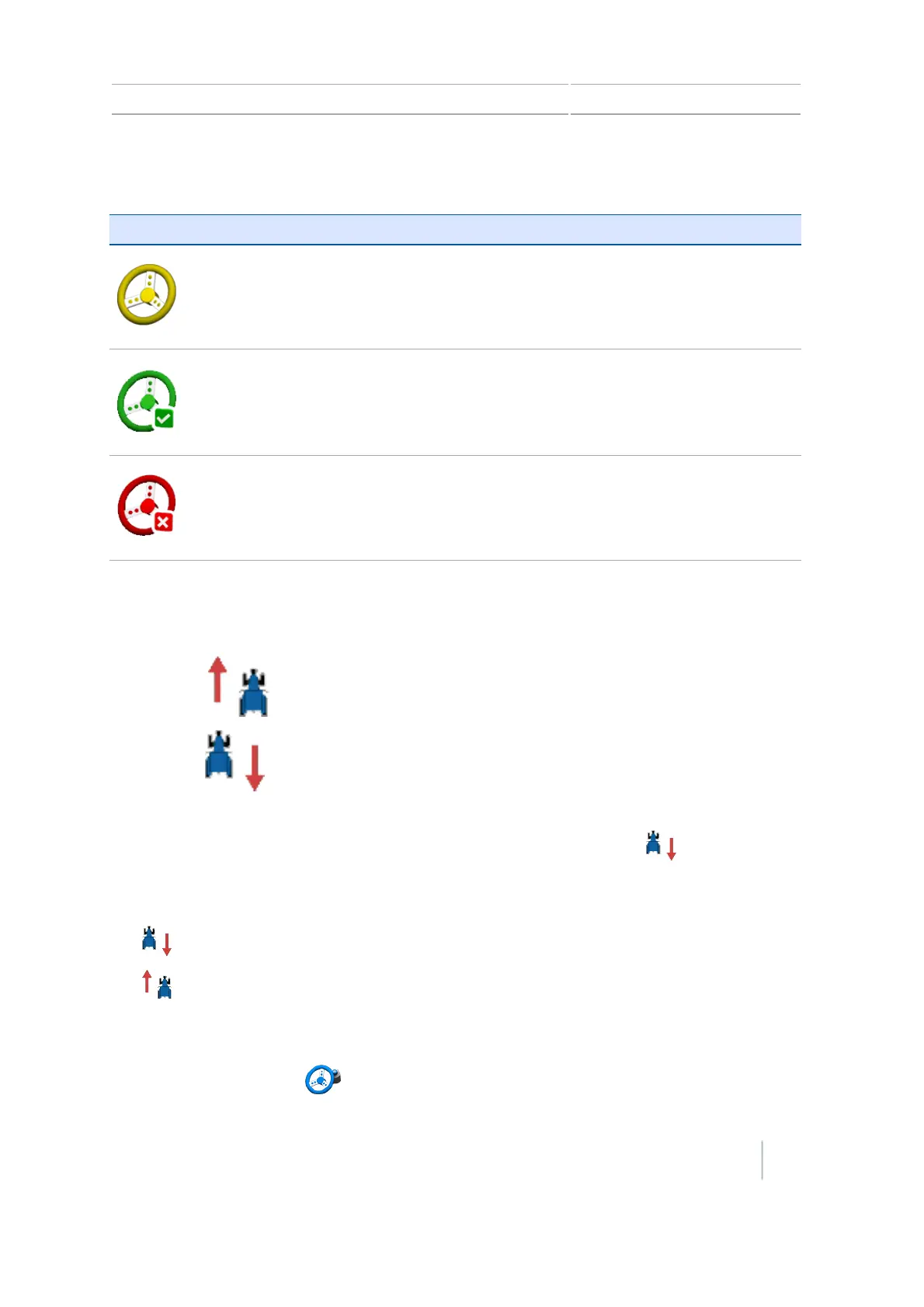
Button/Indicator Tap to... Indicates
(Yellow)
Engage the auto steering system System is ready to engage
(Green)
Disengage the auto steering
system
System is engaged
(Red)
Indicator only System cannot engage
Changing from forward to reverse
The CFX-750 display displays a button indicating the direction you are traveling:
l
Forward:
l
Reverse:
As you are applying material in the field when using EZ-Steer, you may want to manually move the
tractor in reverse. When the tractor moves in reverse, the button switches to .
If the display does not reflect that you are moving in the reverse or forward direction, to indicate to
the display the correct direction, tap:
l
if you are moving forward
l
if you are moving in reverse
Adjust aggressiveness
At the Guidance screen, tap to open the control for adjusting aggressiveness.
Version 7.0, Revision A CFX-750 Display User Guide 219



 To Next Page