13 Operations Operate implement controllers
Button/Information Name Explanation
Boom section status
indicators
Shows the current state of each boom section:
l Green: Enabled and spraying
l Gray: Enabled but not currently spraying
l Red: The section is off (the switch is off)
Application indicator The wheel on the display spins when the Amazone
master switch is on and the lightbar receives flow
messages from the controller.
HARDI 5500/6500 controller operation
When you connect the HARDI 5500 controller to the CFX-750 display, the following displays on the
Guidance screen.
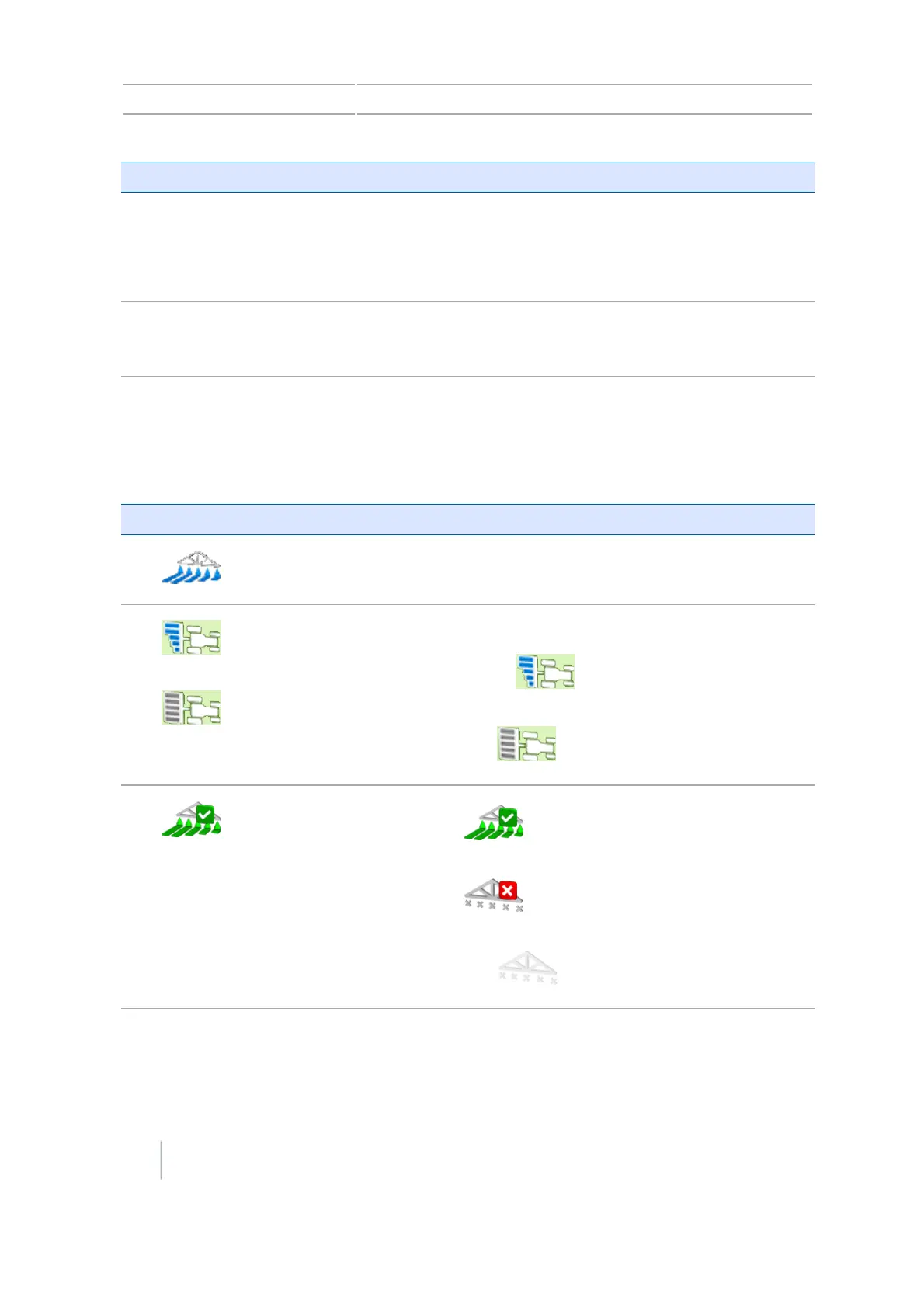
Button/Information Name Explanation
Quick Access button
Opens additional controls.
See Quick access button for Field-IQ, 231.
Section control Shows the current section mode for the controller.
Automatic:
Manual:
Coverage logging
status
On: (Green with checkmark)
Off: (Gray with red X)
Inactive: (Gray)
238 CFX-750 Display User Guide Version 7.0, Revision A



 To Next Page