Map guidance and features 13 Operations
A+ line
Note – When driving on straight AB lines, you do not have to record your path because the
guidance lines are generated automatically.
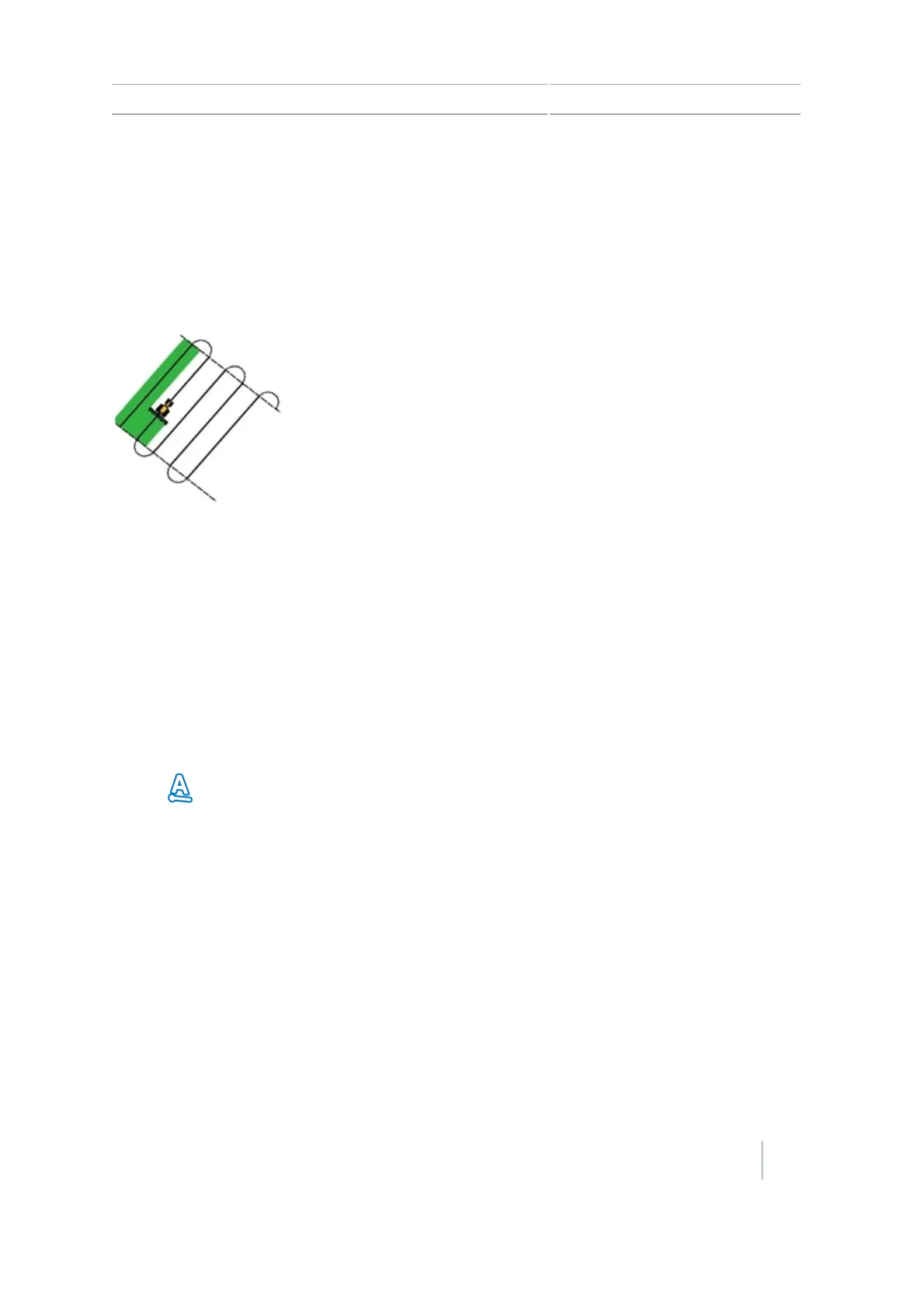
An A+ line is a straight line, defined by a single A point on the line and the heading of the line. When
you create an A+ line, you must enter a heading in the A+ Heading screen. By default, the A+
heading is the same as the previous AB line.
An A+ line is useful when you need guidance exactly parallel to the last AB line. For example, when:
l Driving adjacent fields
l Mapping the AB line on a road down the side of the field
l Skipping an access road in a field
The A+ line extends 1 km (0.6 miles) before and after the A point.
Map an A+ line
1. Drive to the start point of the master line.
2.
Tap and then drive to the end of the line. Because you have already set the line heading, the
master AB line displays on the screen.
3. For guidance down the first swath follow the AB line.
4. Turn left or right for the next swath. As you move toward the next swath, it displays on the
screen and turns orange to show that it is selected.
Identical curve
The identical curve pattern records your exact route between the A and B points, instead of creating
a straight line. All subsequent guidance lines will match the master curve, regardless of where you
drive the vehicle.
Version 7.0, Revision A CFX-750 Display User Guide 205



 To Next Page