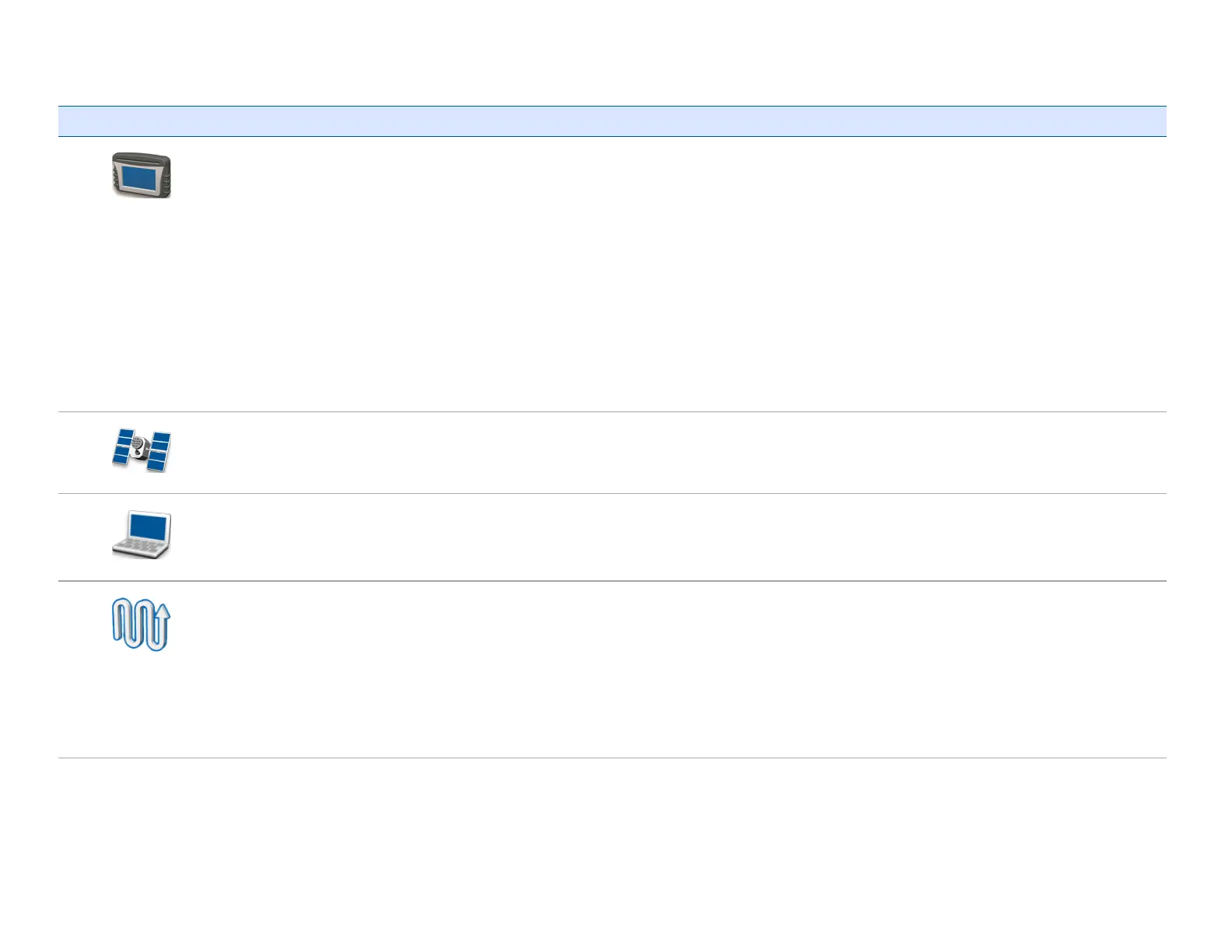
Setting screen buttons
Tap... To go to... To complete functions, including...
System
screen
l Quick Start Wizard
l Display settings
l Advanced settings
l
l Save/Load Configurations
l Digital Output
l Advanced User Configurations
l NMEA Output
l Status
l About the Display
l Restore Defaults
l Calibrate Touchscreen
GNSS
screen
l Set up GNSS, position quality and advanced settings
l View status of GNSS, satellite, DGPS
Data
screen
l Manage Data
l Set up Office Sync
Guidance
screen
l Turn Settings
l Coverage Settings
l Nudge Settings
l Mapping settings
l FreeFormRecording
l Headland/Infill Switching
l Boundary Setup



 To Next Page