3 Getting started On-screen basics
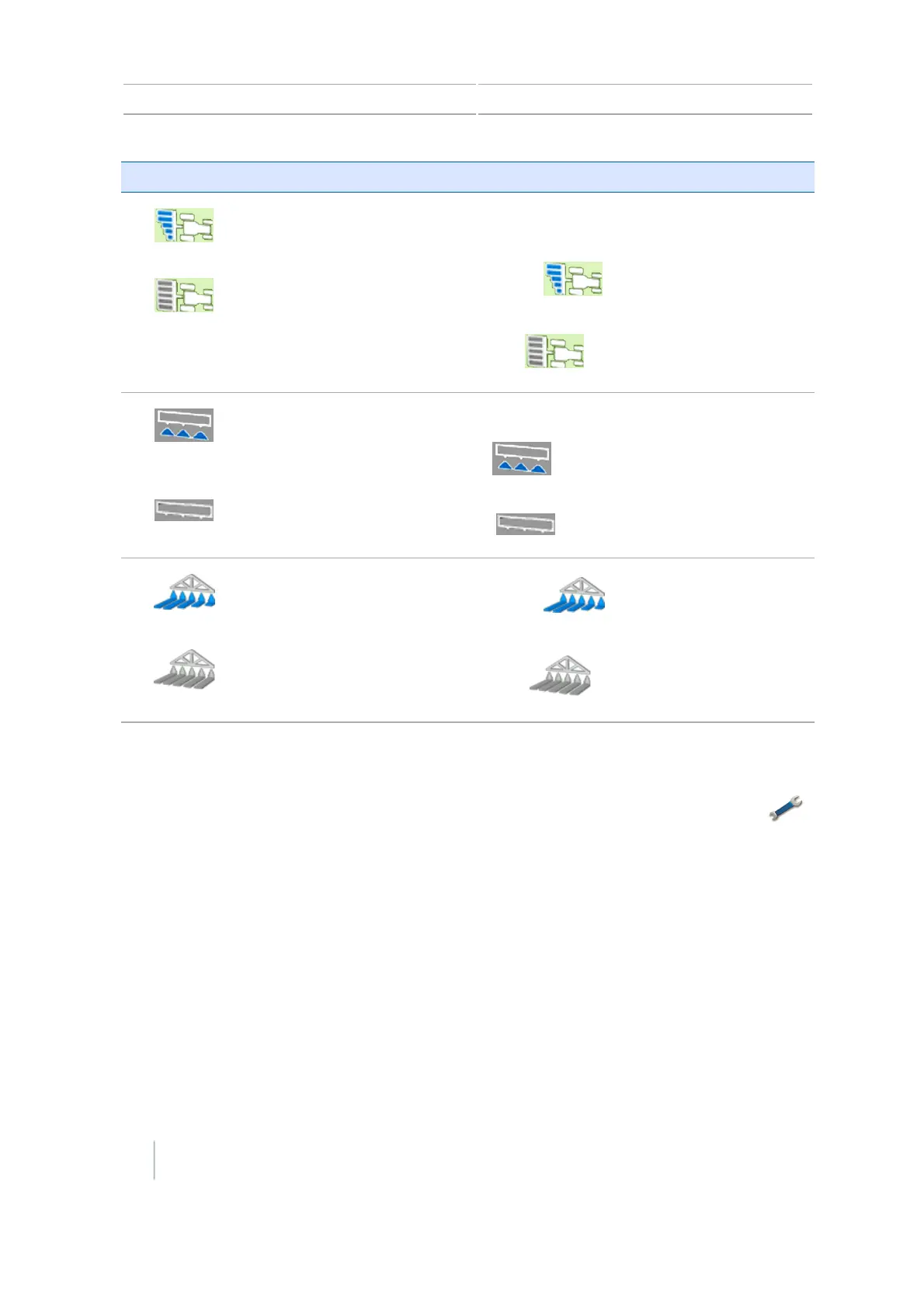
Button Function Tap to.../Indicates...
Virtual Section Switch for
Field-IQ
See Field-IQ operation, 229.
Shows the current section mode for the
controller.
Automatic:
Manual:
Virtual Master Switch for
Field IQ
See Field-IQ operation, 229.
Shows the Master Switch status.
On:
Off :
Section control for Field-IQ
See Field-IQ operation, 229.
Automatic:
Manual:
Settings screen
At the Settings screen, you can navigate to all the settings. To access the Settings screen, tap
at the Guidance screen.
50 CFX-750 Display User Guide Version 7.0, Revision A



 To Next Page