3 Getting started Display basics
Display basics
The basics include display:
l Hardware and how to clean the touchscreen
l Power on and off
l Reset
Display hardware
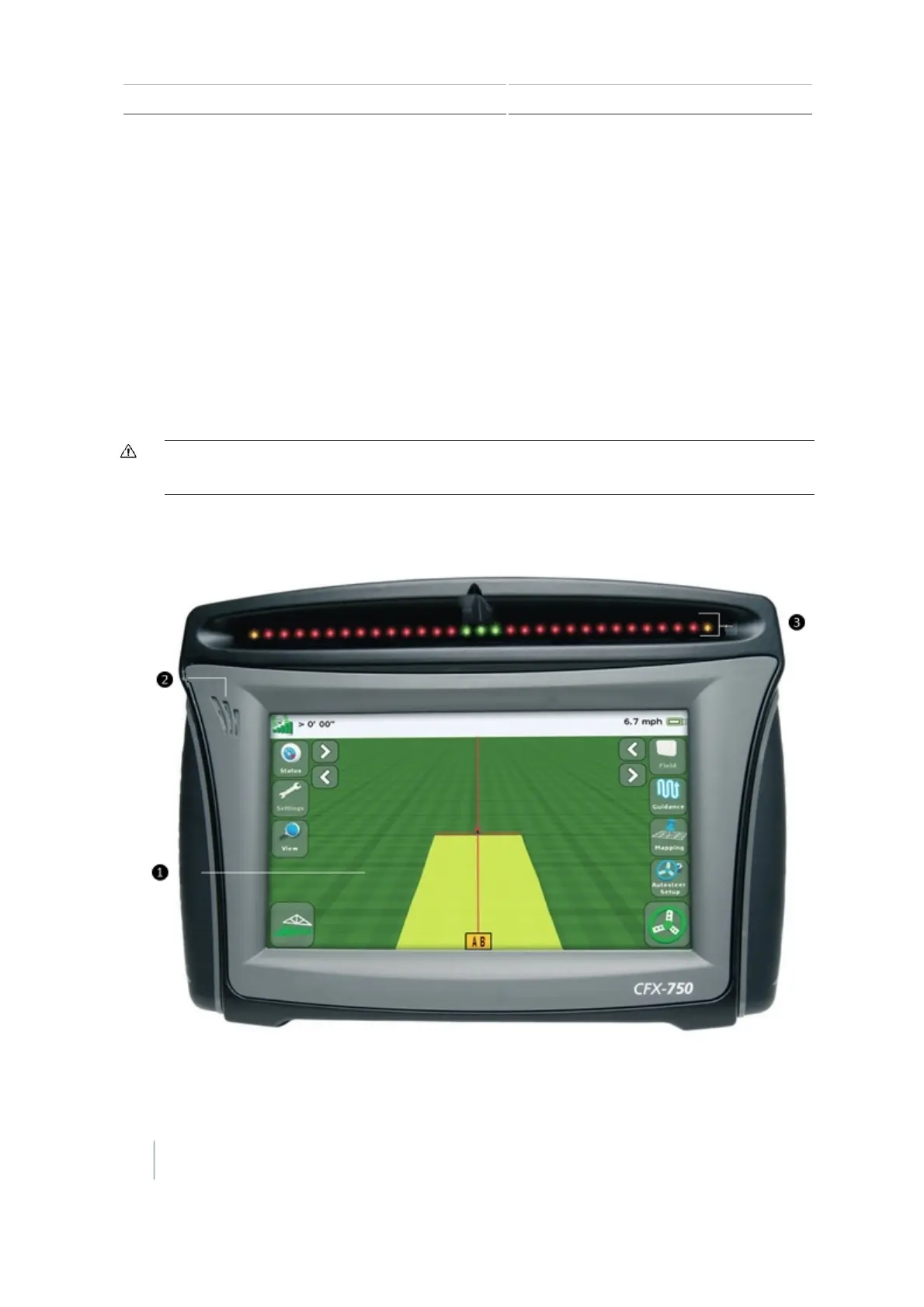
The CFX-750 display provides guidance, steering and precision agriculture functionality. With the
display's touchscreen, you operate your system and to view guidance information. In addition, a
USB port on the back of the display enables loading and saving field data.
CAUTION – Do not press on the screen with a sharp item, such as a pencil or screwdriver. You may damage the
surface of the screen.
Front view of display
36 CFX-750 Display User Guide Version 7.0, Revision A



 To Next Page