Map guidance and features 13 Operations
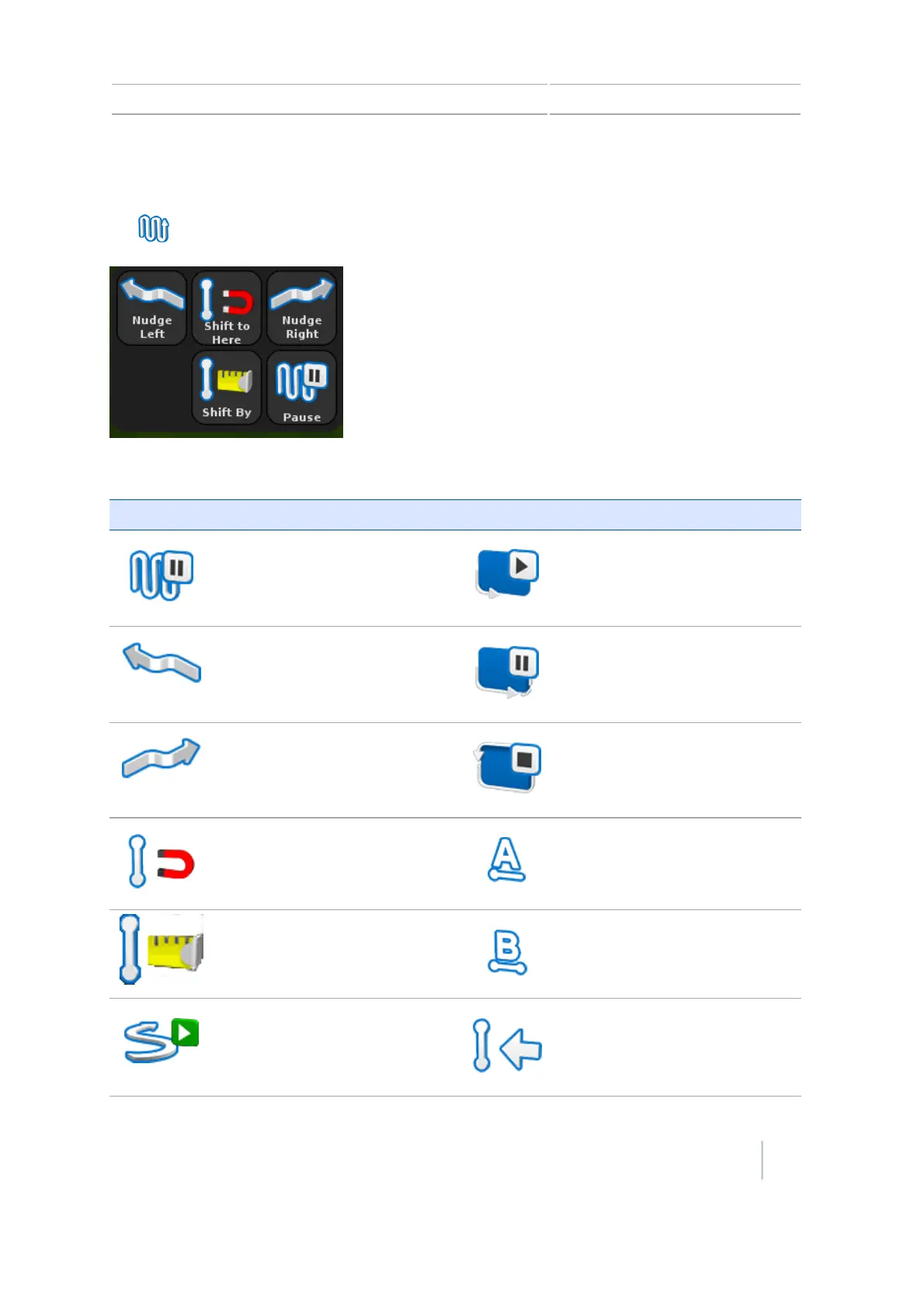
Guidance mapping buttons
Tap to open the mapping buttons for creating and adjusting guidance lines and patterns.
The buttons that display depend on the action you are performing.
Button Function Button Function
Pause guidance Start recording headland
Nudge left
Pause recording headland
Nudge right End headland recording
Shift AB line
Set A point
Shift By
Set B point
Record FreeForm guidance
pattern
Next AB line
Version 7.0, Revision A CFX-750 Display User Guide 213



 To Next Page