13 Operations Yield Monitoring operation
Start and stop loads
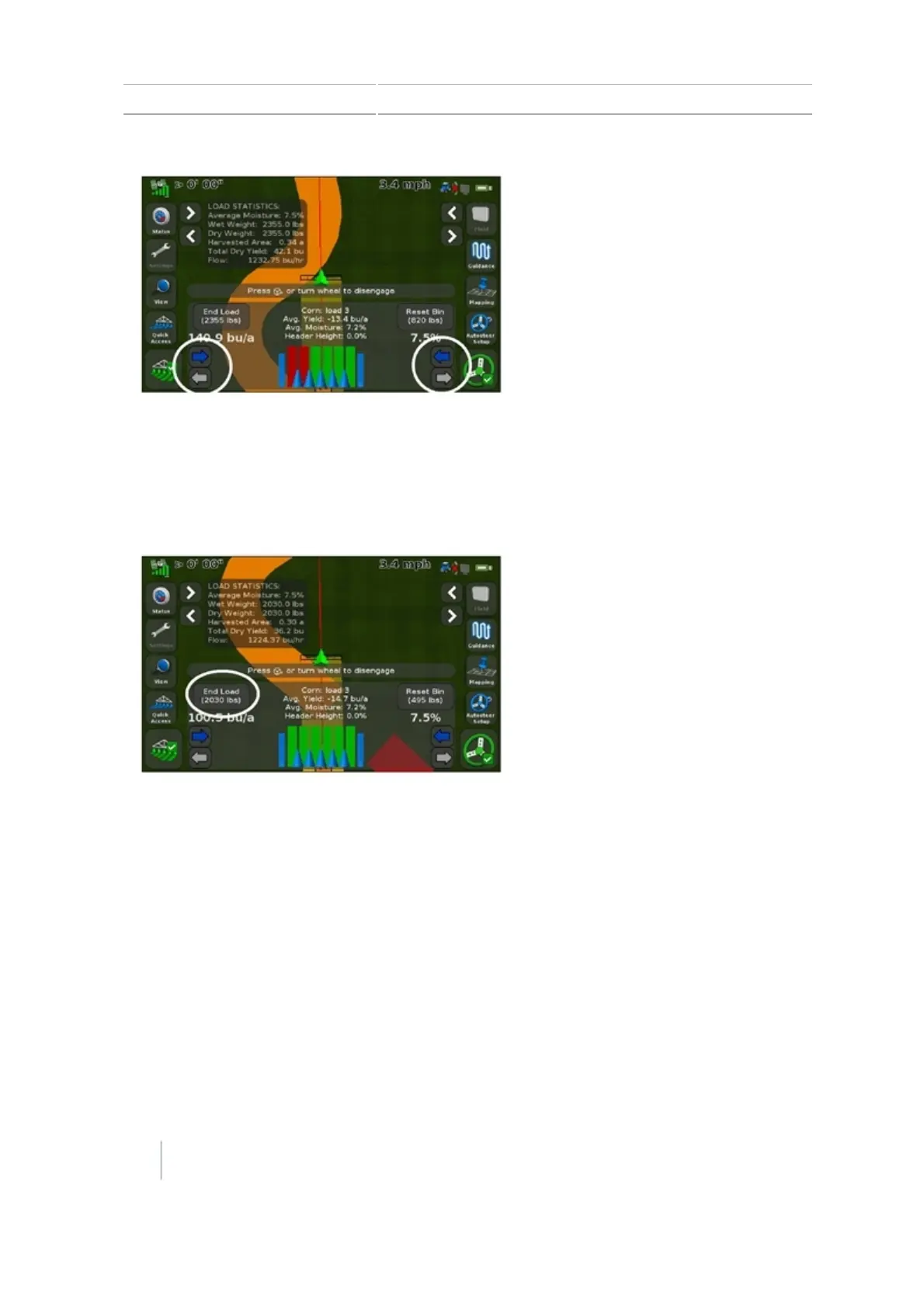
Tap New Load to start and stop loads for calibrations and load tracking. The CFX-750 display can
hold up to 250 loads.
Turn logging on or off manually
Tap the logging button to manually turn logging on or off.
Note – The header height function will turn it on and off in accordance with the header position.
250 CFX-750 Display User Guide Version 7.0, Revision A



 To Next Page