13 Operations Field-IQ operation
Button/Information Name Explanation
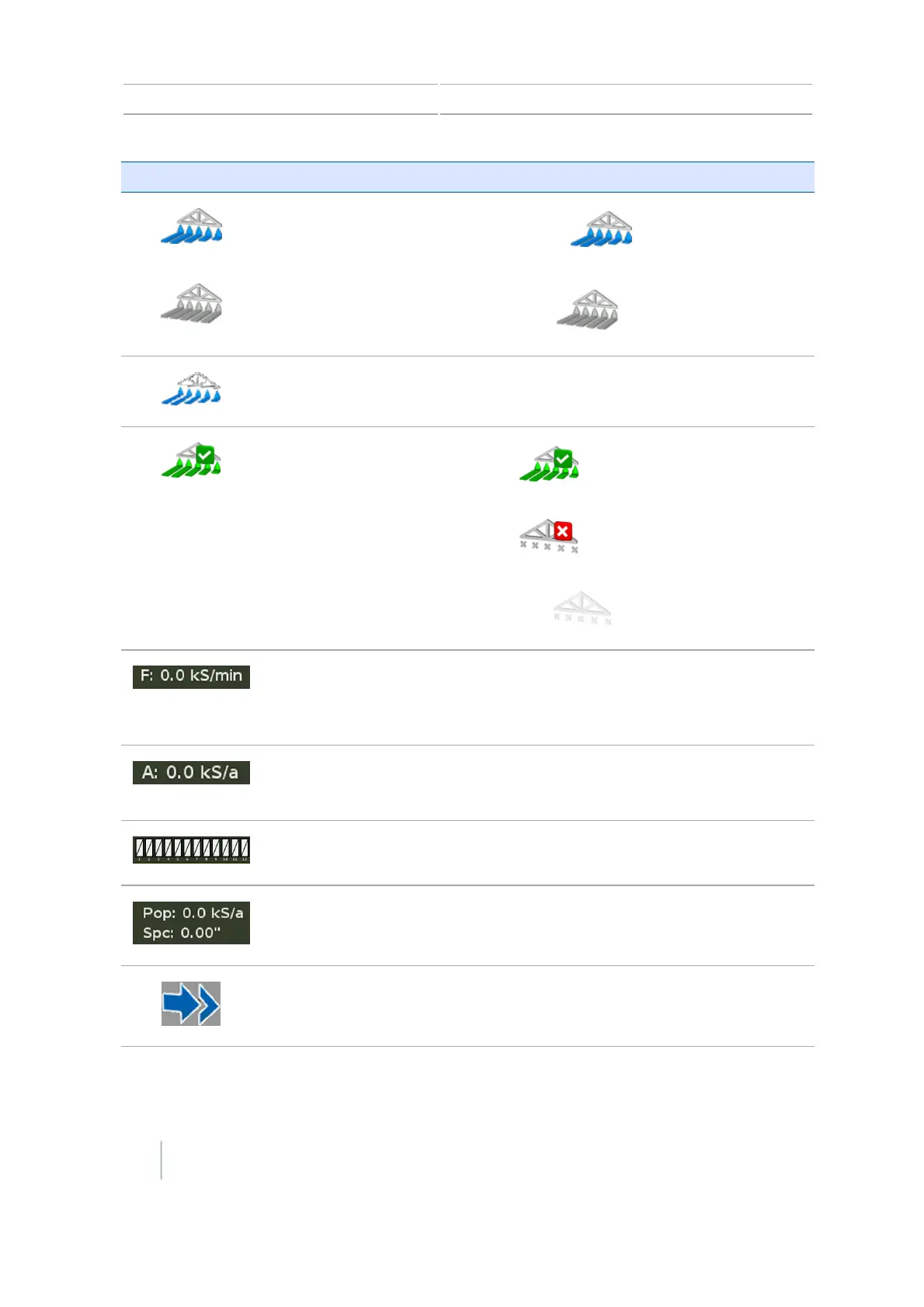
Section control
Automatic:
Manual:
Quick Access button
Opens additional controls.
See Quick access button for Field-IQ, 231.
Coverage logging status
On: (Green with checkmark)
Off: (Gray with red X)
Inactive: (Gray)
Target rate The target application rate for the current
rate switch position.
This is the amount of product that you want
to apply.
Actual rate The actual application rate.
This is the amount of product that is
currently being applied.
Row monitoring bar
Sensor Information Shows current information for the selected
sensors.
Cycle button Available if you have more than 12 rows to
view.
230 CFX-750 Display User Guide Version 7.0, Revision A



 To Next Page