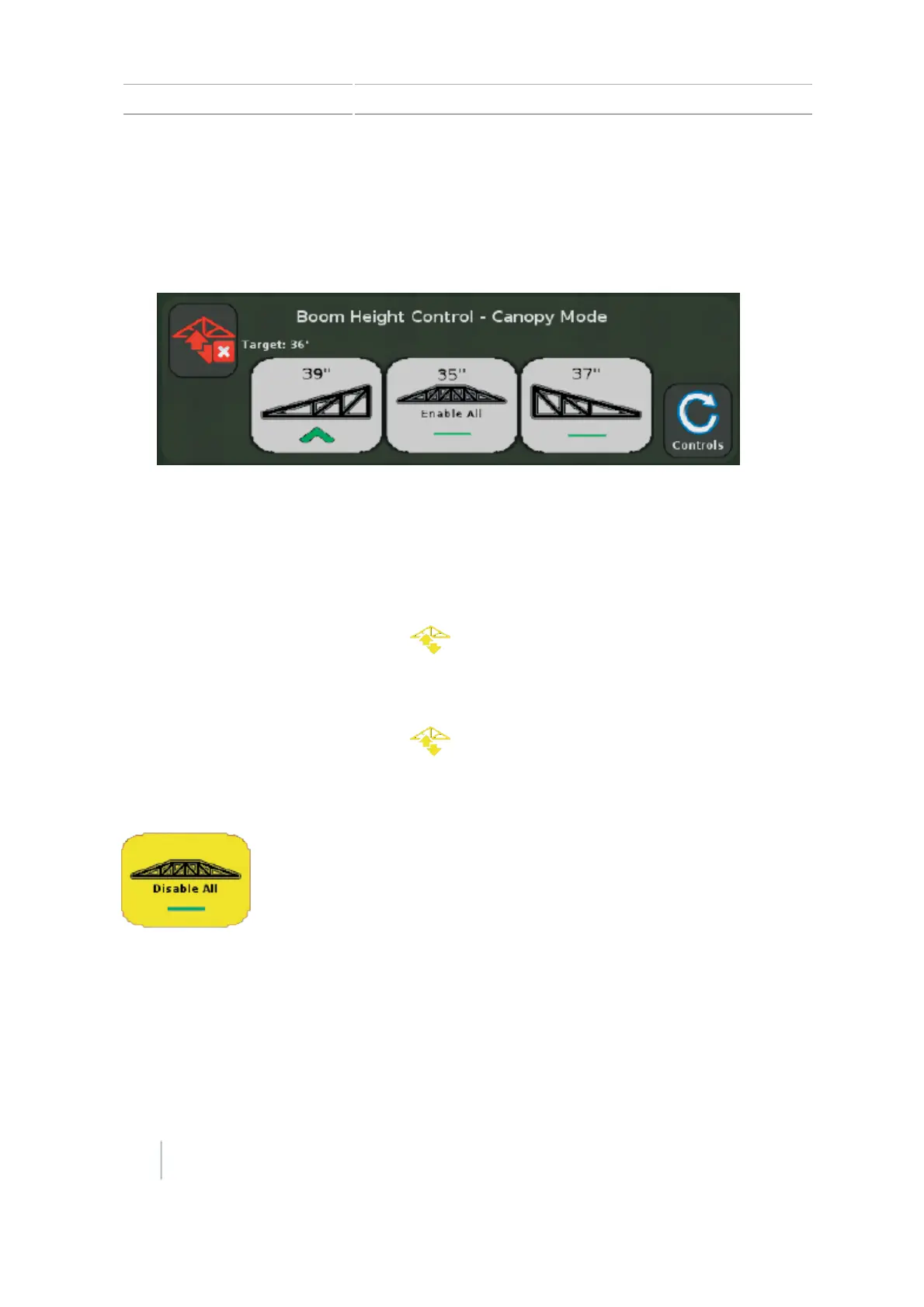
13 Operations Boom Height Control operation
To enable:
l A single control zone, tap the button for that section.
l
All zones, tap Enable All.
Note – You can only enable all zones when the system is not engaged and all zones are
disabled (button is shown as gray).
Note – If you are currently engaged on other zones, any additional zones will engage
automatically.
After enabling:
l A single control zone, the system is ready to engage when:
l
l The button for that zone turns yellow.
l
The Engage button turns yellow .
l All zones the system is ready to engage when:
l
l The button for all zones turns yellow.
l
The Engage button turns yellow .
l The center button toggles to Disable All.
Tap Disable All if you want to disable all zones.
If any zones/sections are not enabled, the center button shows the center section.
Boom Height Control is not active (not operational) until you engage the enabled zones.
244 CFX-750 Display User Guide Version 7.0, Revision A



 To Next Page