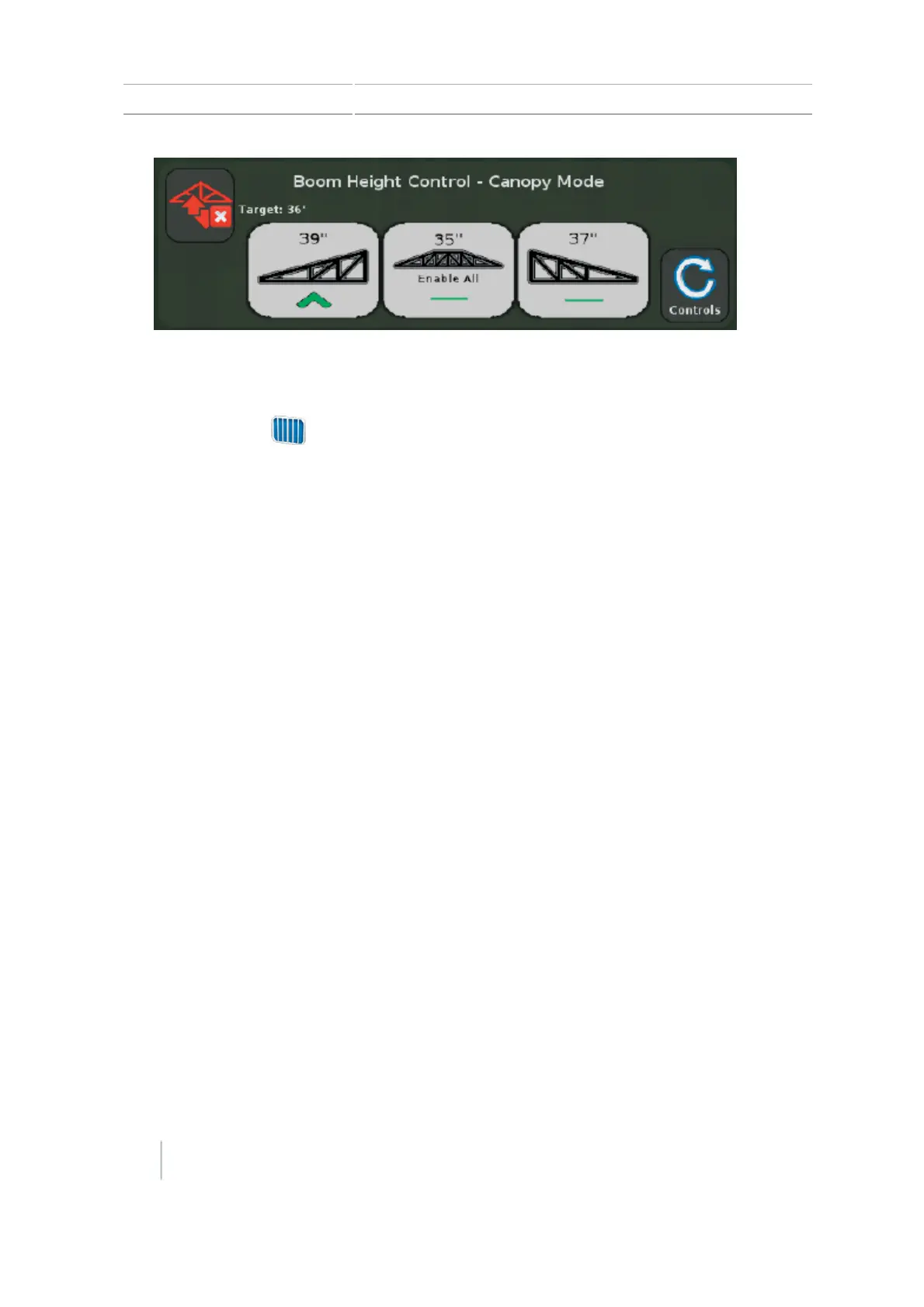
13 Operations Boom Height Control operation
Tap the E-Stop button. The E-Stop button is a red hardware button that prevents Boom Height
Control from communicating with the equipment. Refer to the Boom Height Control Installation
Instructions for additional information.
To close the field, tap .
When asked if you are finished with the current field, tap Yes.
Follow the equipment manufacturer's recommendations to fold the booms or transport the vehicle.
Note – If the center boom section is raised for 3 seconds using input from a joystick, Boom Height
Control is disabled as a safety feature for folding the boom.
248 CFX-750 Display User Guide Version 7.0, Revision A



 To Next Page